
The journal
What does HTTP code 304 mean?
A clear, practical explainer of HTTP 304 Not Modified, how it’s triggered with validators, what a 304 contains, and how to test it.

HTTP 304 Not Modified means the server determined your conditional request didn’t need a new copy of the resource. When a client sends validators (If-None-Match or If-Modified-Since) on a GET or HEAD and the condition evaluates to false, the server replies 304 so the client can reuse its cached version. The response has no body and includes caching-related headers such as Cache-Control, Date, ETag, Expires and Vary. See MDN for the precise semantics: MDN: 304 Not Modified.
When you actually get a 304
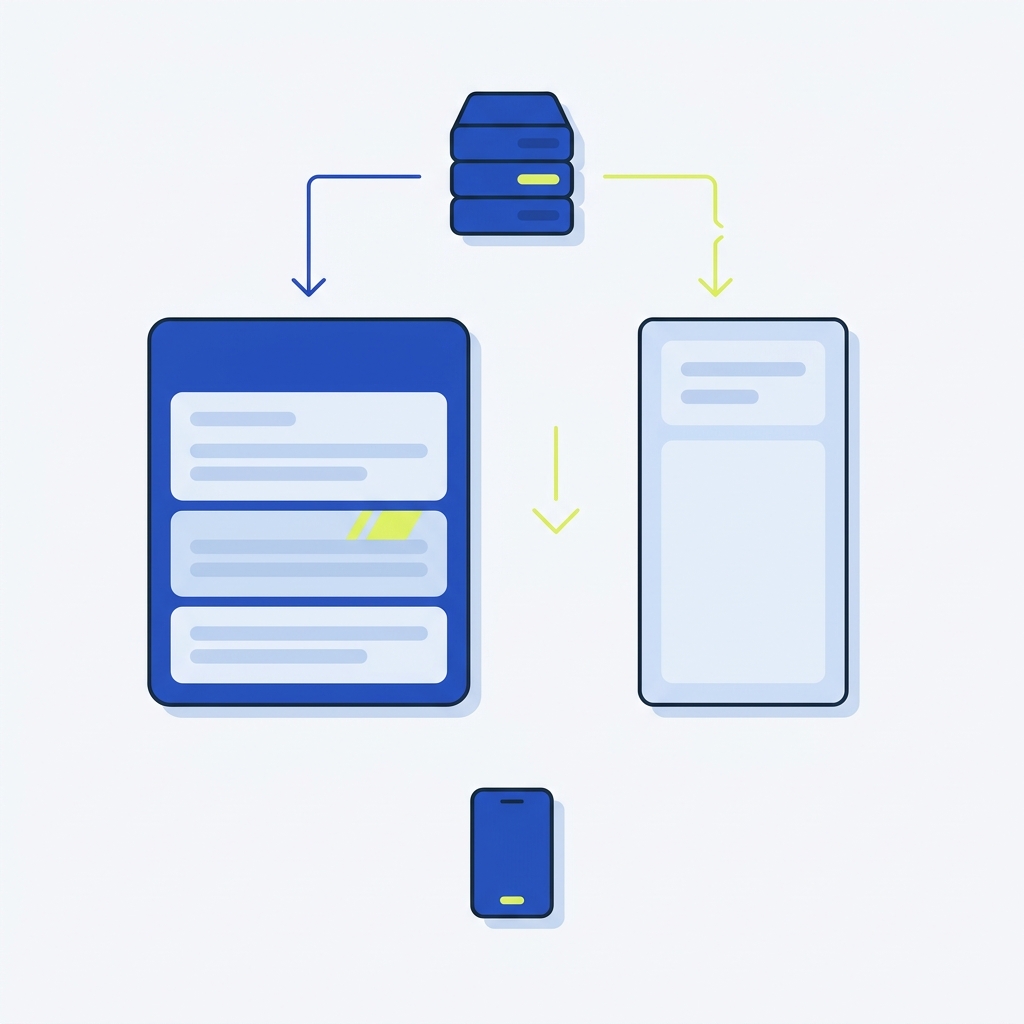
You’ll see 304 on conditional GET or HEAD requests that include validators:
- If-None-Match with a previously received ETag
- If-Modified-Since with a Last-Modified timestamp
If the current server state matches the validator, the server returns 304; otherwise it returns 200 OK with a fresh body. Developer tools may also issue extra requests that surface 304 responses so cache usage is visible to you, which is expected in network panels. Source: MDN: 304 Not Modified.
What a 304 response contains
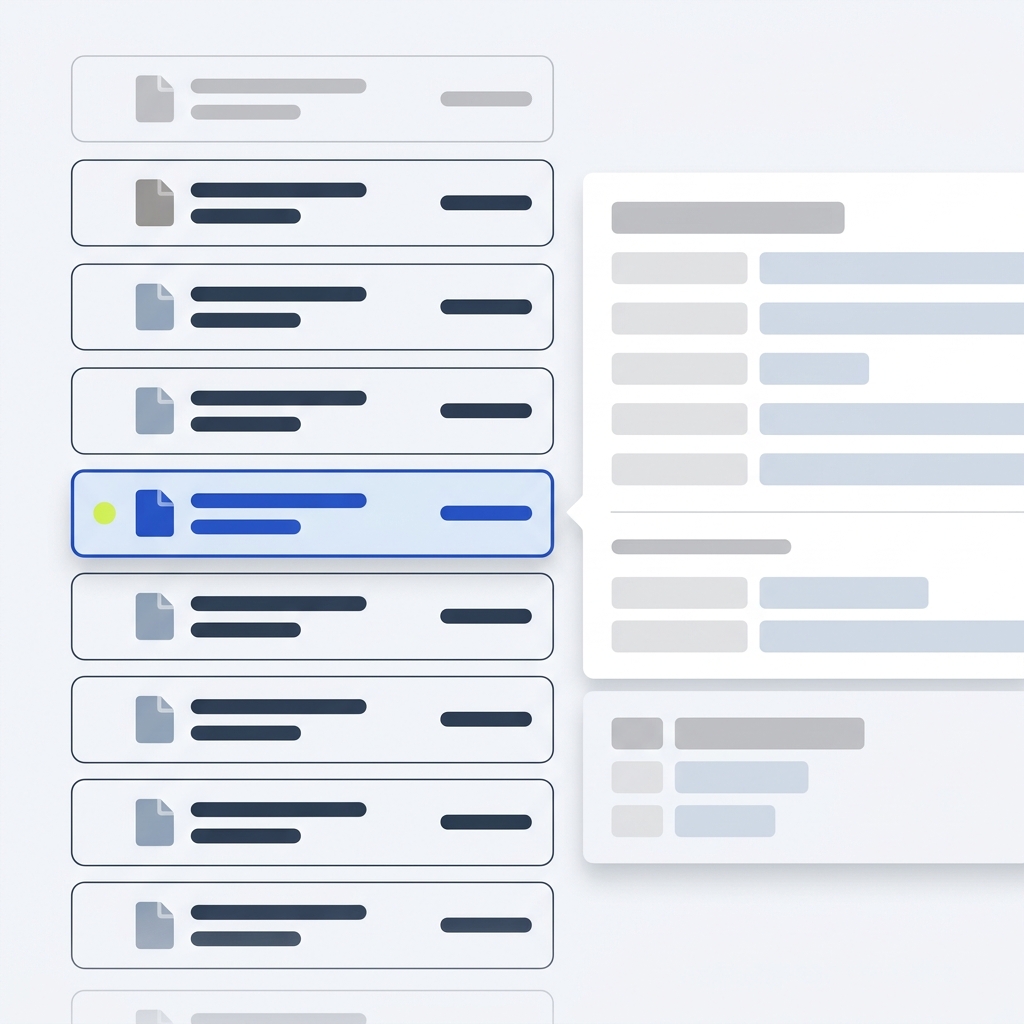
A 304 response must not include a message body. It should include the headers that would have appeared in an equivalent 200 OK, typically including Cache-Control, Date, ETag, Expires and Vary. These inform the client about cache validity and future freshness. Source: MDN: 304 Not Modified.
A quick worked example with curl
1) Fetch headers and note the ETag
curl -I https://example.test/app.jsHTTP/1.1 200 OK
Date: Tue, 27 Oct 2026 12:00:00 GMT
ETag: "abc123"
Cache-Control: public, max-age=3600
Last-Modified: Tue, 27 Oct 2026 11:50:00 GMT
Content-Type: application/javascript
2) Revalidate with If-None-Match
curl -I -H 'If-None-Match: "abc123"' https://example.test/app.jsHTTP/1.1 304 Not Modified
Date: Tue, 27 Oct 2026 12:10:00 GMT
ETag: "abc123"
Cache-Control: public, max-age=3600
Vary: Accept-Encoding
Because the ETag matches, the server replies 304 and sends no body. This aligns with the MDN definition: MDN: 304 Not Modified.
3) If the content changes
After a deploy that changes the file, a request without matching validators will return 200 with a new ETag, and clients will refresh their cache on that response.
Practical testing and troubleshooting
- Inspect request and response headers in your browser’s devtools to confirm whether validators were sent and what came back. See our step-by-step guide: How to check HTTP response headers in Chrome.
- Use curl to send explicit validators (If-None-Match or If-Modified-Since) and verify 304 vs 200 outcomes.
- If users see stale content, confirm that your origin updates ETag or Last-Modified when files change. If immediate freshness is critical, reduce max-age or trigger cache invalidation on deploy.
Related reading
Confirm a 304 Not Modified in your environment
FAQ
Is 304 an error?
No. It is a redirection response that confirms the client’s cached copy is still valid for a conditional GET or HEAD. Source: MDN: 304 Not Modified.
Does a 304 include a response body?
No, the response must not contain a body. Source: MDN: 304 Not Modified.
