
Explore the software directory
Automation, data, publishing, CRM and audience tools.
Choose the software by what you need to do—not by the longest feature list.
Open a workflow brief ↗01 Validate the input
02 Send the request
03 Verify the outcomeIllustrative workflow · no benchmark claimed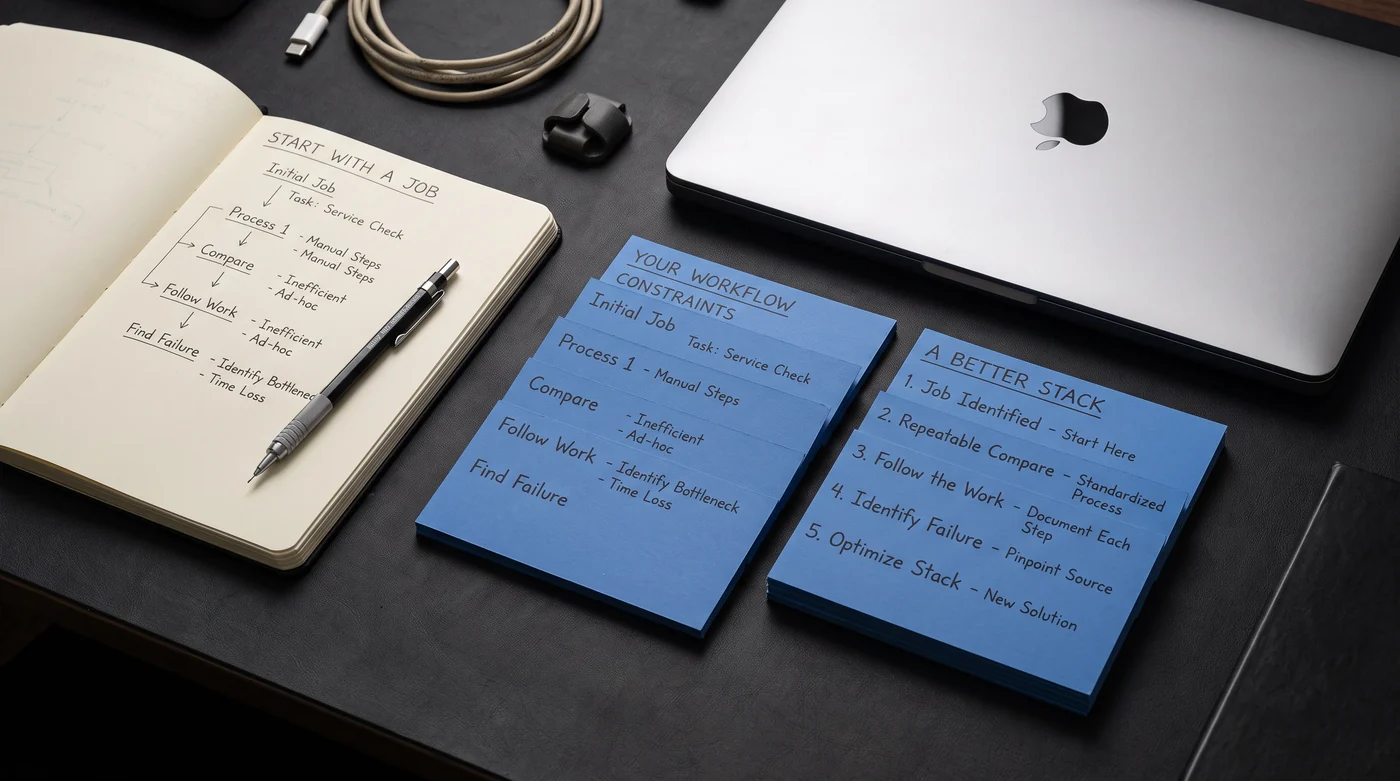
Same task. Same inputs. Dated plans and limits. A conclusion you can inspect.
Inspect the interface system →One approved article. Six possible paths. Step through what happens between a request and a verified page.
All checks succeed. Completion requires the expected revision and canonical at the destination.
The example will check article A-014, revision 12. No request will be sent.
A learning model with invented records and responses. It does not connect to your accounts, execute a workflow or promise a provider’s retry behavior. Inputs and progress are not saved.
Why accepted is not completed ↗A working map of the handoffs, checks and failure paths behind a useful automation.
Explore the reference ↗We examine business software through the work it needs to do: inputs, permissions, handoffs, cost and a verifiable outcome.
Start with a bounded job and a visible result. A good first automation has a clear trigger, a named owner and a way to tell when it failed.
Open this guide ↗Explore the subjectPublishing connects content approval to a real page. Keep the article identity, revision and destination visible throughout the process.
Open this guide ↗Explore the subjectGive approvals, records and handoffs an explicit place. Software should make the next owner and the current state easy to see.
Open this guide ↗Explore the subjectMoving records is a mapping problem before it becomes a scheduling problem. Define field ownership and what happens when records disagree.
Open this guide ↗Explore the subjectCompare tools with the same workload and constraints. A long feature list says little about whether a specific handoff works.
Open this guide ↗Explore the subjectTurn a headline price into a workload estimate. Seats, operations, execution time, storage and external APIs can have different billing rules.
Open this guide ↗A useful publishing record answers three questions: what was approved, what was sent, and what actually appeared.
Read the note ↗A practical reading noteA monthly price means little until both options are asked to do the same work.
Read the note ↗A practical reading noteA workflow is easier to maintain when its ordinary path and its failure path have names.
Read the note ↗A practical reading noteFollow a request beyond the first HTTP response, then verify the result that matters to the reader.
Read the note ↗A practical reading noteA lost response can leave a real side effect behind. Keep the operation identity through recovery.
Read the note ↗A practical reading noteA small ownership table can prevent a large synchronization argument.
Read the note ↗Thirteen company briefs. Four real community workflow studies. Clear sources and the questions a product page rarely asks for you.
Automation, data, publishing, CRM and audience tools.
Attributed patterns, operational questions and a link to the original creator.
AI, automation and software headlines from the people building and reporting on them.
Feeds last checked 23 Oct 2026 · Read each story at its original source.
Compare AI image and video production against the work: asset consistency, review time, export requirements and the cost of accepted results. Read our evaluation brief before choosing a plan.
Read the Higgsfield evaluation brief ↗Affiliate link: Stack & Method may earn a commission if you make a qualifying purchase through this link.
Explore Higgsfield ↗Equipment to consider
As an Amazon Associate I earn from qualifying purchases. These are researched product options, not hands-on test results. Check the exact model, current price and availability on Amazon.
Physical shortcut keys for repeatable desktop tasks. Check app and plugin support; this does not replace a workflow automation service.
View on Amazon ↗A pointing-device option for a desk workflow. This listing is the Bluetooth edition without a receiver; confirm computer compatibility.
View on Amazon ↗Connect desk peripherals through one USB-C port. Check that your laptop supports the display and power-delivery modes you need.
View on Amazon ↗A 1080p webcam option for calls and screen-sharing sessions. Check USB-A availability and camera positioning before choosing.
View on Amazon ↗A compact charging option for a laptop-and-phone setup. The total power is shared across ports; check your laptop power requirement.
View on Amazon ↗A compact Bluetooth keyboard for a smaller desk. Confirm the keyboard layout, operating-system support and whether you need a separate number pad.
View on Amazon ↗Match the task and setup before considering price. These notes are editorial research, not performance scores.
| Product option | Fit and limits to check |
|---|---|
| Elgato Stream Deck MK.2 | Physical shortcut keys for repeatable desktop tasks. Check app and plugin support; this does not replace a workflow automation service. |
| Logitech MX Master 3S, Bluetooth edition | A pointing-device option for a desk workflow. This listing is the Bluetooth edition without a receiver; confirm computer compatibility. |
| Anker 8-in-1 USB-C hub | Connect desk peripherals through one USB-C port. Check that your laptop supports the display and power-delivery modes you need. |
| Logitech Brio 100, Graphite | A 1080p webcam option for calls and screen-sharing sessions. Check USB-A availability and camera positioning before choosing. |
| Anker 65W three-port USB-C charger | A compact charging option for a laptop-and-phone setup. The total power is shared across ports; check your laptop power requirement. |
| Logitech Pebble Keys 2 K380s, Graphite | A compact Bluetooth keyboard for a smaller desk. Confirm the keyboard layout, operating-system support and whether you need a separate number pad. |