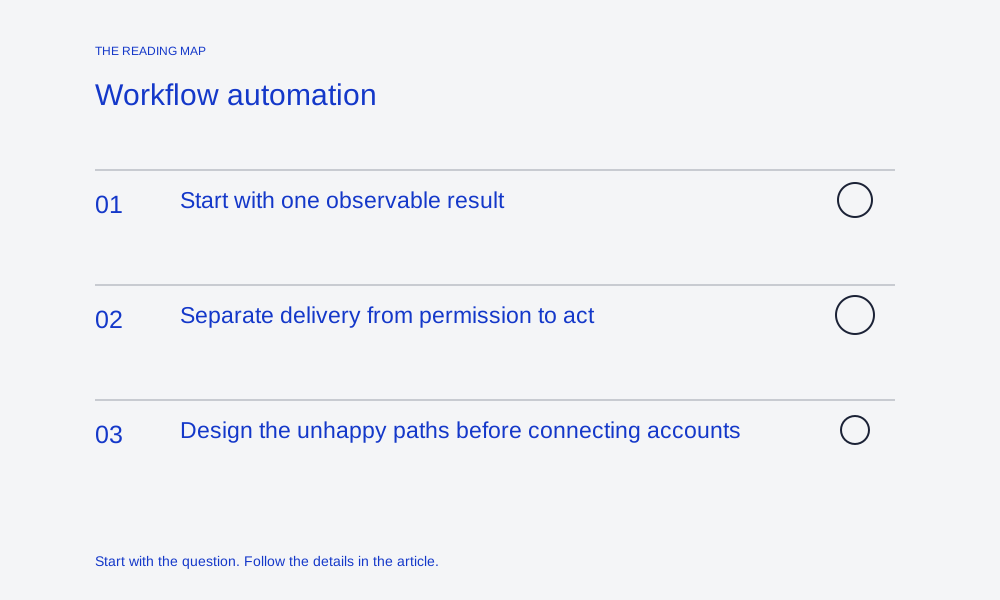
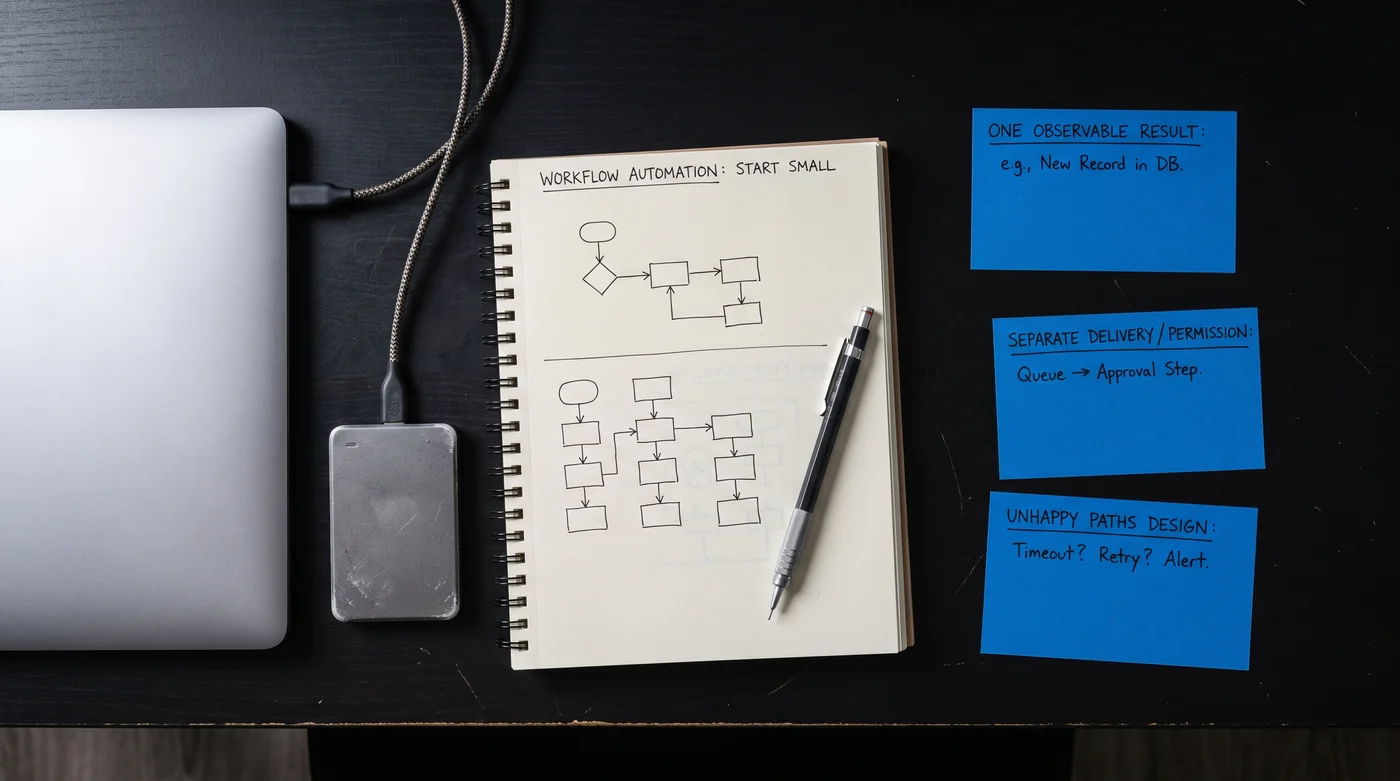
Start with one observable result
Write the job as an input, an intended change and a record that proves the change. “Automate publishing” is too broad for a first evaluation. “Deliver approved revision 12 to one publication and verify its canonical URL” can be inspected. Name the destination and the point at which a person should take over. The workflow is bounded by those decisions, not by the number of boxes in its diagram.
Separate delivery from permission to act
An incoming event has a format, a claimed sender and a business meaning. Check those separately. GitHub’s webhook documentation, for example, describes verifying the delivery signature before processing its payload. Another provider may use a different scheme. Keep verification secrets on the server, follow the exact contract and distinguish a valid signature from permission to perform a particular downstream action.
GitHub: validating webhook deliveries ↗ — GitHub-specific signature verification; use the exact provider contract for another service.
Design the unhappy paths before connecting accounts
Try incomplete input, a duplicate delivery, a timeout and a destination that accepts a request but later fails. These are separate cases and can need different recovery steps. Keep a stable work identity through them. The interactive lifecycle example shows the distinction using synthetic records; it does not call a vendor or establish how your actual endpoint behaves.
| Outcome | Next useful action |
|---|---|
| Invalid input | Correct the record before creating a side effect. |
| Duplicate delivery | Find the existing operation or receipt. |
| Unknown delivery result | Reconcile before deciding whether a retry is safe. |
| Confirmed failure | Inspect the failure and assign a recovery owner. |
Keep the smallest useful operating record
Retain an input identifier, revision, operation identity, timestamps, status and a destination reference where appropriate. Avoid filling ordinary logs with private document bodies or credentials. Decide who can inspect the record and how long it is needed. A compact history should help a maintainer explain one run without granting access to every account in the organization.
Keep these details together.
- Input contract and required fields
- Side effects and duplicate handling
- Failure queue and human owner