
TOOLS. SYSTEMS. BETTER DECISIONS.
Stack & Method
Journal / Practical guidance

What a publishing workflow needs to prove

A useful publishing record answers three questions: what was approved, what was sent, and what actually appeared.

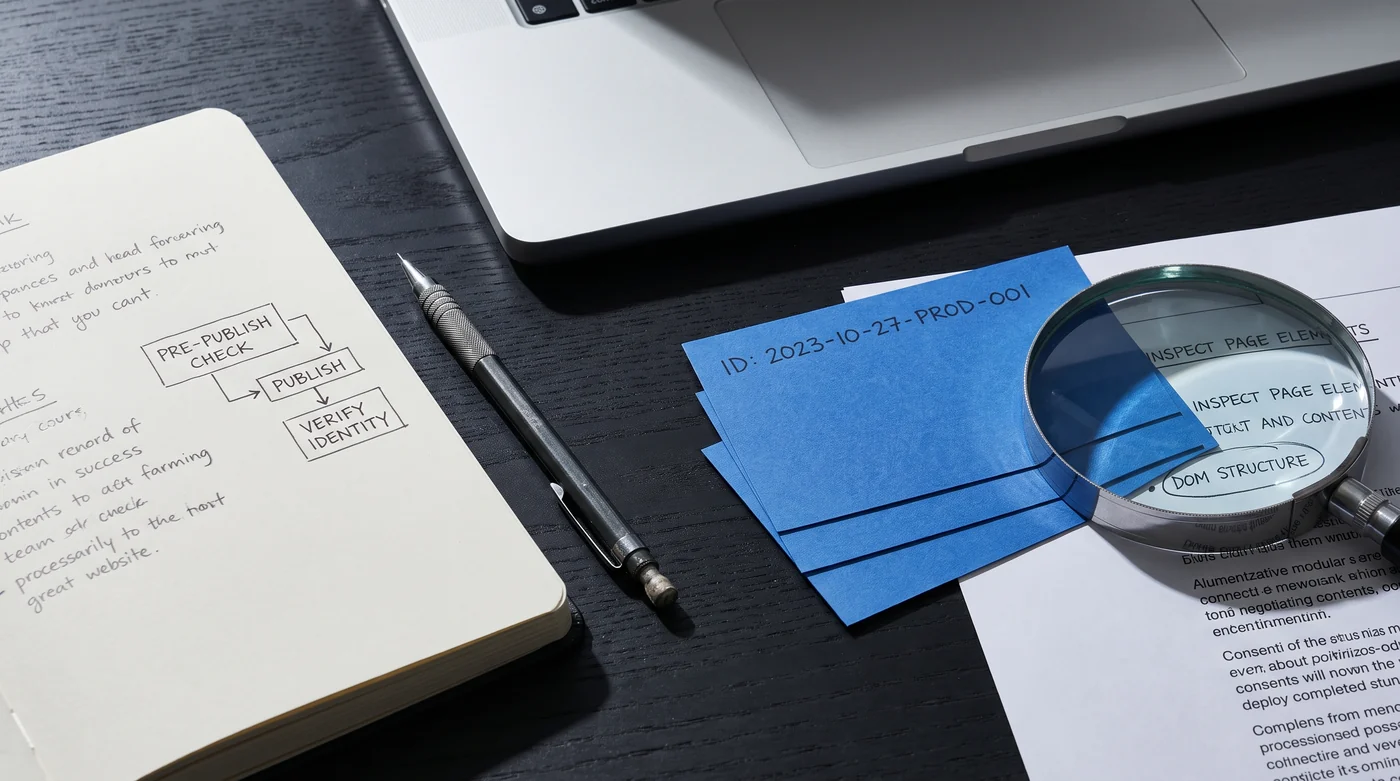
A publishing checklist beside blue cards and a magnifying glass.
AI-generated editorial illustration.

Give the article a stable identity

Use an article identifier that survives title changes. Keep the revision alongside it. The destination should be explicit, especially when one publishing service handles several independent sites. A useful receipt contains the site, article, revision, destination URL and result. Those are proposed acceptance criteria, not evidence that any particular platform supports them.

Check before creating a side effect

Make missing titles, malformed links and absent images visible before the publish action. Separate validation failures from temporary delivery failures: the first needs corrected input; the second may be retryable. Define a duplicate-request policy using the actual destination API. Where an endpoint documents idempotency, understand its scope and retention period rather than assuming the behavior is universal.

Inspect the page, not just the response

Fetch the resulting URL and check the fields that matter to the article: heading, canonical, images and key links. A successful HTTP response can coexist with an incorrect render or the wrong revision. If verification fails, retain the receipt and route the issue to a named owner. Avoid repeatedly creating new posts while trying to discover what happened to the first request.

MDN: HTTP 202 Accepted ↗ — Accepted means processing is not complete. The endpoint must define how its eventual result can be checked.

Retain an exit path

Store your own content and asset records outside the workflow configuration. When a publication changes owner or platform, it should be possible to export its articles, mappings and receipts without exporting sibling-site credentials. This is an ownership requirement to put into the evaluation brief.

Record the plan, version, date, input set, output, failure behavior and billing units. A workflow diagram is a design pattern, not a benchmark.
Sources and further reading · Our editorial approach

Back to the subject guide ↗

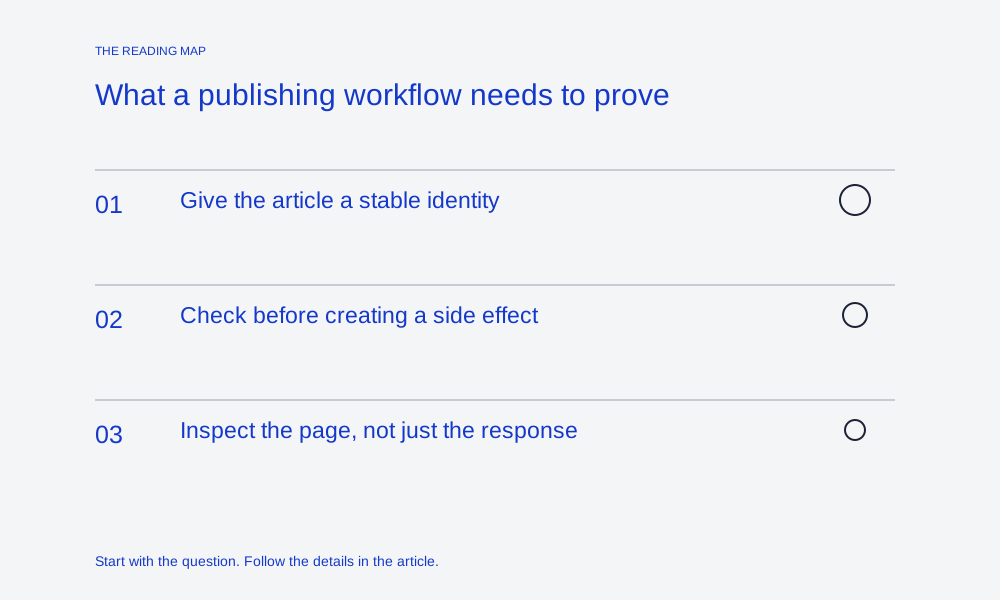
What a publishing workflow needs to prove: Give the article a stable identity; Check before creating a side effect; Inspect the page, not just the response

Equipment to consider

Choose for the way you use it.

As an Amazon Associate I earn from qualifying purchases. These are researched product options, not hands-on test results. Check the exact model, current price and availability on Amazon.

Model matched · suitability first

Elgato Stream Deck MK.2

Physical shortcut keys for repeatable desktop tasks. Check app and plugin support; this does not replace a workflow automation service.

View on Amazon ↗
Model matched · suitability first

Logitech MX Master 3S, Bluetooth edition

A pointing-device option for a desk workflow. This listing is the Bluetooth edition without a receiver; confirm computer compatibility.

View on Amazon ↗

Compare before you choose

Match the task and setup before considering price. These notes are editorial research, not performance scores.

Product optionFit and limits to check
Elgato Stream Deck MK.2Physical shortcut keys for repeatable desktop tasks. Check app and plugin support; this does not replace a workflow automation service.
Logitech MX Master 3S, Bluetooth editionA pointing-device option for a desk workflow. This listing is the Bluetooth edition without a receiver; confirm computer compatibility.
Stack & Method

Your privacy choices

With your permission, we use Google Analytics to understand which pages people read. We do not load Google Analytics without your consent. The calculators work with either choice.

Advertising and personalisation stay off. Your choice applies only to this site. Change it anytime using “Cookie settings” in the footer.

Privacy and storage details