
The journal
How to Run Cron Twice a Day at Two Times You Can Verify
Test 08:00 and 20:00 as clock matches in the scheduler’s zone and check the actual elapsed gap across a clock change.

 Stack & Method
At a glance
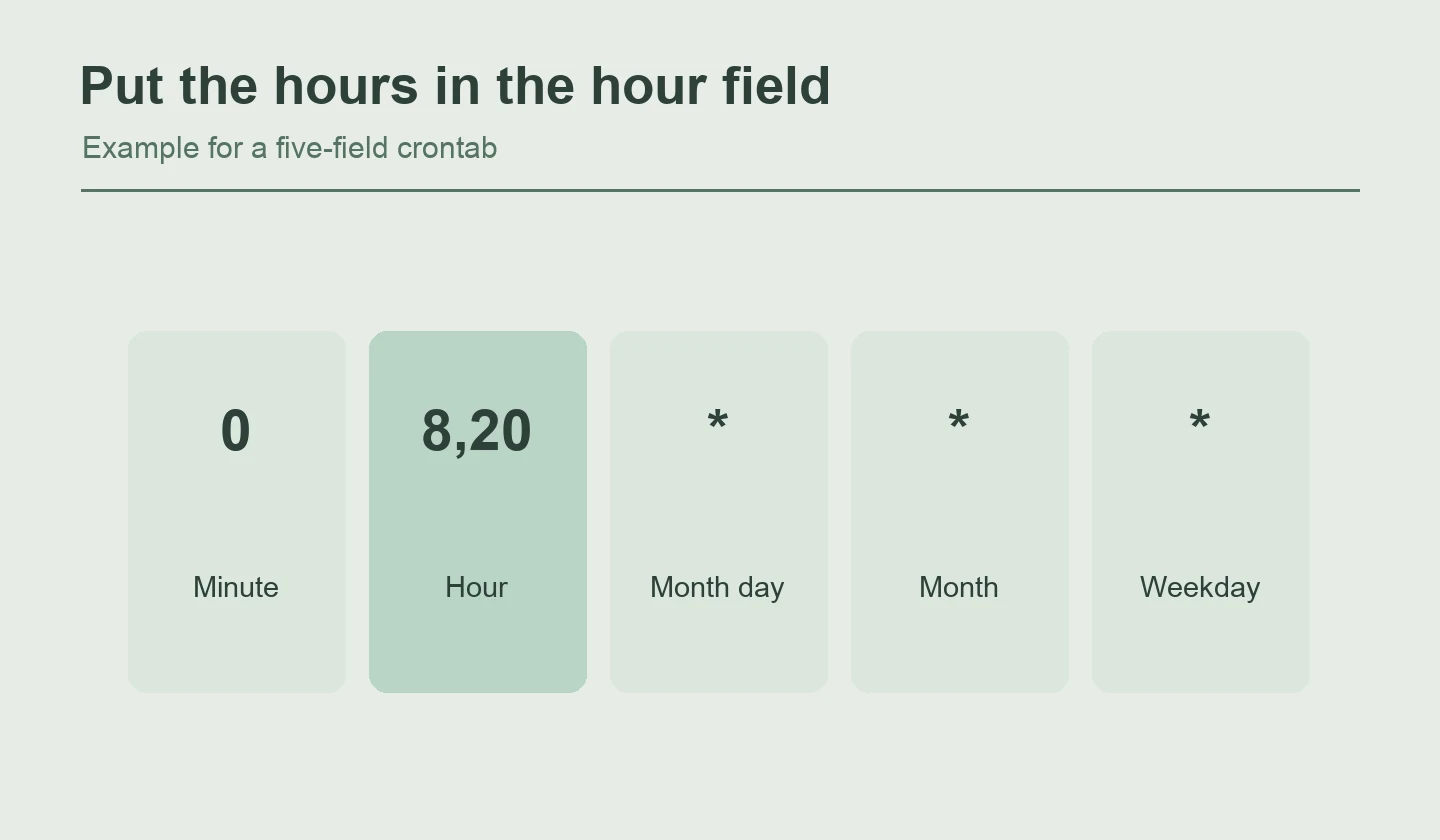
Use an explicit hour list such as 0 8,20 * * * for 08:00 and 20:00 in a five-field scheduler. Name the zone, and check an interval-based scheduler if you need a genuine 12-hour duration.
In this guide
For a typical five-field cron, use 0 8,20 * * * to match 08:00 and 20:00 in the scheduler’s time zone. Decide whether you mean those named times or an elapsed interval of twelve hours. They can differ when the zone changes its clocks.
Name the two hours you want to match
Read the minute first. Zero is the start of the hour. In the next field, the comma lists the two hours independently. The stars leave the remaining calendar fields unrestricted. The expression belongs in the version of cron that uses those five fields in that order.
An hour step such as */12 is a different shorthand. Starting from the usual zero-based hour field, it matches midnight and midday. Listing 8 and 20 makes both intended times visible to the person who reviews the schedule. Confirm which field the hosting interface expects before adding a command or another field.
Choose the unit you mean
Two wall-clock times
Match the named hours in the chosen scheduler time zone.
Fixed elapsed interval
Use a scheduler with the intended interval and verify its restart and failure behavior.
For the five fields, hour ranges and list syntax, see crontab(5), time and date fields.
Sources: Cronie project
Check the zone and the elapsed gap
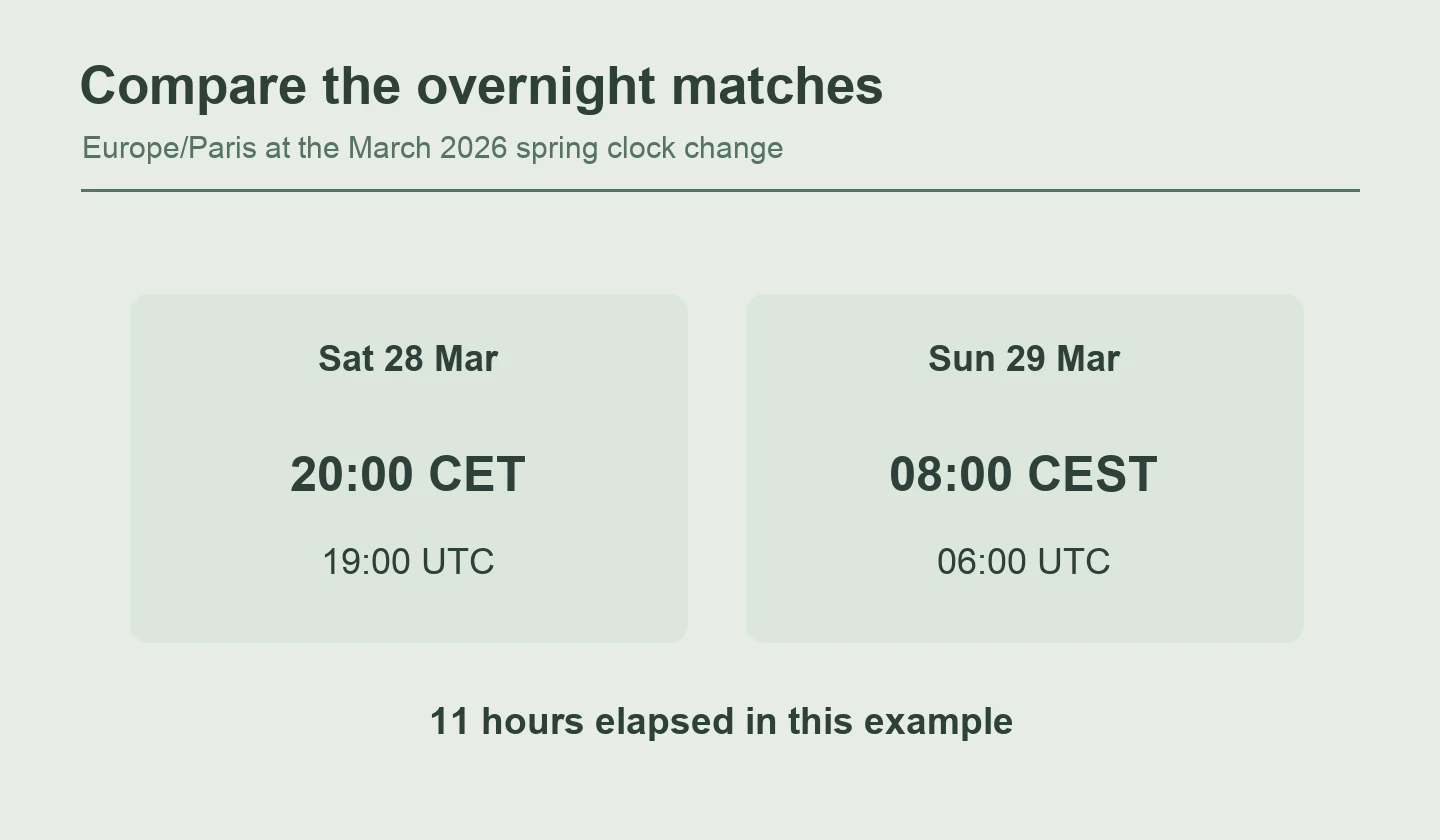
Suppose the desired times are 08:00 and 20:00 in Europe/Paris. On the Saturday before the March 2026 change, the evening 20:00 maps to 19:00 UTC. The next morning’s 08:00 maps to 06:00 UTC instead of 07:00. The two named times are unchanged while that overnight gap is eleven elapsed hours.
Check your scheduler’s zone setting and clock-change behavior. Cronie documents CRON_TZ for interpreting a table, while services can require a separate zone setting or use UTC. For a schedule on a fixed-duration timer, verify whether the interval is counted from an anchor, the previous start or the previous finish.
| Local clock | UTC clock | Elapsed since previous row |
|---|---|---|
| Sat 28 Mar 08:00 CET | Sat 28 Mar 07:00 UTC | First match shown |
| Sat 28 Mar 20:00 CET | Sat 28 Mar 19:00 UTC | 12 hours |
| Sun 29 Mar 08:00 CEST | Sun 29 Mar 06:00 UTC | 11 hours |
| Sun 29 Mar 20:00 CEST | Sun 29 Mar 18:00 UTC | 12 hours |

For handling clock changes in a specific cron implementation, see cron(8), daylight saving time and other time changes.
Sources: crontab(5), time and date fields · cron(8), daylight saving time and other time changes
Compare expected matches with actual starts
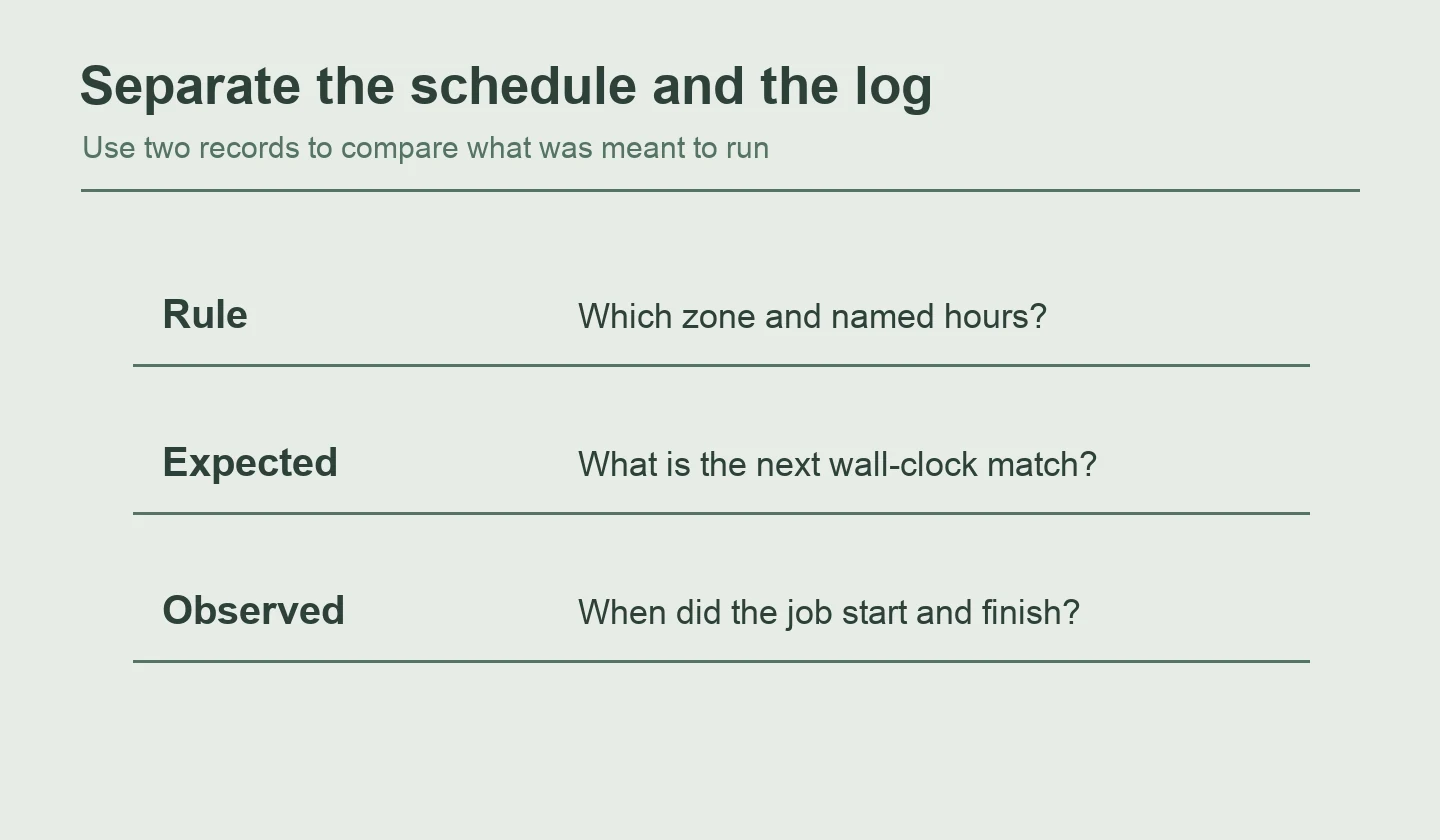
Write a short schedule note with the expression, time zone and next four expected matches. Include at least one after midnight. If the scheduler gives expected matches, check them against your note before starting the first job. A separate non-mutating check in a test environment can be enough to read the timestamp.
Read the actual job log independently. The trigger time, start time and finish time can differ when a job queues or retries. Keep the zone or UTC offset on the log entry. A missing start is a reason to check job delivery and running state, not automatically a reason to change the schedule.
Save the schedule evidence
- Confirm the number and order of fields.
- Record the time zone and next matches.
- Include one match after midnight.
- Compare with actual job start timestamps.
For the related task, see Compare scheduler field counts.
Sources: cron(8), daylight saving time and other time changes · crontab(5), time and date fields
Frequently asked questions
Can I use 0 */12 * * *?
In a typical five-field cron, a 12-hour step starting at zero matches 00:00 and 12:00. For 08:00 and 20:00, list those hours explicitly.
Will CRON_TZ work everywhere?
Check support in the scheduler you use. Many managed products set the zone separately, and some use UTC.
Does a planned match prove my command completed?
No. The schedule and the observed start and finish are separate records.
What if I need the same elapsed interval across a clock change?
Choose a suitable interval or UTC-based schedule according to the job requirement. Verify it across restart and clock-change cases.
Stack & MethodRead the five-field schedule in order
Verify the field before you interpret a step.
Check the five fields before you paste the expressionContinue with a related guide
- Read the five-field schedule in order
Verify the field before you interpret a step.
- Compare scheduler field counts
Check the exact syntax your scheduler accepts.
- Keep retry timing separate
A retry wait should be read independently of the regular schedule.
References
- crontab(5), time and date fields Cronie project
- cron(8), daylight saving time and other time changes Cronie project