
The journal
How to refresh an OAuth token
Exchange a refresh_token at the token endpoint, handle rotation and errors, and keep tokens on trusted servers.
Quick answer
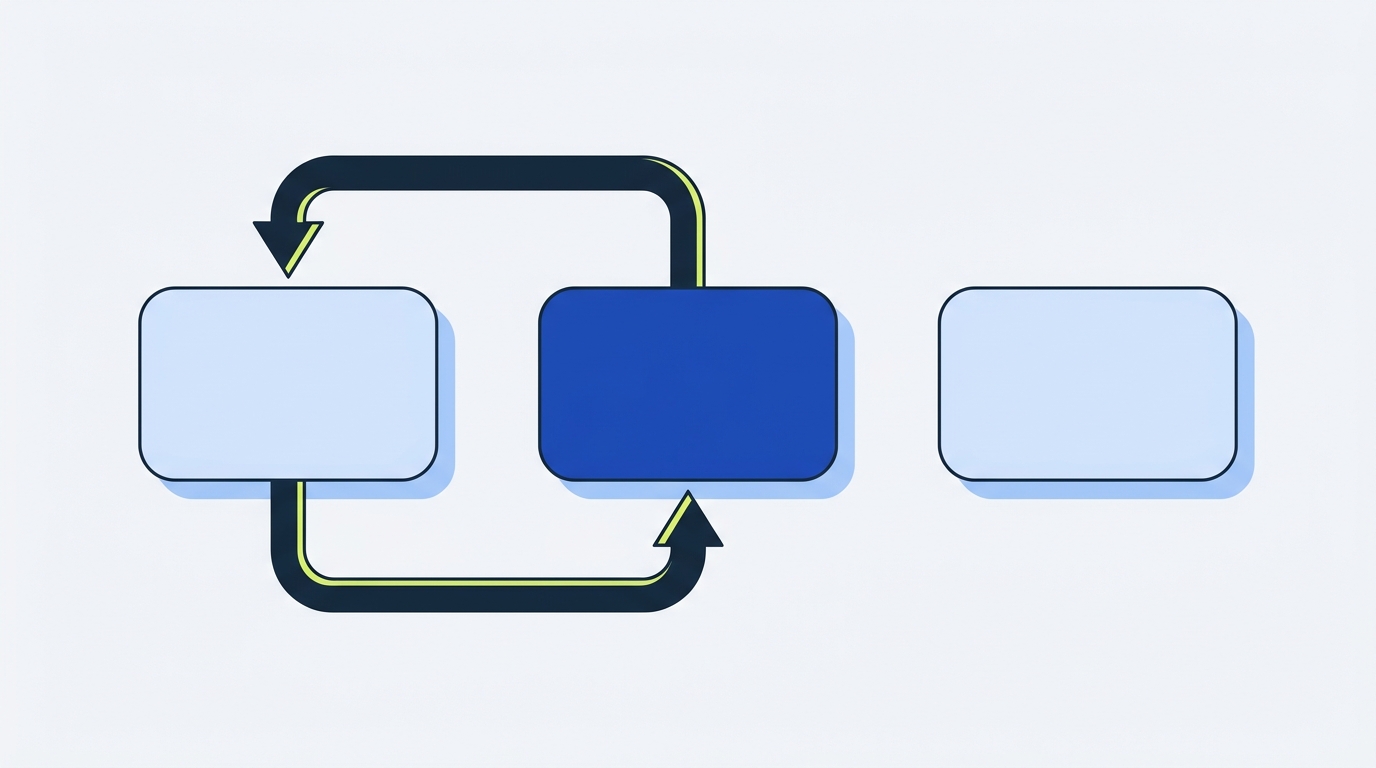
Refresh an OAuth token by making a POST request to the authorization server’s token endpoint with grant_type=refresh_token, including the refresh_token and your client credentials if required. On success, use the returned access token (and new refresh token if provided) and handle failures like invalid_token by retrying once after refresh or prompting the user to reauthorize if the refresh fails (https://www.oauth.com/oauth2-servers/making-authenticated-requests/refreshing-an-access-token/, https://oauth.net/2/refresh-tokens/).
Exact HTTP exchange (minimal server-side)
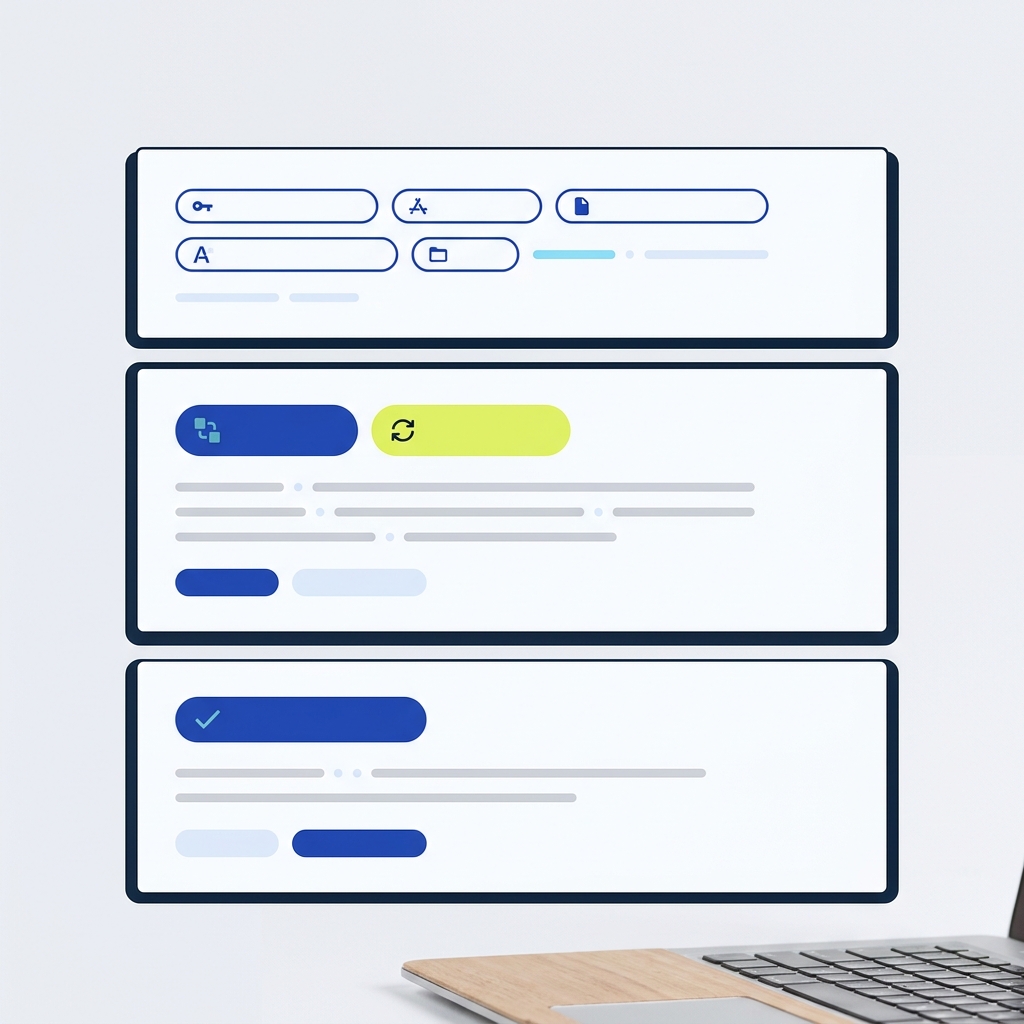
Send a POST with Content-Type: application/x-www-form-urlencoded to the token endpoint. Include at least:
- grant_type=refresh_token
- refresh_token=YOUR_REFRESH_TOKEN
- Client authentication as required (e.g., client_id and client_secret, or another method)
Example form body: grant_type=refresh_token&refresh_token=REFRESH_TOKEN&client_id=CLIENT_ID&client_secret=CLIENT_SECRET. The response contains a new access_token and expires_in, and may include a new refresh_token; if no new refresh_token is returned, keep using the existing one. If an API call fails with invalid_token, refresh and retry once (https://www.oauth.com/oauth2-servers/making-authenticated-requests/refreshing-an-access-token/).
Provider specifics to confirm first
- Scopes and issuance: Many servers issue refresh tokens only when you request the appropriate scope, commonly offline_access during the initial authorization (https://auth0.com/learn/refresh-tokens).
- Lifetimes: Some providers hide refresh token lifetimes from clients, while others document or return them. For example, LinkedIn documents 60-day access tokens and approximately 1-year refresh tokens with a refresh_token_expires_in field and provides a concrete refresh request format (https://www.oauth.com/oauth2-servers/making-authenticated-requests/refreshing-an-access-token/, https://learn.microsoft.com/en-us/linkedin/shared/authentication/programmatic-refresh-tokens).
Security practices: storage, rotation and fallback
- Store refresh tokens only on trusted backends; avoid exposing them to browser storage. For web apps, keep them server-side; for mobile, use platform-secure storage. If a refresh fails or consent is revoked, prompt users to reauthorize (https://auth0.com/learn/refresh-tokens).
- Handle rotation and reuse detection: Some servers rotate refresh tokens on each use and recommend this to detect theft. If a new refresh_token is returned, persist it atomically; if not, retain the previous one (https://www.oauth.com/oauth2-servers/making-authenticated-requests/refreshing-an-access-token/).
- Sender constraints where available: Some ecosystems support binding tokens to the client instance (e.g., DPoP) to mitigate misuse if a token is stolen (https://oauth.net/2/refresh-tokens/).
Server-side refresh flow checklist

Concurrency and retries at scale
Concurrent workers can all try to refresh the same credential when a token expires, causing race conditions, especially with refresh-token rotation where only the first refresh succeeds. Coordinate refreshes per credential using a distributed lock or equivalent, re-read the stored credential after acquiring the lock, and write the updated access token, refresh token (if any), and expiry atomically. Preserve the existing refresh token if the provider omits it in the response. Use a short pre-expiry buffer to reduce in-flight expirations, but do not rely on buffering alone. On a 401 with invalid_token, route the request through the same locked refresh path and retry the original call at most once (https://prismatic.io/blog/how-do-i-request-oauth-tokens-at-scale/, https://www.oauth.com/oauth2-servers/making-authenticated-requests/refreshing-an-access-token/).
Common mistakes and how to fix them
- Missing scope for refresh tokens: If the provider requires offline_access (or similar), add it to the initial authorization and reauthorize to receive a refresh token (https://auth0.com/learn/refresh-tokens).
- Wrong client authentication: Confirm whether the token endpoint expects client_id and client_secret in the body or another auth method as documented by the provider (https://learn.microsoft.com/en-us/linkedin/shared/authentication/programmatic-refresh-tokens).
- Assuming refresh token lifetime is known: Many servers do not share refresh token expiry with clients; plan for unexpected refresh failures and prompt for reauthorization when needed (https://www.oauth.com/oauth2-servers/making-authenticated-requests/refreshing-an-access-token/).
- Refreshing on every 401: Only refresh when the error indicates an expired or invalid access token; otherwise fix the request or credentials first (https://www.oauth.com/oauth2-servers/making-authenticated-requests/refreshing-an-access-token/).

FAQs
Should I refresh preemptively or only on 401?
Both. Use a short pre-expiry buffer to minimize failures, but also detect invalid_token responses and refresh then retry once. Always handle the case where refresh fails and reauthorization is required (https://www.oauth.com/oauth2-servers/making-authenticated-requests/refreshing-an-access-token/).
Do refresh tokens expire?
Yes, but details vary. Some providers do not expose refresh token lifetimes to clients, while others document fixed TTLs and even return them in responses (for example, LinkedIn’s refresh_token_expires_in). Your app must handle unexpected refresh failures by prompting users to reauthorize (https://www.oauth.com/oauth2-servers/making-authenticated-requests/refreshing-an-access-token/, https://learn.microsoft.com/en-us/linkedin/shared/authentication/programmatic-refresh-tokens).