
The journal
What are the most common failure points in automated workflows? Practical fixes and checks
workflow automation error handling retries explained with practical fixes for auth, rate limits, timeouts, retries, and observability.
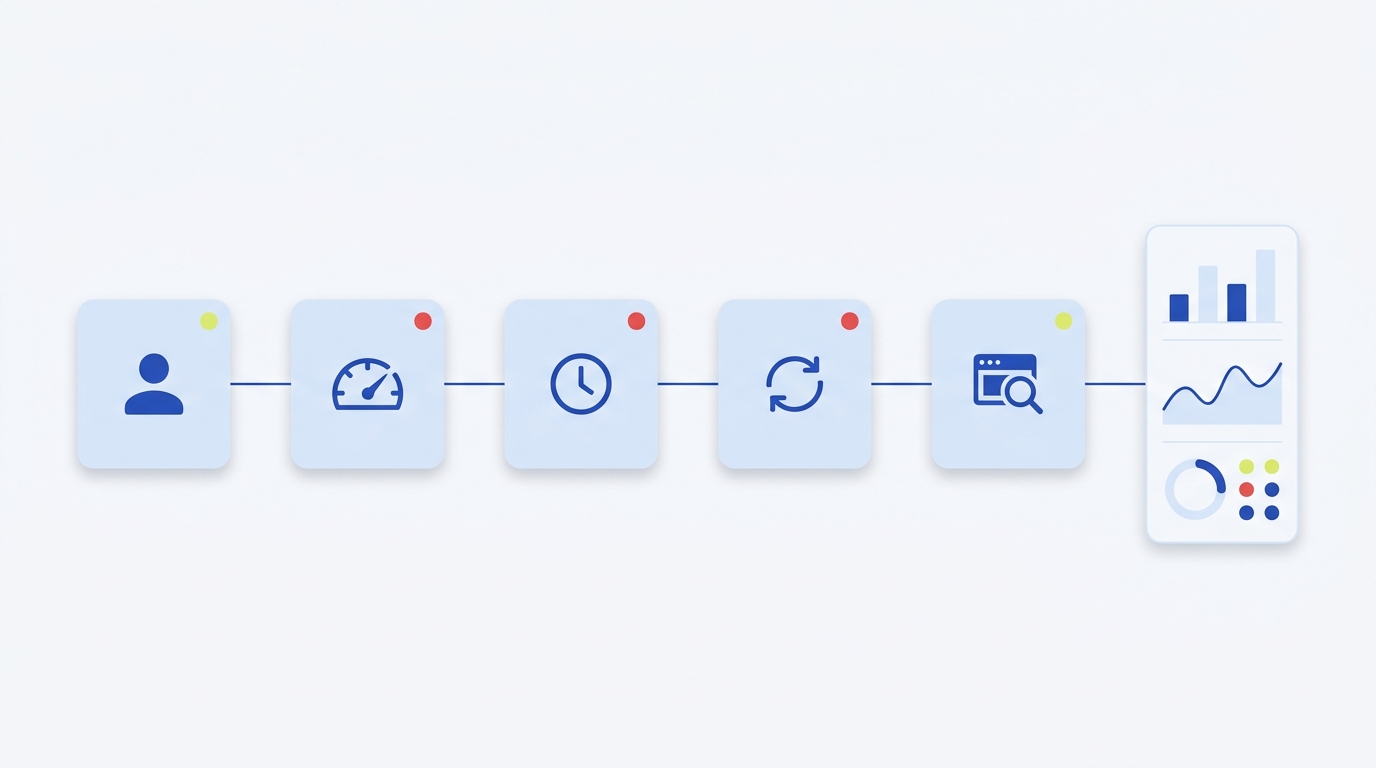
Quick answer: why workflow automation fails and what matters most
One-paragraph summary
Many automated workflows fail because a small set of operational gaps repeats across stacks: authentication and authorization errors, exceeding rate limits, transient network or service faults, missing or misconfigured timeouts, and retries that are unsafe or poorly paced. Addressing these areas requires both standards-aware servers and defensive client patterns, including timeouts, backoff with jitter, and idempotency keys to prevent duplicate side effects; these approaches reflect current HTTP and cloud reliability guidance and give the biggest immediate improvement to reliability.
What single change produces the largest reliability improvement for automated workflows?
Implementing sensible timeouts plus exponential backoff with jitter and idempotency for side effecting operations typically produces the largest and quickest reliability gains.
What this article covers and who should read it
This guide explains the failure points, shows practical retry strategies, and maps telemetry to clear alerts for engineering managers and senior developers on small teams. If you are responsible for integrations or automation, you will get a checklist and decision rules to set timeouts, retry budgets, and idempotency scope so you can reduce automated workflow failures and improve recovery behavior.
Common failure points in detail
Authentication and authorization problems
Broken authentication and authorization misconfigurations are a frequent cause of workflow failures and a serious security risk, because workflows often run unattended with tokens or service credentials. The OWASP API Security Top 10 highlights that authentication and authorization mistakes remain leading API risks and can cause repeated job failures when tokens expire or scopes are misapplied, so check credential rotation, token scopes, and role bindings as a priority OWASP API Security Top 10.
Symptoms to watch for include sudden increases in 401 or 403 errors from services, workflows that fail on the same step repeatedly without progressing, and logs showing permission denied messages. Immediate diagnostics are to verify recent credential changes, check clock skew for signed tokens, and confirm that refresh or rotation routines are running as expected.
Rate limits and throttling
Services signal throttling with standard HTTP codes such as 429 and sometimes 503. Modern servers may also provide RateLimit headers or a Retry-After hint to help clients back off gracefully; clients that ignore these signals quickly run into repeated failures and escalated throttling RateLimit Fields for HTTP (RFC 9457).
Check for a pattern of 429 responses and look for RateLimit, X-RateLimit-Remaining, or Retry-After headers in traces and logs. If a workflow retries blindly after a 429 without honoring a Retry-After value, it is likely to trigger further throttling and could create retry storms that hurt overall platform availability.
Transient network and service errors and timeouts
Transient faults such as brief network interruptions or short-lived service faults are common. Without sensible client timeouts, blocking calls can pile up and cause cascading failures that bring workflows to a halt. Implementing and tuning timeouts stops single slow requests from blocking worker threads or processes and from consuming retry budgets needlessly Reliability guidance.
Look for long tail latencies in traces, worker pools saturated with waiting requests, and growing retry queues. A practical diagnostic is to capture end-to-end call duration and compare median to p95 and p99 to detect outliers that indicate missing or mis-sized timeouts.
Concurrency conflicts and non idempotent operations
Concurrency conflicts and stale writes occur when multiple workflow steps or concurrent clients update the same resource without conditional checks. Use conditional requests such as ETag with If-Match to prevent lost updates and consider whether an operation should be made idempotent to allow safe retries HTTP Semantics (RFC 9110).
Symptoms include intermittent 409 conflict responses, data inconsistencies after retries, and duplicate side effects like repeated charges or duplicate database rows. When an operation cannot be naturally idempotent, add explicit idempotency keys or transactional guards at the service boundary before permitting retries.
Retry strategies that work: backoff, jitter, idempotency and budgets
Exponential backoff with jitter
Naive retries without backoff tend to synchronize clients and create retry storms that amplify an outage. Exponential backoff with jitter spaces retries progressively and randomizes timing to avoid synchronized retries; cloud reliability patterns recommend this approach as a core mitigation for transient faults and service overload Retry pattern.
When implementing backoff, choose base and max delays and apply either full jitter or equal jitter variation to spread retries. The goal is to reduce spike pressure on a recovering service while still retrying enough to overcome transient failures. Keep a clear retry budget to avoid infinite retry loops.
Quick checklist to choose jitter parameters and backoff values
Idempotency mechanisms and safe retries
Safe retries rely on idempotency, either via HTTP idempotent methods or explicit idempotency keys for operations that have side effects. Where possible, use methods that are safe to repeat; where not possible, accept a client-supplied idempotency key so the server can detect and ignore duplicate requests and avoid repeated side effects HTTP Semantics (RFC 9110).
Practically, apply idempotency to create, payment, and external side effect operations. Log idempotency key usage and treat key collisions as an observable condition so you can debug when duplicates appear.
Retry budgets and circuit breakers

Set conservative thresholds at first and raise them if your metrics show healthy recovery behavior. Combine circuit breaker state with monitoring so that an open breaker triggers alerts and a controlled fallback path, rather than silent failures.
Observability and detection: what to record and why
Use OpenTelemetry HTTP semantic conventions
Standardized telemetry lets teams diagnose failures faster by using consistent field names for status, attributes, and timing. OpenTelemetry's HTTP semantic conventions define how to capture status codes, request times, and error attributes so traces and metrics can be correlated reliably during investigations HTTP semantic conventions.
Instrument your workflow runners to record HTTP status, response times, and resource identifiers on each step. Consistent telemetry makes it easier to spot spikes in timeouts, increases in error rates, and the exact steps where retries happen.
Capture rate limit and retry metadata
Record RateLimit headers and Retry-After values in traces and metrics so you can correlate throttling with retry activity and spot whether clients respect server hints. When traces capture both the server signal and client retry attempts, it becomes straightforward to identify blind retries or misconfigured clients that ignore limits RateLimit Fields for HTTP (RFC 9457).
Make RateLimit values visible in dashboards and attach them to the workflow instance so the incident response can see the exact limit and remaining quota at failure time. Rate limiting best practices provide additional guidance on header use and client behavior.
Alerting and dashboards to surface slow failures
Create alerts for rising timeout rates, sustained increases in 429/503 ratios, and growing retry counts per workflow. These signals often precede larger outages and can be used to trigger automated mitigation like backing off job queues or opening circuit breakers.
Dashboards should show p50, p95, and p99 latencies, the ratio of successful to retried requests, and the distribution of Retry-After values. These views help teams decide whether to lengthen timeouts, raise retry budgets, or investigate an upstream service.
Design and decision criteria: choosing timeouts, retry budgets and idempotency scope
How to set timeouts aligned to SLAs
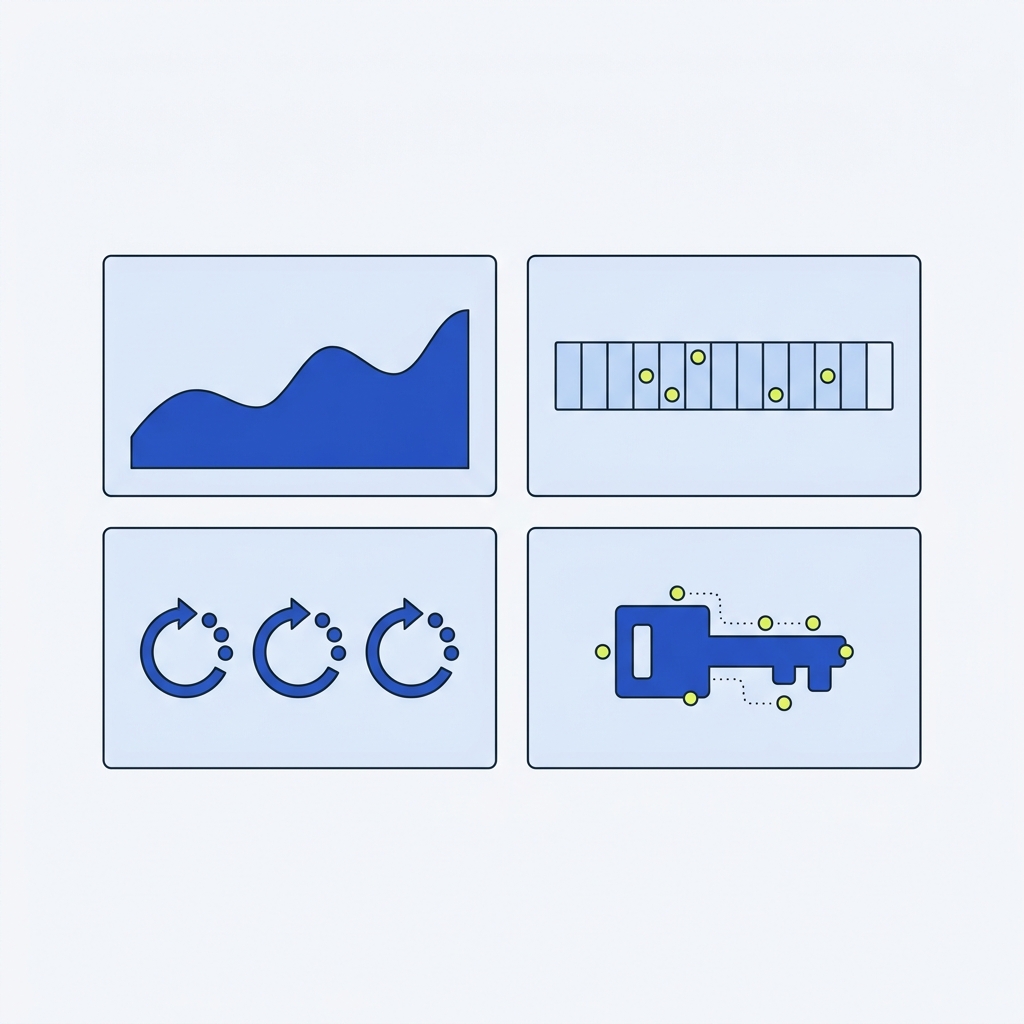
Align client timeouts with downstream service SLAs and the workflow's own success requirements. A sensible pattern is to set short internal network timeouts for quick failures and a longer overall step timeout for business completion, ensuring that stalled calls do not block worker capacity indefinitely, which is a common cause of automated workflow failures.
Decide per dependency whether a fast failure with retry is acceptable or whether the workflow should wait longer. Record these choices in your runbook so teams know why a given dependency has a longer or shorter timeout.
Defining retry budgets and backoff constants
Retry budgets balance the desire to recover automatically against the risk of overloading a struggling service. Start with conservative budgets: a small number of retries per operation, an exponential base multiplier such as 2, a modest max delay, and jitter to randomize attempts. Cloud pattern guidance recommends these defaults and shows how they reduce retry storms while preserving the chance of recovery Retry pattern.
Document your defaults and revise them after observing behavior in staging and production. Prefer shorter cycles in low-latency internal networks and longer, more cautious budgets when calling external APIs with strict rate limits.
Deciding idempotency scope for operations
Not every operation needs an idempotency key. Use idempotency for operations that produce external side effects or irreversible outcomes, such as payments, user notifications, and modifications to records where duplicates are harmful. For read operations, rely on HTTP idempotent methods and conditional requests where possible HTTP Semantics (RFC 9110).
When you require an idempotency key, enforce a retention window on the service side that matches your retry budget and business tolerance for replay. Keep the retention window short enough to bound storage cost but long enough to avoid duplicate processing from legitimate retries.
Common mistakes, troubleshooting steps and a concise checklist
Typical implementation errors
Frequent mistakes include missing or overly long timeouts, blind retries that ignore Retry-After or RateLimit headers, not using idempotency keys for side effecting operations, and insufficient telemetry. These simple omissions cause many otherwise healthy workflows to fail repeatedly.
Avoiding these mistakes starts with a predeployment checklist that verifies timeouts, retry strategies, header handling, and idempotency enforcement.
Step by step troubleshooting playbook
When a workflow fails, follow a short sequence: inspect recent traces for the failed step, check for auth failures or token expiry, look for 429 or 503 responses and any Retry-After headers, and confirm whether retries were attempted and whether they respected backoff and jitter. This sequence narrows root cause quickly and points to whether the problem is client-side or server-side HTTP semantic conventions.
Record the incident outcomes in a postmortem noting whether changes are required to timeouts, retry budgets, or rate limit handling. Where appropriate, add or adjust alerts to detect similar problems earlier.
One page checklist to prevent and detect failures
Predeployment and postincident checklists should include: verify token rotation and scopes, confirm timeouts and step-level limits, ensure client honors RateLimit and Retry-After, apply idempotency keys to side effects, enable OpenTelemetry HTTP conventions, and set alerts for rising timeout or 429 rates. These items catch most common issues before they become outages.
Use the checklist in code reviews and runthroughs with the operations team so that reliability decisions are deliberate and documented.

Frequently asked questions
How should I handle 429 and Retry-After signals in automated workflows?
Respect Retry-After and RateLimit headers, back off using exponential backoff with jitter, and limit total retries with a retry budget to avoid retry storms.
When do I need idempotency keys?
Use idempotency keys for operations with external side effects or irreversible outcomes; for reads rely on idempotent methods and conditional requests.
What telemetry is essential to detect workflow failures?
Record HTTP status codes, response times (p50/p95/p99), RateLimit and Retry-After headers, idempotency key usage, and retry counts for each workflow step.
Fixing these common failure points typically yields immediate improvement in workflow uptime and reduces incident noise. Start by scanning for auth failures, checking for RateLimit and Retry-After handling, adding sensible timeouts, and making critical operations idempotent. Tuning retry budgets, backoff, and observability takes a few iterations. Use the checklist from this article during code review and postincident reviews to lock in improvements.
Check content delivery after the workflow finishes
For an article publishing workflow, record accepted, built, deployed and verified as separate outcomes. Keep the content ID and release revision with the canonical URL, then request the live page before marking the queue item Published. A build failure should retain the same content identity for repair rather than generating another article or repeating a chargeable upload.
Use My AI Search Report’s publishing validation guide for a practical release checklist. Its readiness and visibility explainer also separates technical page checks from observed answers and actual visits. My AI Search Report is a separate Orvus network project; its public guides are freely available.