
The journal
What Is an Offset in Pagination? Follow Six Rows Before and After an Insert
Trace a PostgreSQL limit and offset example, including exactly which row repeats when the sorted list changes between two requests.

 Stack & Method
At a glance
An offset skips a number of ordered matches before the query returns its next slice. A new item before the next slice can shift one record onto both pages, even with identical sort keys.
In this guide
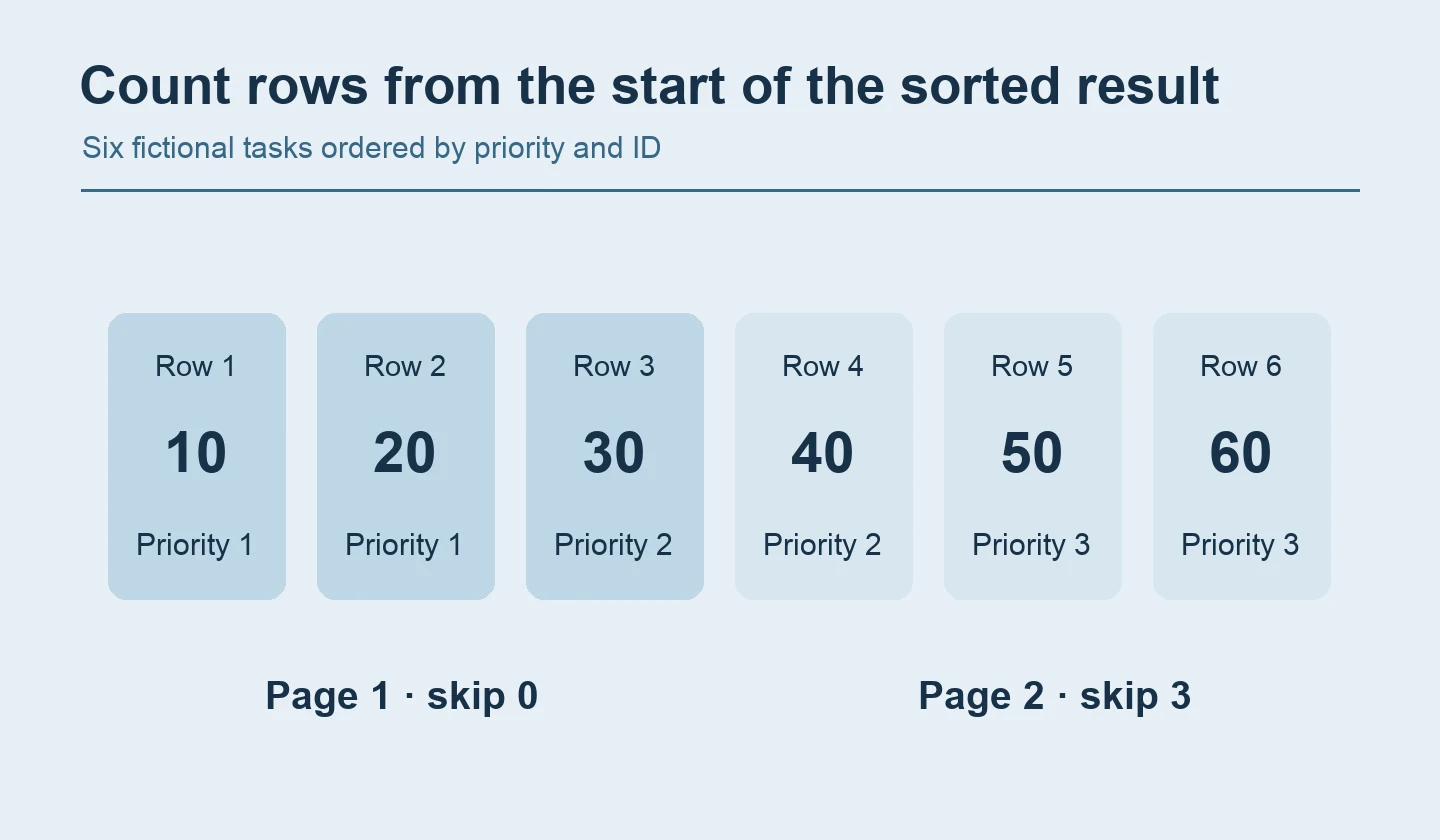
An offset tells a paginated query how many ordered rows to skip. With a page size of three, the start of the first one-based page has offset zero, and the start of the second has offset three. The offset refers to positions in the current result, so those positions may move between requests.
Get a stable order before numbering positions
Use a list with a repeatable sort. Here a set of six fictional tasks is ordered by priority and then by ID. Priority can repeat, so ID settles ties. The sorted IDs are 10, 20, 30, 40, 50 and 60. A limit of three with offset zero returns 10, 20 and 30.
When the same query uses offset three, it skips the first three matches in that ordered list. The next three are 40, 50 and 60. PostgreSQL’s documentation notes that without an order that gives you a unique sequence, different limit and offset queries are free to return inconsistent subsets. Do not assume, for example, that equal-priority tasks will always come back in insertion order.
For the SQL definition of skipping and limiting, see LIMIT and OFFSET in PostgreSQL 16.
Sources: LIMIT and OFFSET in PostgreSQL 16 · SELECT in PostgreSQL 16
Insert one item before the next request
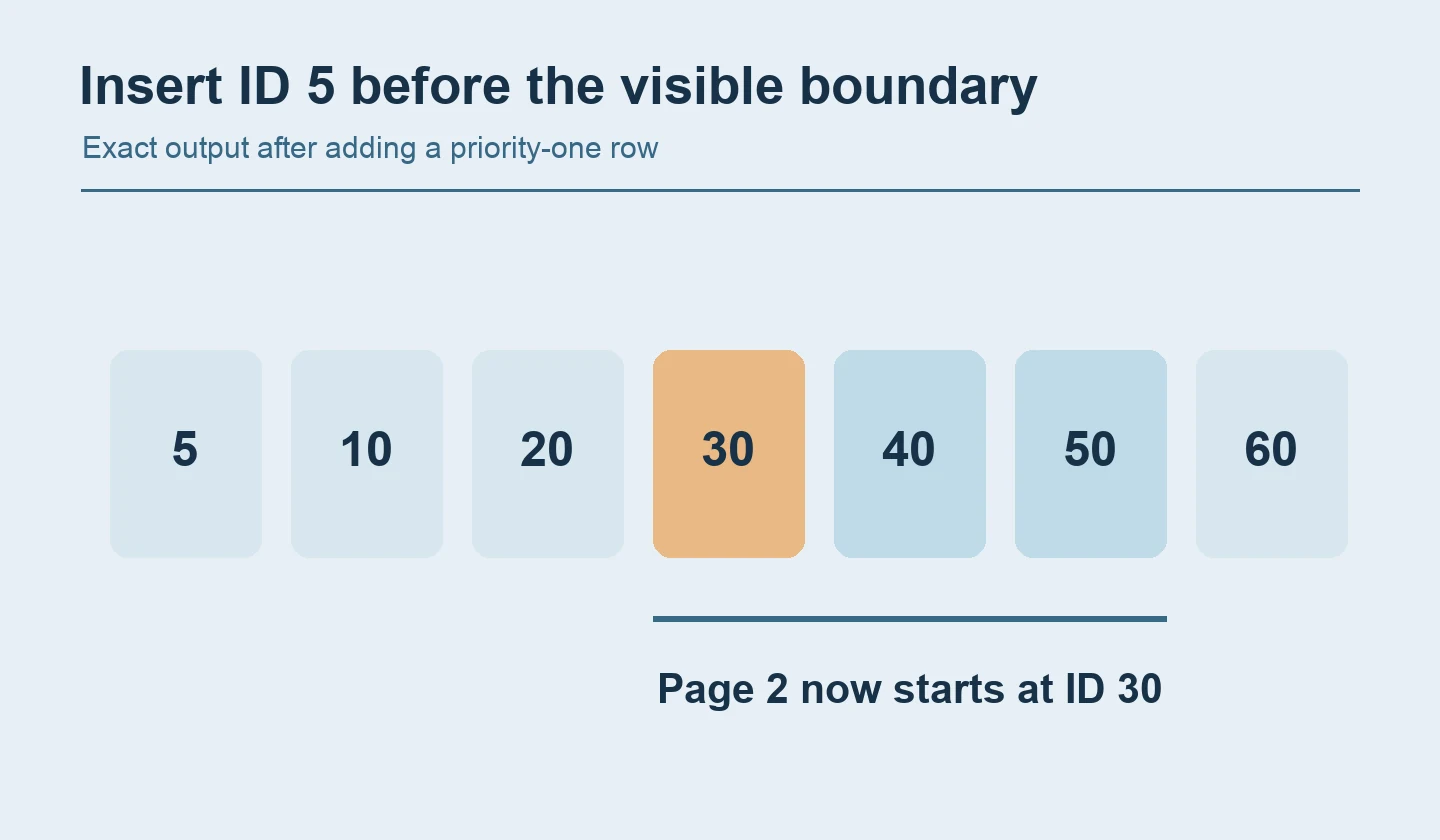
In a local PostgreSQL example, inserting priority-one task 5 after the first query changed the sorted order to 5, 10, 20, 30, 40, 50 and 60. Offset three still skipped three items. It now returned 30, 40 and 50. Task 30 appeared on the first page already, and 60 moved beyond this particular window. The tiebreaker was identical in every query. The result set was what changed.
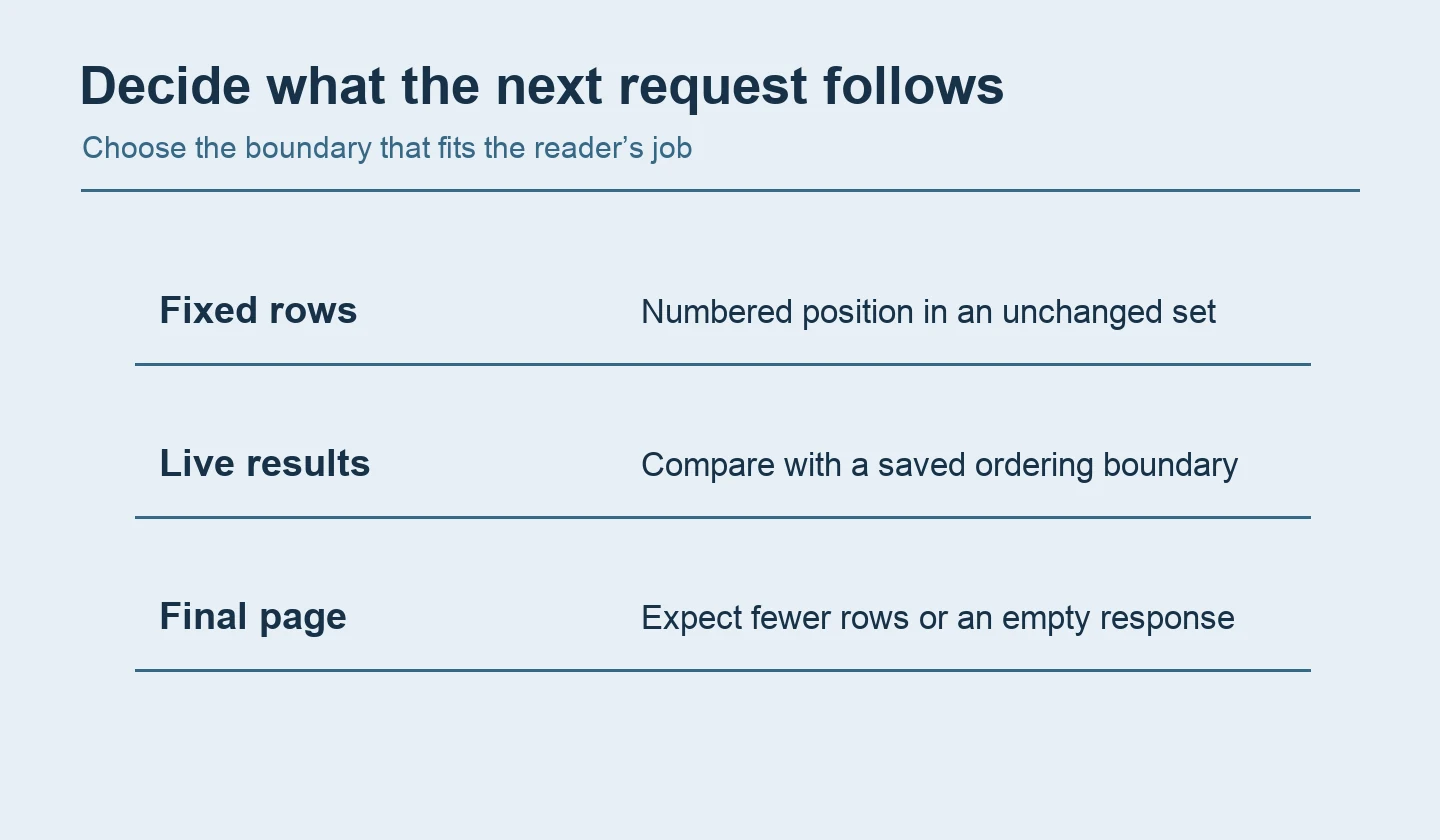
Try the same check using an empty list and a last page with fewer than three items. The SQL limit is a maximum. Offset counts all matching rows before the slice, so a page after the end can be empty even when other pages contain results.
| Request | Limit / offset | Returned IDs |
|---|---|---|
| Page one | 3 / 0 | 10 · 20 · 30 |
| Page two on original data | 3 / 3 | 40 · 50 · 60 |
| Page two after inserting ID 5 | 3 / 3 | 30 · 40 · 50 |
Read how a later statement can see newly committed rows in Transaction isolation in PostgreSQL 16.
Sources: Transaction isolation in PostgreSQL 16 · LIMIT and OFFSET in PostgreSQL 16
Choose what the reader expects to remain stable
On a frozen report, offset can make a jump to a numbered page clear. For a live stream or a large export you may need different behavior. A cursor anchored to the last item or a stable dataset snapshot can help, depending on what sort keys can change and how the data is read. An offset API should state its page numbering and any restrictions on deep pages.
Record one fixture before making your choice. Count what is skipped, write the returned IDs and repeat after an insert. You can then decide whether a repeated row is acceptable for your interface or whether the list needs a different contract.

Test the contract
- Choose a unique ordering for the query.
- Record the numbering convention and page size.
- Test empty, final and changed result sets.
- Decide whether a repeated or skipped item is acceptable.
Choose the boundary the client follows
Offset
Starts at a numbered position within the current sorted result.
Cursor
Uses a saved boundary from the last record according to the API’s contract.
For the supported SQL shape and ordering, see SELECT in PostgreSQL 16.
For the related task, see Compare the main API pagination choices.
Sources: Transaction isolation in PostgreSQL 16 · LIMIT and OFFSET in PostgreSQL 16
Frequently asked questions
Is offset the number of pages to skip?
Offset counts ordered rows. The page number needs to be converted according to the API’s page size and numbering.
What does the limit specify?
It is the maximum number of rows the query can return after skipping the offset.
Why can a large offset be slower?
PostgreSQL still has to compute the skipped rows. Measure the actual query before choosing how to page deeply.
How do I avoid a position shift in a frozen export?
Read the same fixed dataset for the export. Determine how your application can consistently keep that snapshot.
Stack & MethodSee how a cursor defines its next boundary
Compare the end of one page with the start of the next.
Compare the offset with a cursorContinue with a related guide
- See how a cursor defines its next boundary
Compare the end of one page with the start of the next.
- Compare the main API pagination choices
See where page, offset and cursor differ.
- Follow the API’s next link
Check the authoritative next target when the API returns it.
References
- LIMIT and OFFSET in PostgreSQL 16 PostgreSQL
- Transaction isolation in PostgreSQL 16 PostgreSQL
- SELECT in PostgreSQL 16 PostgreSQL