
The journal
How to Paginate an API That Sends a Link Header
Follow rel=next from each successful response. Work through a three-page fixture and verify the client stops at the end.

 Stack & Method
At a glance
Follow the response’s documented rel=next target after each successful page. Keep the target’s query parameters. Stop when the API’s successful response omits that relation.
In this guide
When an API documents pagination through the HTTP Link header, read each successful response and follow its next relation. Keep the destination the API gives you. The last page can still contain records, so collect it before checking whether there's somewhere else to go.
Select the next relation from a successful response
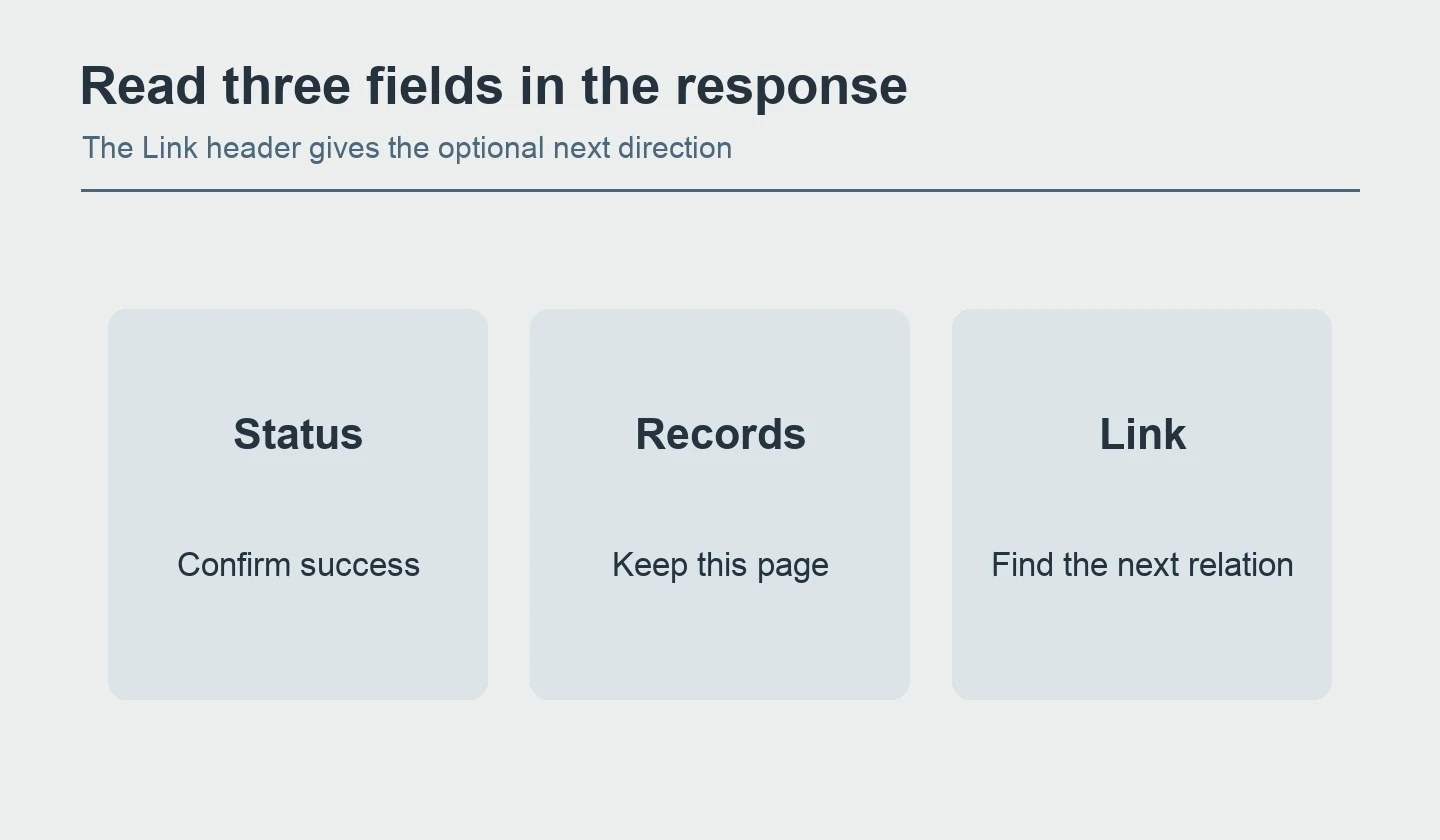
Look at the successful status, the batch of records and the header as three different things. GitHub’s REST documentation illustrates a response with links for several directions. A forward export looks for next. The previous and last relations can support other navigation, but the export doesn't need them to decide where to continue.
Use a parser that handles the Link header syntax. A general delimiter split overlooks that some values can contain punctuation. Decide which documented relation you need after parsing. If the API uses a continuation field in the body instead, implement that separate contract.
For a concrete API that documents Link pagination, see Using pagination in the REST API.
Sources: GitHub Docs · IETF
Preserve the exact next target
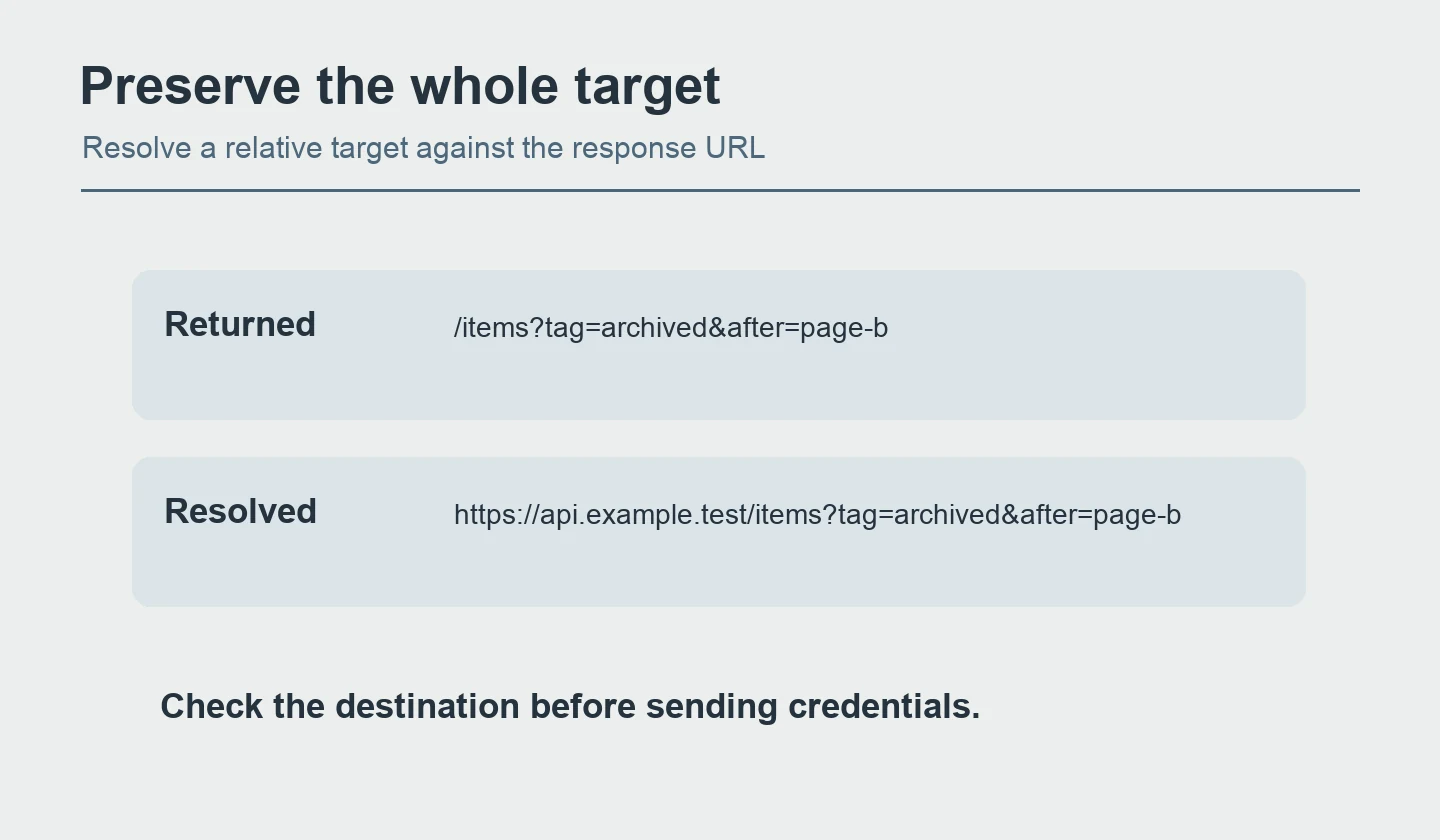
The small offline fixture begins with an illustrative API collection. Page one returns ID A and a relative address with the next cursor. The fixture resolves that address against the response URL, retains its query and requests page two. Page two keeps ID B and provides an absolute next URL. The client checks the destination against its allowed origin before following it.
Preserve filters or cursor parameters carried in the target. They are part of where the API is sending you. In a real authenticated client, don't forward authorization to an unexpected destination. Test these boundaries on an offline fixture with example URLs before trying credentials.
Follow a navigation instruction
Use the response
Carry forward the full next URL the API sent.
Guess a new page
Incrementing a number can discard the API’s cursor, filters or intended next destination.
For Web Linking syntax and relative targets, see RFC 8288 Web Linking.
Sources: IETF · GitHub Docs
Verify the last page and the request count
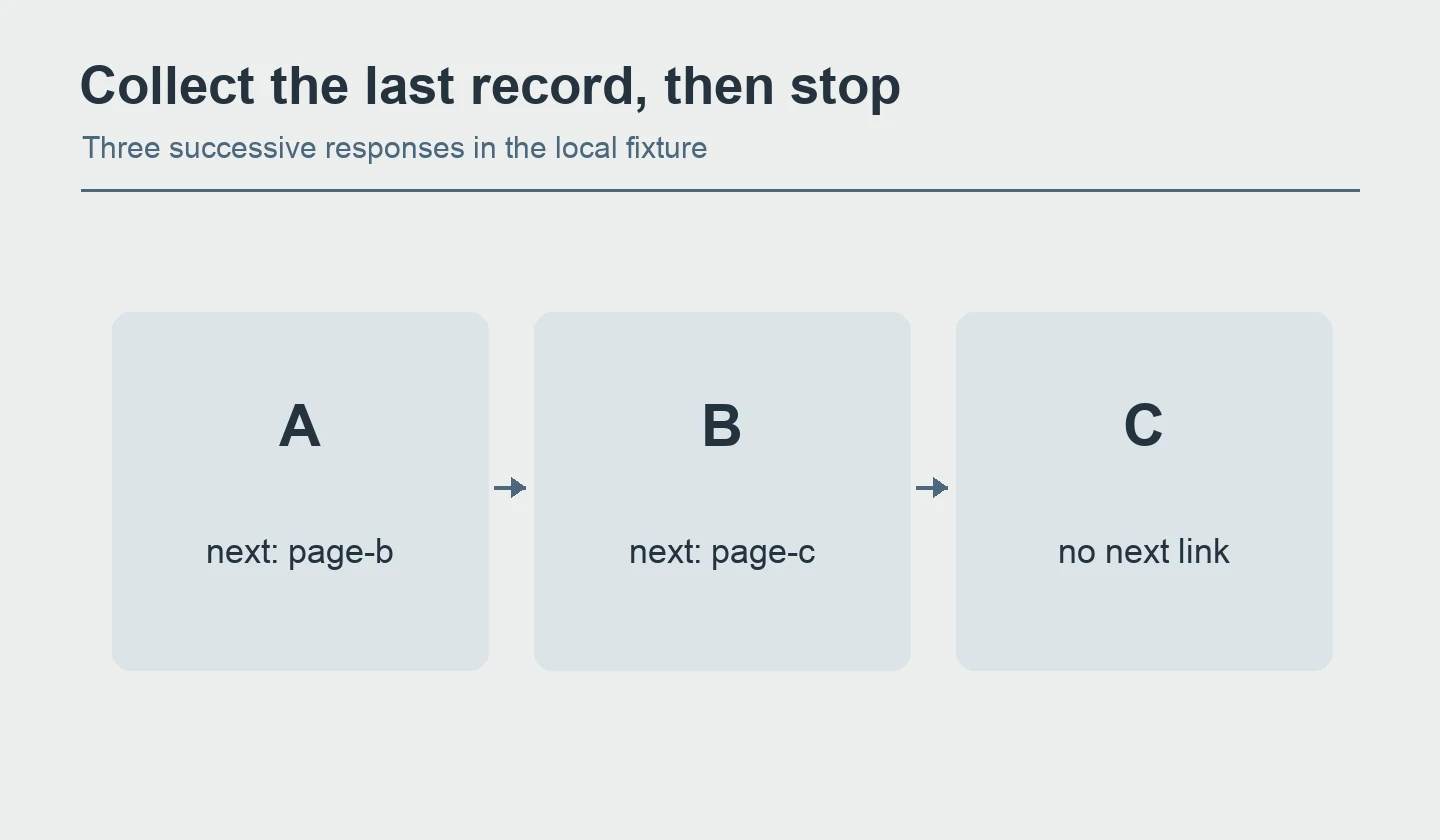
The third fixture has ID C and no next relation. The run records A, B and C in order and exactly three requests. This catches a common boundary bug: stopping before appending the third response’s records. A separate assertion fails a repeated continuation so the export cannot loop endlessly through a malformed sequence.
A missing next link on a successful response means what the endpoint’s documentation says it means. A failed request, denied access or a prematurely hit page limit should be recorded as an incomplete export. Keep the visited request count and the saved record IDs in the test so you can see where traversal stopped without having to guess at the result.
| Page | Continuation | Client outcome |
|---|---|---|
| First | Relative next link with cursor page-b | Resolves the link and preserves the query |
| Second | Absolute next link with cursor page-c | Checks the origin and follows it |
| Third | No next relation | Keeps the final record and stops after three requests |

Verify a small read-only export
- Test two successful pages carrying next links.
- Validate destinations before forwarding credentials.
- Confirm all expected record IDs and the exact request count.
- Treat a repeated next target or failure as an incomplete export.
For the related task, see Understand the cursor passed in the URL.
Sources: GitHub Docs
Frequently asked questions
Can I split the whole header on commas?
Use a parser for Link field values. The RFC’s syntax accounts for delimiters inside supported values.
Should I look for a last relation?
Some endpoints omit it. Follow the endpoint’s documented termination rule and the next relation.
Does the cursor need to be decoded?
Pass it in the URL provided by the API unless the endpoint explicitly documents a different contract.
Is a successful export a consistent snapshot?
The endpoint’s ordering and consistency guarantees determine that. Following links alone does not establish a snapshot.
Stack & MethodCompare pagination strategies
Separate a transport link from the server’s choice of pagination.
Check what your endpoint promises before iteratingContinue with a related guide
- Compare pagination strategies
Separate a transport link from the server’s choice of pagination.
- Understand the cursor passed in the URL
Check how a stable order and opaque token work.
- Locate the real Link header on a response
Compare the response value with what the API documentation promises.
References
- Using pagination in the REST API GitHub Docs
- RFC 8288 Web Linking IETF