
The journal
What are JSONL files?
A clear explanation of JSON Lines (JSONL), how it differs from standard JSON, safe reading and writing practices, pitfalls, and examples.
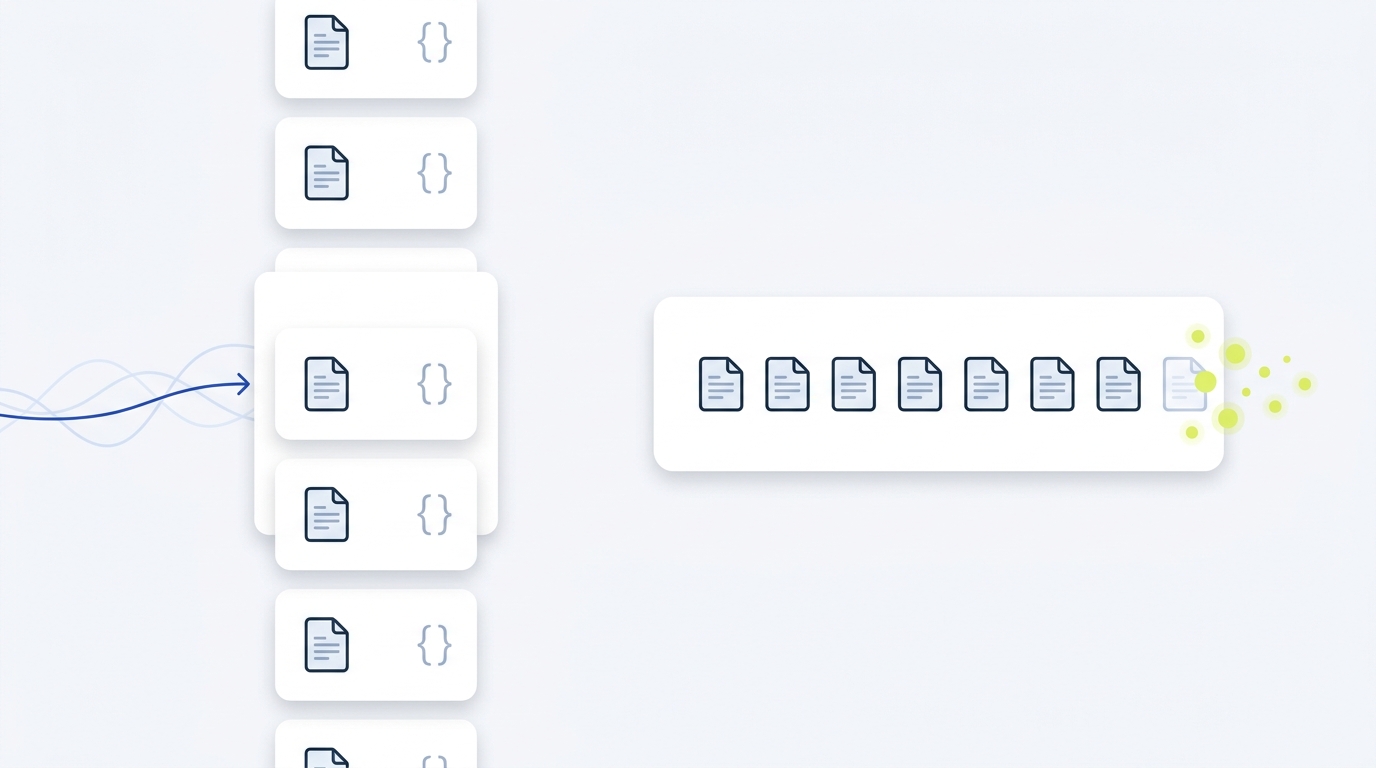
JSONL (JSON Lines) is a text format where each line is a complete JSON value. It is designed so tools can process records one at a time, which suits logs, streaming, and large datasets JSON Lines.
What a JSONL file contains
Each line is a valid JSON value (commonly an object). Blank lines are not valid. Files are UTF-8 encoded, and like JSON, they must not include a byte order mark (BOM). A line terminator of "\n" is used; "\r\n" is also accepted because surrounding whitespace is ignored by JSON parsers. A trailing newline is recommended but not required JSON Lines.
JSONL is also known as NDJSON. Historically they were separate variations, but the communities have reconciled them. JSONL’s line-oriented structure makes it easy to concatenate and stream, and to use with common text tools NCBI Datasets: Why JSON and JSON Lines.
How JSONL differs from standard JSON
Structure and parsing
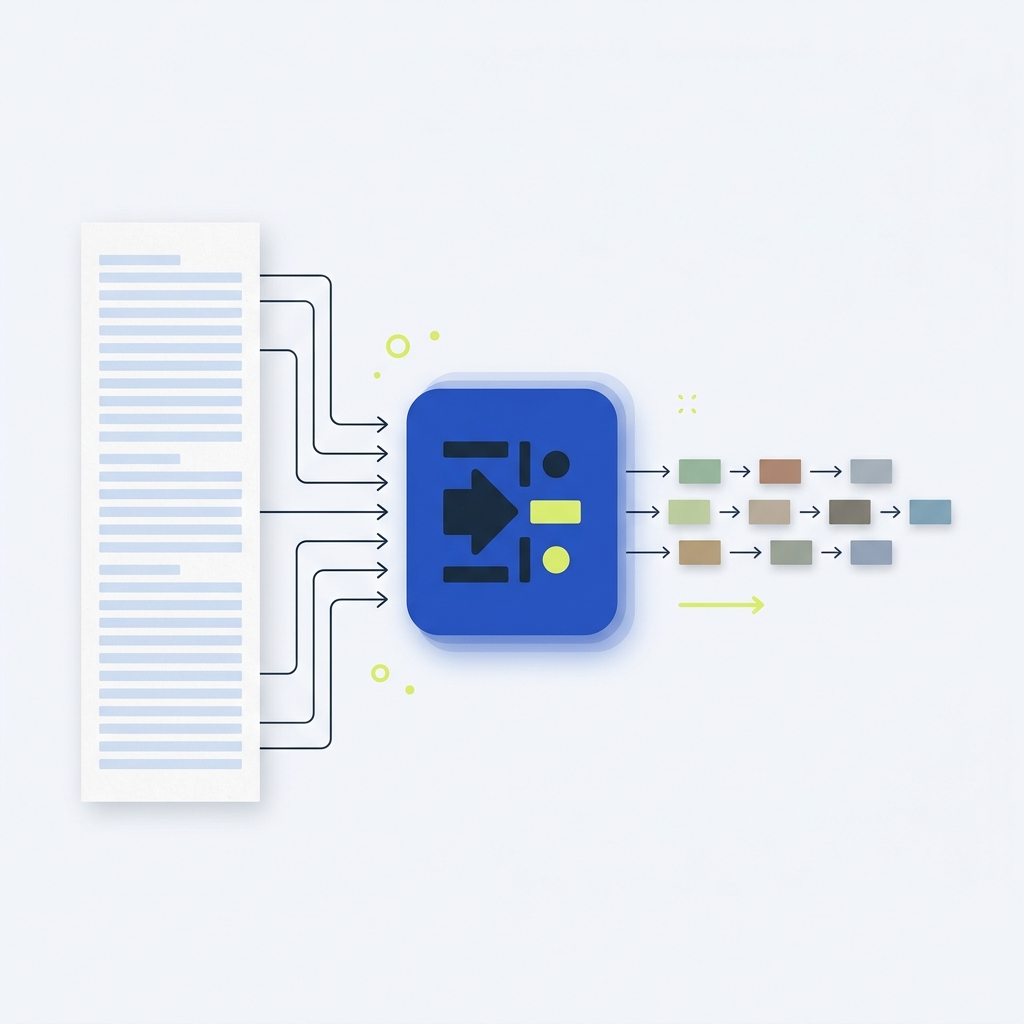
Standard JSON is one JSON value per file (often an array of records). JSONL omits the top-level array and commas; instead, it stores one complete JSON value per line. Readers should parse line by line rather than attempting to load a single document JSON Lines.
Operational implications
- Appends: You can append a new record by writing one line, without rewriting earlier content NCBI Datasets: Why JSON and JSON Lines.
- Streaming: Any subset of lines can be processed independently, which enables streaming pipelines and unix-style tooling like grep, head, tail NCBI Datasets: Why JSON and JSON Lines.
- Compression: It is common to gzip or bzip2 JSONL files (.jsonl.gz, .jsonl.bz2) JSON Lines.
When JSONL is a good fit
Choose JSONL for append-only logs, event streams, or large datasets where you want to process records incrementally. If you need a single self-contained document with global metadata or schema at the top level, standard JSON is usually clearer NCBI Datasets: Why JSON and JSON Lines.
Safe reading and writing practices
Reading JSONL
- Use a line-oriented or streaming reader; parse one JSON value per line.
- Reject or skip blank lines; they are not valid records JSON Lines.
- Validate each record independently if schema matters to downstream consumers.
Writing JSONL
- Write exactly one complete JSON value, then a newline. Including a newline after the last value is strongly recommended JSON Lines.
- Encode in UTF-8 and do not include a BOM JSON Lines.
- For space savings, consider gzip to produce .jsonl.gz JSON Lines.
Ship JSONL safely in your pipeline
Common pitfalls and how to avoid them
Using JSON viewers on JSONL
Tools that expect a single JSON document will fail when opened on JSONL. Use viewers that treat files as line-delimited records, or convert to a JSON array if you must use a single-document viewer NCBI Datasets: Why JSON and JSON Lines.
Concatenation mistakes
When joining files, ensure the preceding file ends with a newline so adjacent records do not run together. JSONL specifically recommends a newline after every value to simplify concatenation JSON Lines.
Metadata expectations
JSONL has no top-level metadata. If you need shared metadata, repeat it per record or ship a separate manifest. There is also no standardized IANA media type; while some use application/jsonl, it is not registered JSON Lines NCBI Datasets: Why JSON and JSON Lines.

Examples
Valid JSONL (three records)
{"id": 1, "event": "signup", "ok": true}
{"id": 2, "event": "purchase", "amount": 19.99}
{"id": 3, "event": "logout"}
Valid JSONL with non-object values
[1, 2, 3]
"status: ok"
null
Invalid for JSONL consumers expecting one record per line
This is valid JSON, but not line-delimited. A line-by-line JSONL reader would not parse individual records from it as intended.
[
  {"id": 1, "event": "signup"},
  {"id": 2, "event": "purchase"}
]
FAQ
What file extension should I use?
Use .jsonl. Compressed files commonly use .jsonl.gz or .jsonl.bz2 JSON Lines.
Is there a registered media type?
No. application/jsonl is sometimes used, but it is not standardized; there is no IANA-registered media type for JSON Lines JSON Lines NCBI Datasets: Why JSON and JSON Lines.

A useful next step
After parsing individual records, a separate schema can describe their structure. CheckMySchema explains that validation concept. What JSON Schema is used for in practice.