
The journal
Accept vs Content-Type: what they do and how they differ
A clear, practical explanation of the HTTP Accept and Content-Type headers, how they interact, and how this differs from ETag behavior, with examples and a checklist.
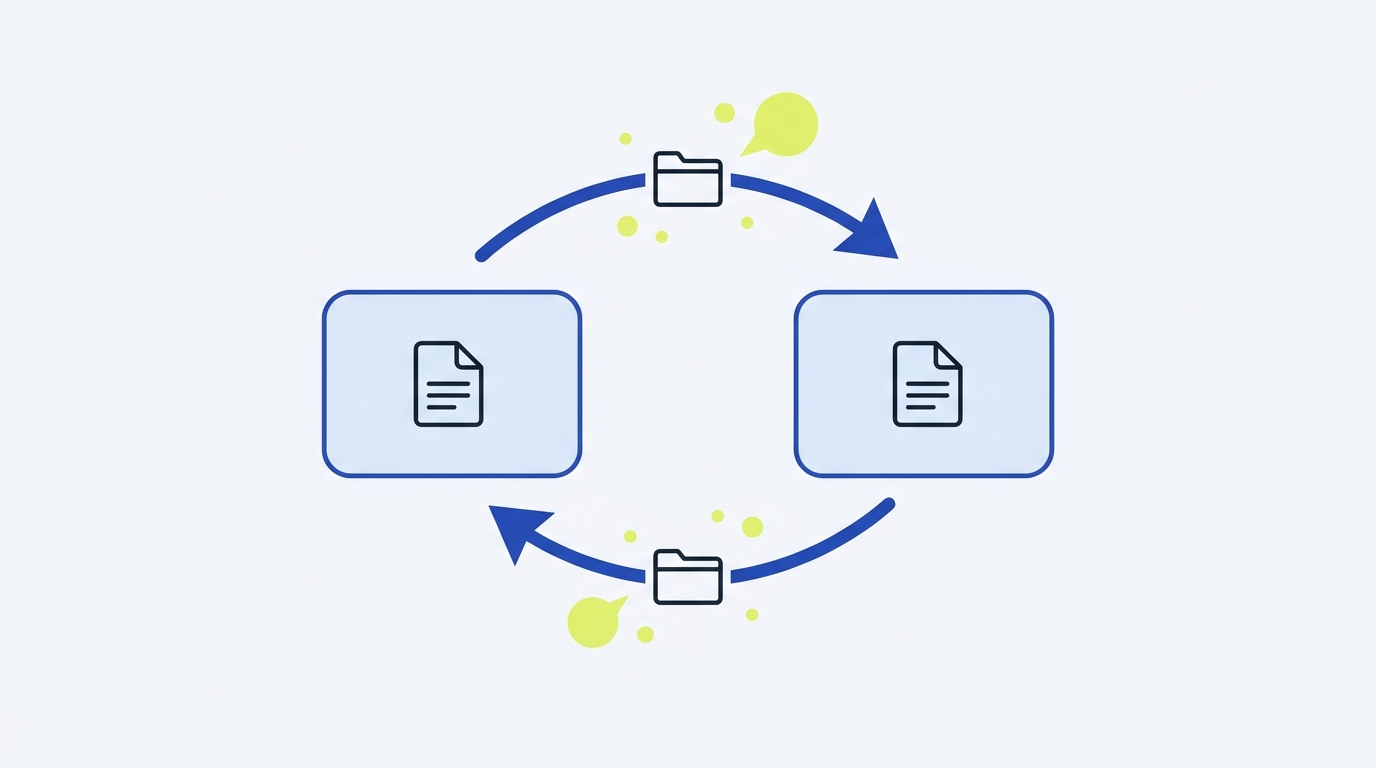
Accept tells the server what media types the client is willing to receive; Content-Type labels the actual media type of the message body being sent or returned. Accept guides the server’s choice, while Content-Type declares what was chosen. ETag, often seen alongside these, identifies a specific version of the resource and is about caching and concurrency, not format.
What Accept means
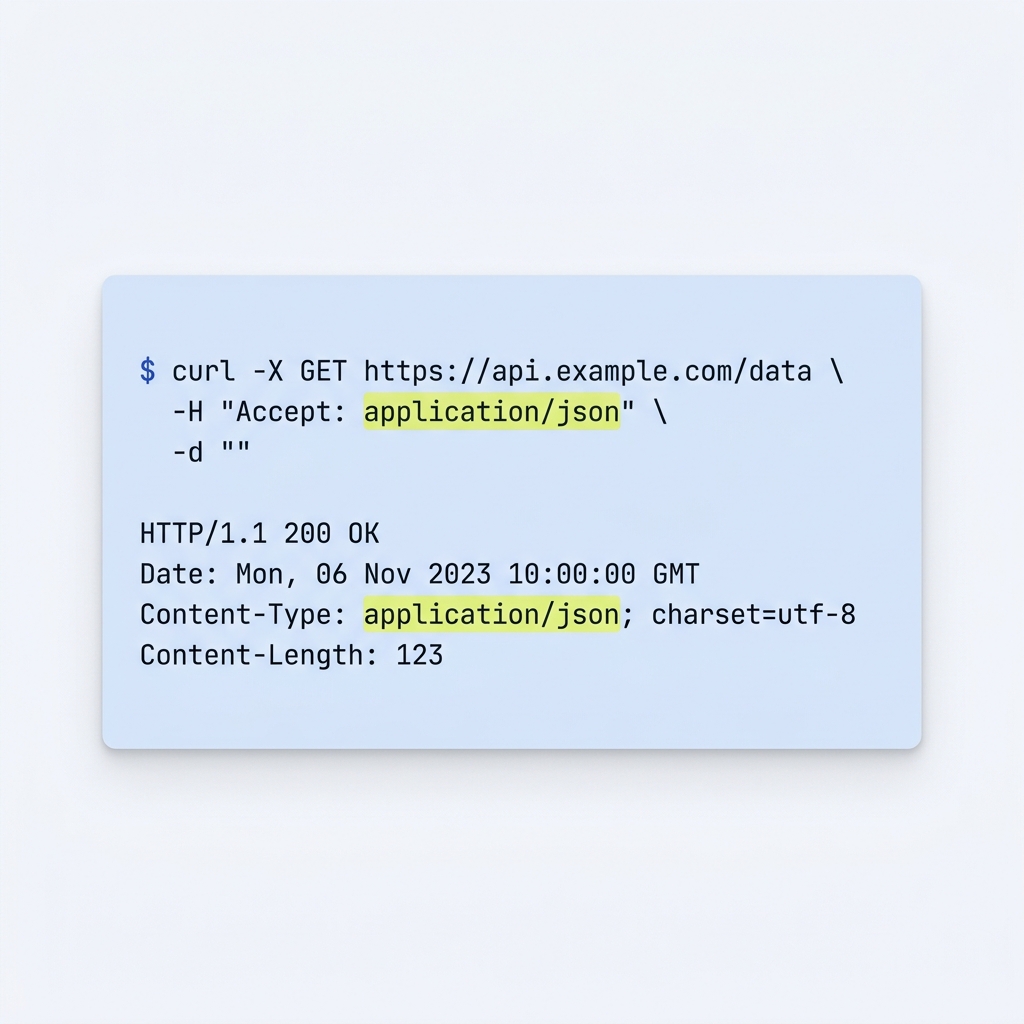
Accept is primarily a request header that lists the media types the client can process, sometimes with weighted preferences. The server performs content negotiation and then signals its choice with Content-Type in the response. Examples include Accept: application/json or lists with q-values like image/avif,image/webp,image/*;q=0.8,*/*;q=0.5. Tools like curl default to Accept: */* unless you set something else. In some contexts, Accept can also appear in responses to indicate what a resource can accept later, but its core use is request-side preference signaling (see MDN: Accept).
GET /users/123 HTTP/1.1
Host: api.example.com
Accept: application/json
Key points:
- Expresses what the client can handle; it does not prove what the server will send.
- The server’s final choice is communicated with Content-Type.
- Q-values (e.g.,
;q=0.8) indicate preference ordering, not guarantees.
Citation: MDN’s definition and examples of request negotiation and default patterns (MDN Accept).
What Content-Type means
Content-Type is a representation header that states the media type of the message body, with optional parameters like charset or boundary. In responses, it tells clients how to interpret the returned data. In requests that include a body (such as POST or PUT), it tells the server how to interpret what you’re sending. If a server strictly enforces media handling and the request body’s type isn’t supported, it may return 415 Unsupported Media Type (see MDN Content-Type).
HTTP/1.1 200 OK
Content-Type: application/json; charset=utf-8

{"id":123,"name":"Ada"}
Common patterns and parameters:
application/jsonfor API responses or request bodies.text/html; charset=utf-8for web pages.multipart/form-data; boundary=...for form uploads (boundary is required for multipart).
Note: Some browsers perform MIME sniffing; to prevent that and enforce your declared type, set X-Content-Type-Options: nosniff (MDN Content-Type, and media type structure in MDN Media types).
Where ETag fits (and why it’s different)
An ETag identifies a specific version of a resource. Clients use it for conditional requests: If-None-Match for cache validation and If-Match for optimistic concurrency control. If the validator matches and the resource hasn’t changed, the server can return 304 Not Modified with no body, allowing the client to use its cached representation. If a write is attempted with a stale validator, the server can return 412 Precondition Failed. ETag concerns versioning and caching, not the media format; Accept and Content-Type handle format (MDN ETag).
Putting them together: a practical flow
GET /profile HTTP/1.1
Host: example.com
Accept: application/json
If-None-Match: "abc123"
Server behavior:
- If unchanged:
304 Not Modified(no body). The client keeps using its cached JSON and its existing Content-Type label (MDN ETag). - If changed: respond with
200 OK, a fresh body, a newETag, and a definitiveContent-Typelabeling the new representation.
HTTP/1.1 200 OK
Content-Type: application/json
ETag: "def456"

{"name":"Riley","plan":"pro"}
Practical tips and common mistakes
- Only set Content-Type when there is a message body to describe (e.g., JSON in POST or PUT). This header labels what you send; it does not request what you want back (MDN Content-Type).
- Use Accept to state what you can parse. The server chooses one option and confirms it via Content-Type (MDN Accept).
- For multipart form uploads, always include a valid boundary in Content-Type (MDN Content-Type).
- Prevent MIME sniffing for stricter security by sending
X-Content-Type-Options: nosniffwith responses that must not be reinterpreted (MDN Content-Type). - Remember that ETag controls cache validation and concurrency. It is orthogonal to Accept/Content-Type, which control format (MDN ETag).
Put this into practice
Write down what the request body contains and what response formats the client accepts as separate fields. Inspect a real request and response pair before fixing a media-type error, instead of changing both headers blindly.
Quick checklist: using Accept, Content-Type and ETag correctly
Related reading on Stack & Method
FAQ
Do I need both headers in API calls?
They serve different roles. Use Accept to state what formats you can parse; use Content-Type when you send a body to label its format. The server confirms its decision with Content-Type (MDN Accept, MDN Content-Type).
Does Accept affect ETag matching?
Accept influences which representation the server selects; ETag identifies the version of that selected resource representation for caching or concurrency. They are complementary but solve different problems (MDN ETag).

After checking HTTP media types, CheckMySchema shows how to assert a response body against a schema in REST Assured. Schema validation does not replace checking status and header behaviour. Validate JSON Schema in REST Assured.