
The journal
One JSON Document or One Record Per Line? Check the Format Before Parsing
Read the file as the producer wrote it, then trace an extra-data error or identify the exact failed line in a JSON Lines export.

 Stack & Method
At a glance
A JSON document holds one complete value. A JSON Lines file holds one complete JSON value per physical line. Read the promised format first and use the right boundary to locate the error.
In this guide
A JSON file normally contains one complete JSON value. A JSON Lines file has a separate value on each physical line. The difference changes what an error means. A single-document reader may stop at a valid second value, even when the first genuinely broken record is farther down.
Identify the record boundary first
Read what the producer says it writes. One document might contain an array with a record on each indented line. The complete array is one value, and its line breaks are just whitespace. A JSON Lines export would instead have a complete valid JSON value on every physical line. It needs neither outer square brackets nor commas between those values.
The extension is a hint. A file renamed from JSON Lines to JSON still contains separate records. Start with a three-line copy and choose the parser according to the output contract. If the contract and the actual file disagree, identify the difference before changing the import.
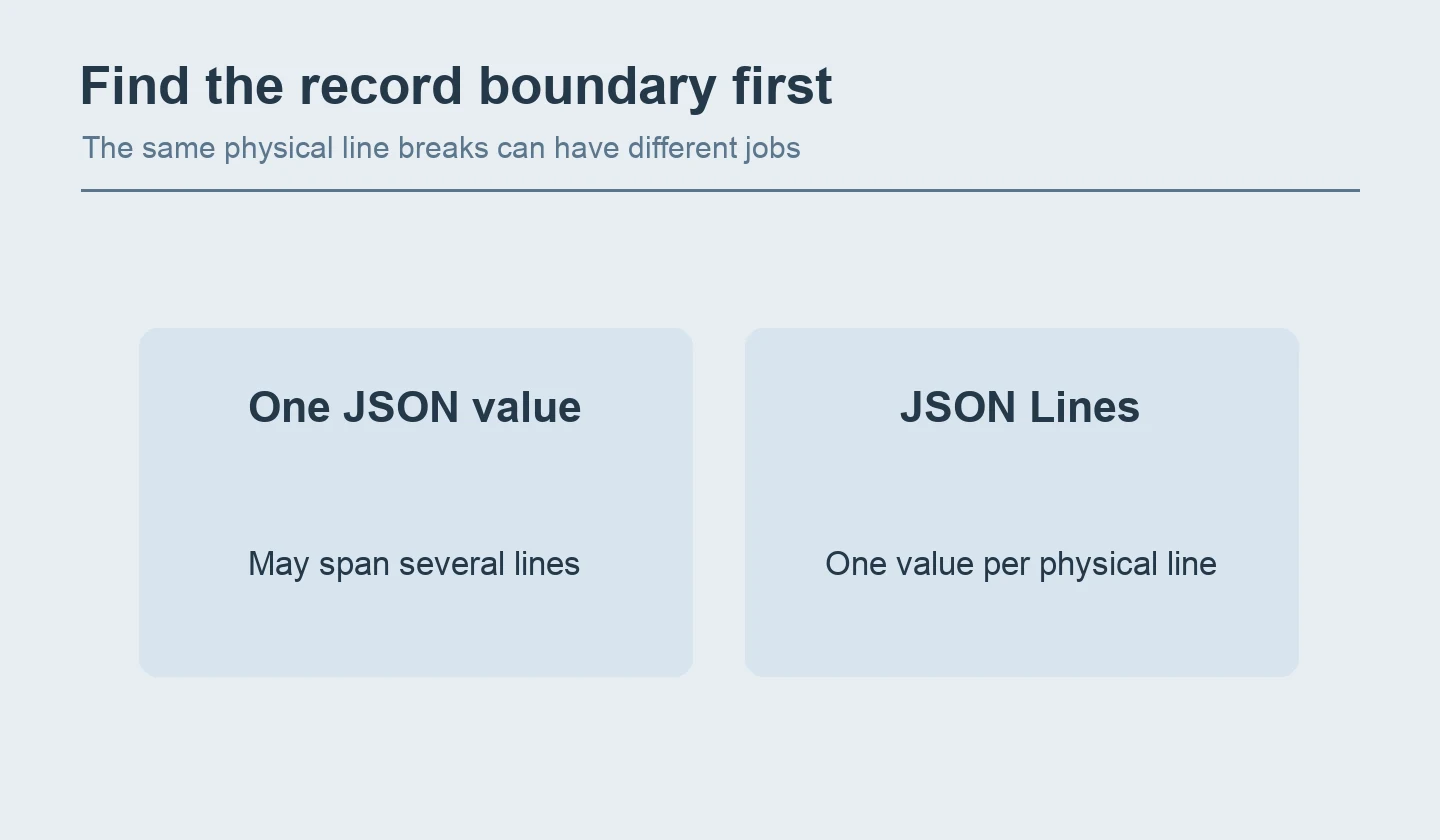
Two record boundaries
JSON document
One complete value can span several physical lines.
JSON Lines
Each physical line supplies a complete value. Blank lines are invalid.
For the format’s line rules, see JSON Lines format.
Sources: IETF · JSON Lines
Try the two readers on a tiny sample
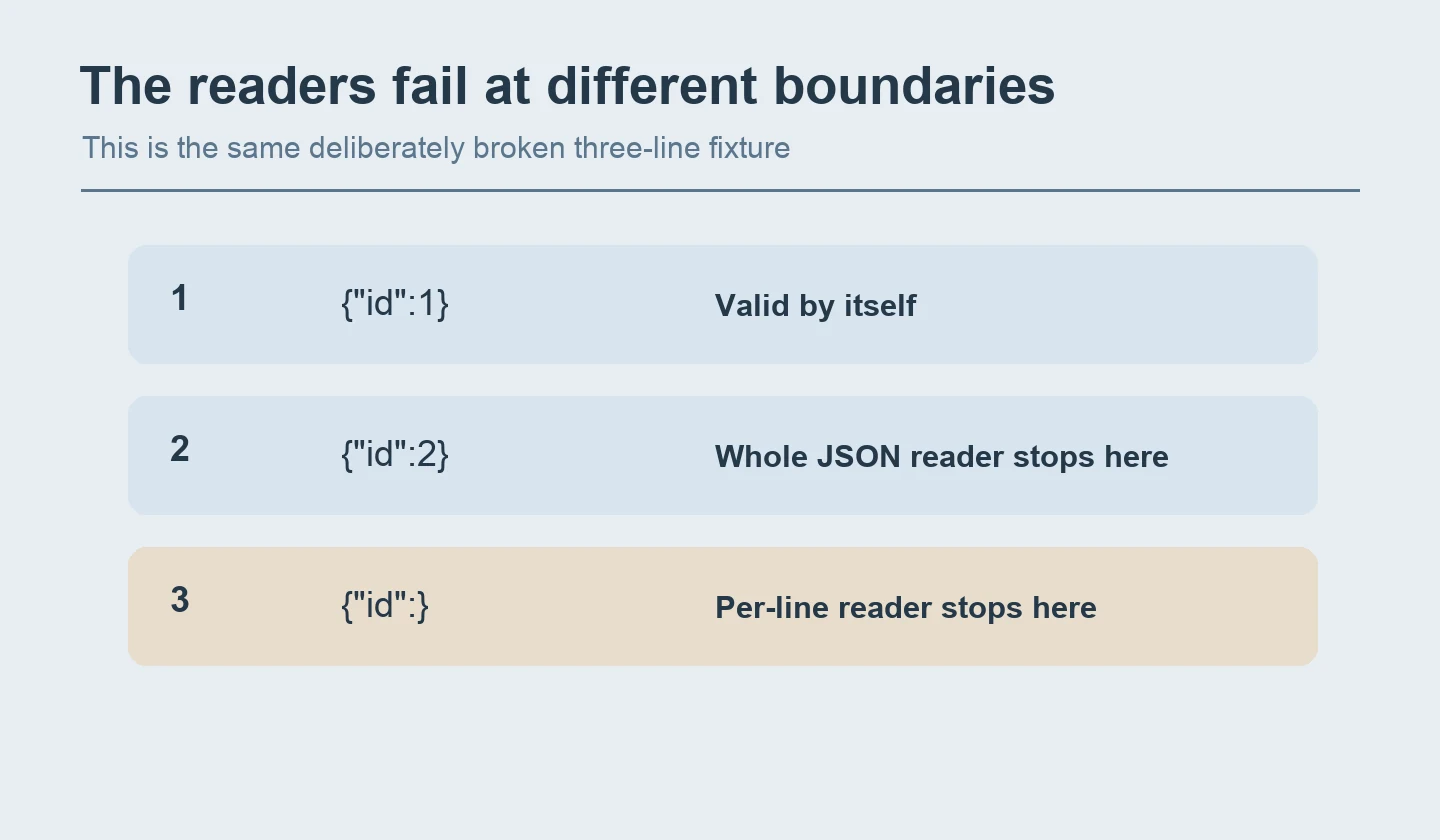
Take the three sample lines in the table. Feed the entire sample to Python’s JSON loader as a single text. It reads the first object then reports extra data at the second line. That result is about the document boundary. It does not say whether line two would be valid on its own.
Try the same sample as JSON Lines by reading one physical line at a time and applying the loader to just that line. Count line numbers from one. Lines one and two both load as objects. Line three fails because it gives a property name and a colon without a value. The file’s physical line number comes from the outer read loop, because the parser itself saw only one line.
| Physical line | Text | Expected as JSON Lines |
|---|---|---|
| 1 | {"id":1} | Valid object |
| 2 | {"id":2} | Valid object |
| 3 | {"id":} | Invalid value after the colon |
For the exception and position fields, see json module.
Sources: JSON Lines · Python documentation
Fix the source of the bad record
Keep the failing line number, the error type and the format expected by the importer. Check whether a writer was cut off, inserted a blank line or joined outputs with the wrong separators. Repair the producing step and compare another small copy. If you need to collect more bad lines before reporting, keep a count and preserve which data could not be imported.
Use a small synthetic example in logs or handoffs when records contain customer or operational data. The exact failed line and parser behavior usually identify the boundary problem without copying an entire business record into a ticket.
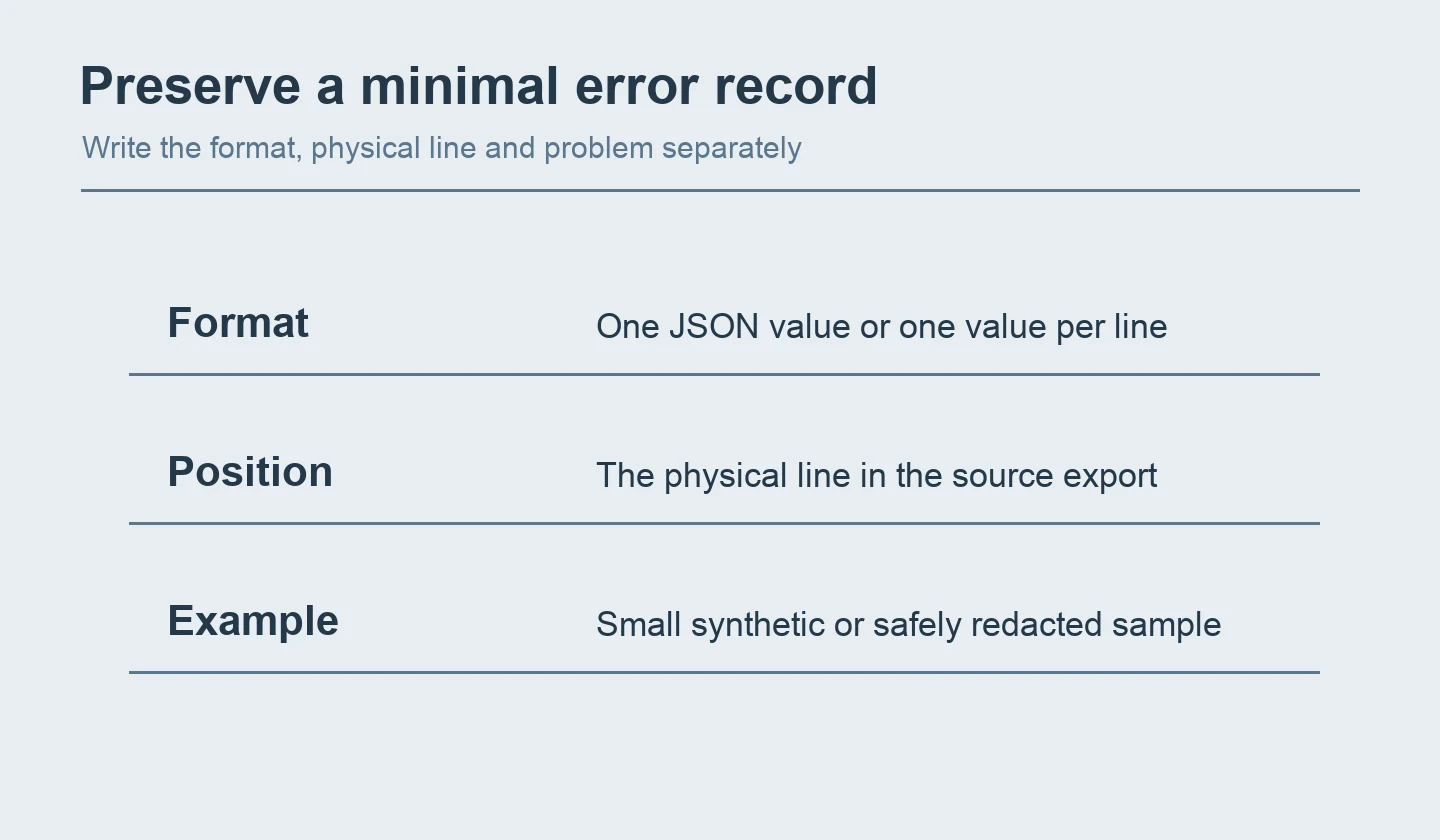

Find one specific problem to report
- Confirm the promised input format.
- Test a copy with the matching parser.
- Record the first failing physical line and error type.
- Verify the repaired producer output before importing again.
For the related task, see Review what the JSON parser validates.
Sources: JSON Lines · Python documentation
Frequently asked questions
Does a JSON file have to begin with a brace?
A JSON text holds one valid value. Many applications require an object or array for their own contract.
Can a JSON Lines record span several physical lines?
Keep each complete value on one physical line. Escaped line breaks in a string are different from actual record separators.
Can I skip a blank line?
A strict JSON Lines format check should flag the blank line. Decide separately how your import should handle bad records.
Should I send the whole failed record in a bug report?
A line number, error type and small synthetic or safely redacted fixture are often enough to reproduce the parser error.
Stack & MethodCheck the JSON Lines format and when it helps
Confirm the producer’s format before changing a parser.
Review the JSON Lines contractContinue with a related guide
- Check the JSON Lines format and when it helps
Confirm the producer’s format before changing a parser.
- Review what the JSON parser validates
Keep syntax checks separate from field and business rules.
- Trace the encoding independently
Check text decoding if the file does not load as UTF-8.
References
- RFC 8259, JSON grammar IETF
- JSON Lines format JSON Lines
- json module Python documentation