
The journal
Using Basic Authentication in an API request
A practical guide to forming the Authorization header for HTTP Basic Auth, when to use it, how it differs from request signing, and safe usage tips.
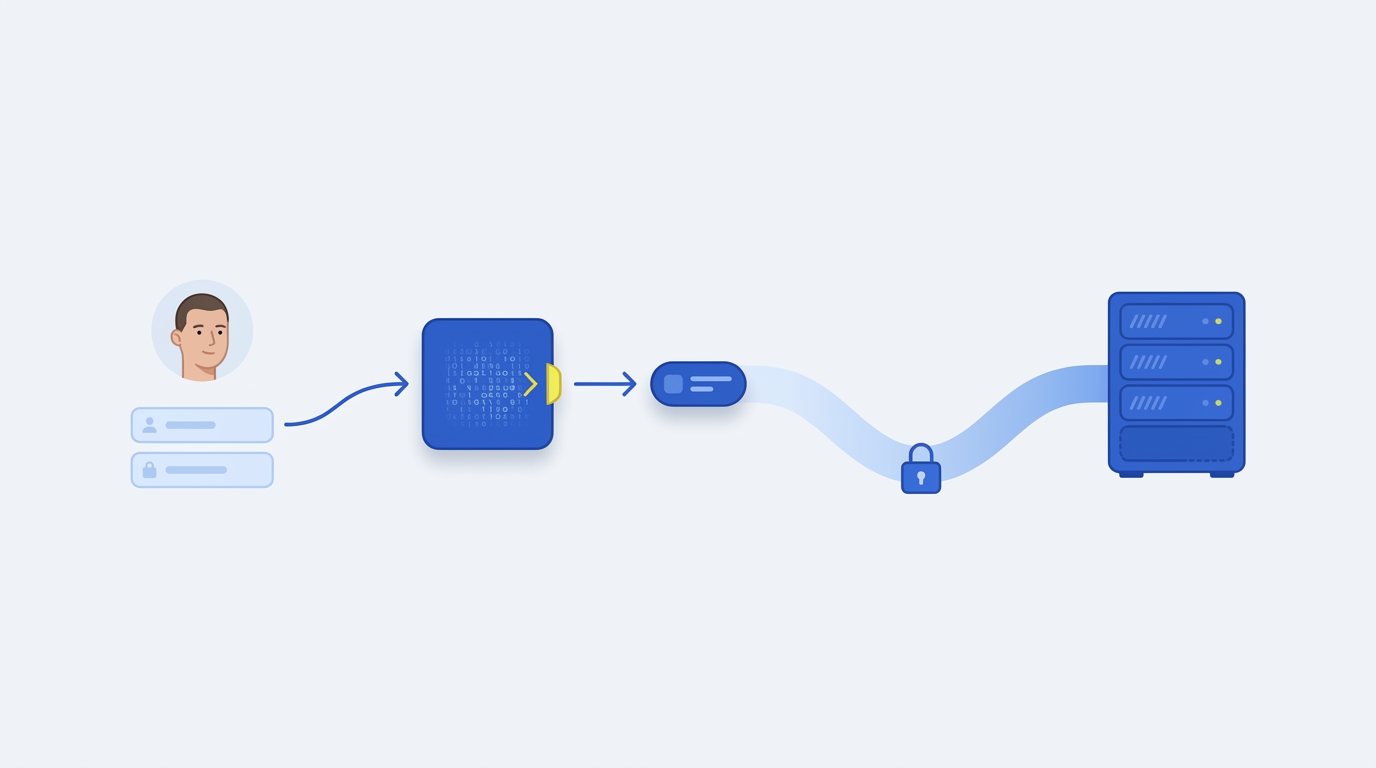
Send Basic Authentication by placing Base64-encoded credentials in the Authorization request header: Authorization: Basic <base64(username:password)>. Only use it over HTTPS, because Basic encodes but does not encrypt credentials (MDN: HTTP authentication).
What Basic Authentication is
HTTP Basic is an authentication scheme where the client includes an Authorization header containing a type (Basic) followed by credentials that are the Base64 encoding of username:password. The server can also challenge unauthenticated clients with 401 Unauthorized and a WWW-Authenticate header indicating the scheme to use (MDN: HTTP authentication). The Authorization header is the standard header used to convey credentials in requests (MDN: HTTP headers).
Build the Authorization header
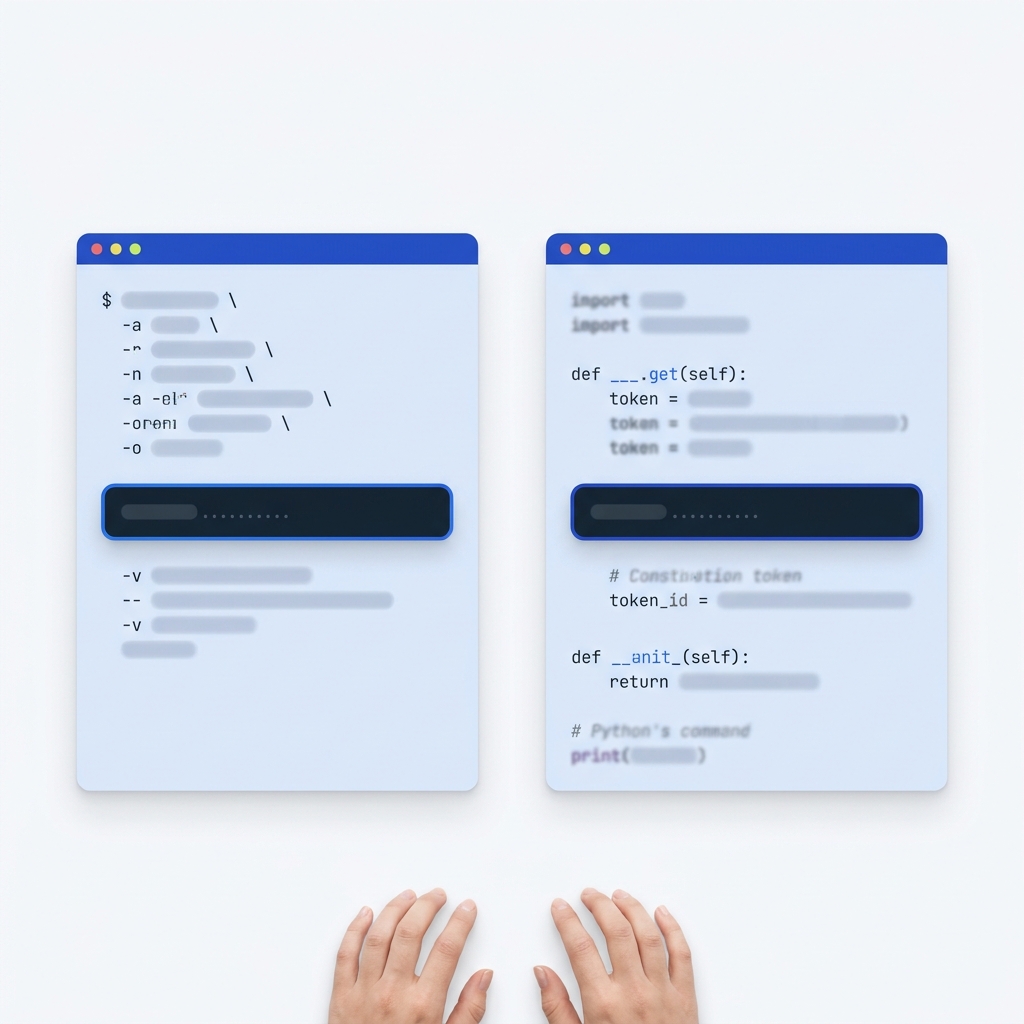
- Concatenate username, a colon, and password: username:password.
- Encode that string using Base64 (not URL-safe Base64).
- Send the header: Authorization: Basic <that Base64 value>.
Example credential string: alice:CorrectHorseBatteryStaple → Base64 → YWxpY2U6Q29ycmVjdEhvcnNlQmF0dGVyeVN0YXBsZQ==
Example request
Raw HTTP:
GET /v1/customers HTTP/1.1
Host: api.example.com
Authorization: Basic YWxpY2U6Q29ycmVjdEhvcnNlQmF0dGVyeVN0YXBsZQ==
Accept: application/json
With curl (explicit header):
curl -sS \
  -H "Authorization: Basic YWxpY2U6Q29ycmVjdEhvcnNlQmF0dGVyeVN0YXBsZQ==" \
  -H "Accept: application/json" \
  https://api.example.com/v1/customers
Challenge-response flow and errors
- If a protected resource is requested without credentials, the server typically returns 401 Unauthorized and a header like WWW-Authenticate: Basic realm="Access to the API" (MDN: HTTP authentication).
- Clients retry the request including the Authorization header.
- Invalid or insufficient credentials continue to receive 401; if credentials are valid but not allowed for the resource, servers may return 403 Forbidden (MDN: HTTP authentication).
Security requirements and pitfalls
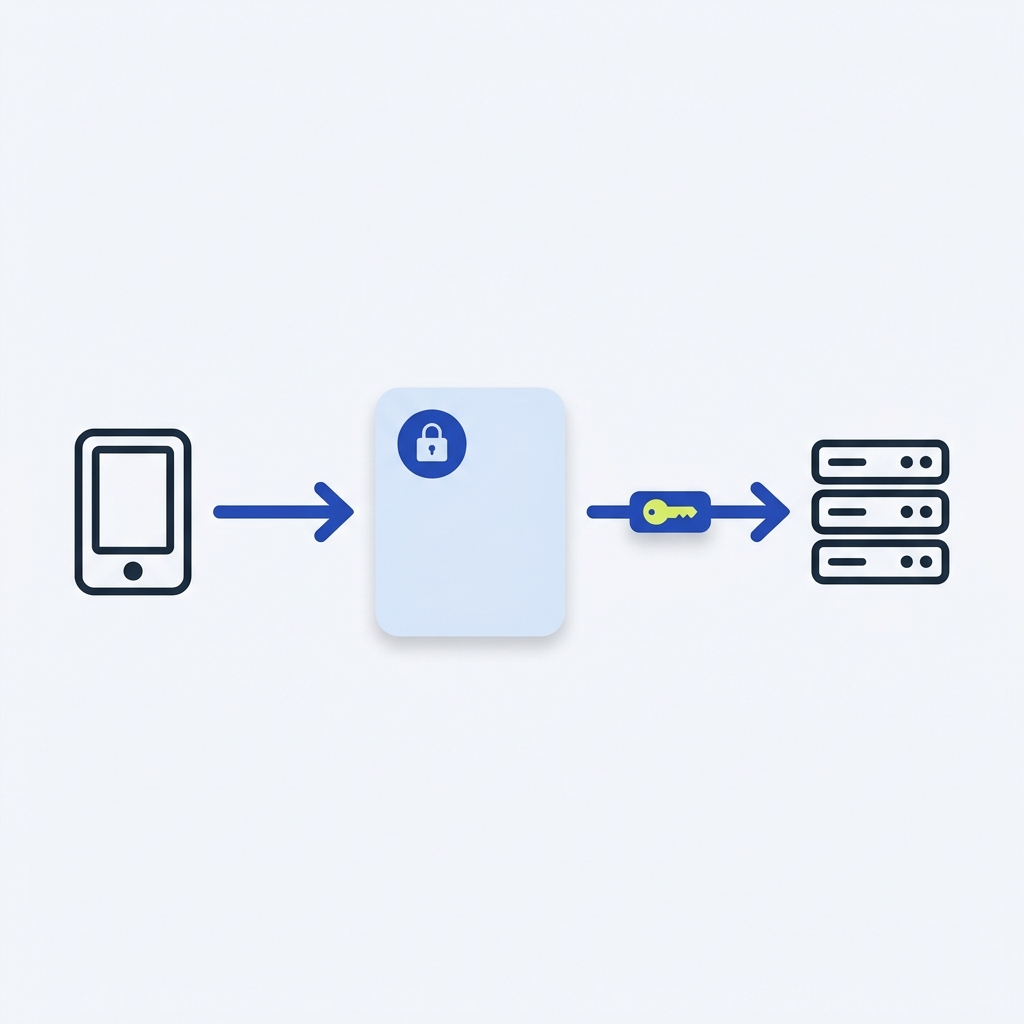
- Always use TLS (HTTPS). Base64 is reversible; without HTTPS the credentials can be intercepted (MDN: HTTP authentication).
- Do not embed credentials in URLs (https://user:pass@host). Modern browsers strip them before sending and the pattern is discouraged (MDN: HTTP authentication).
- Be aware Basic credentials are sent on every request to that origin. Sites relying on Basic can be more exposed to cross-site request forgery without additional defenses; use appropriate methods and CSRF protections when changing state (MDN: HTTP authentication).
- Never log or store the plain username:password or its Base64 form in application logs.
Where Basic Auth fits vs API request signing
Basic Auth proves who is calling by sending user credentials. Request signing proves the request itself hasn’t been altered by adding a cryptographic signature that covers specific components (for example, method, path, selected headers, and body). Modern HTTP signature headers such as Signature and Signature-Input define how components are covered and how keys are identified (MDN: HTTP headers). If your integration needs tamper detection, non-repudiation, or replay protection, use a signature scheme in addition to or instead of Basic:
- Webhook signature verification explained shows how to verify signed inbound requests.
- Protect against replay attacks: practical layers for APIs covers timestamps, nonces, and expirations that complement signing.
Quick recipes
Create the header value
Generate Base64 in a shell:
printf 'alice:CorrectHorseBatteryStaple' | base64
# Outputs: YWxpY2U6Q29ycmVjdEhvcnNlQmF0dGVyeVN0YXBsZQ==
Attach the header in a typical HTTP client
Most HTTP clients let you add custom headers. Set:
Authorization: Basic <your_base64_value>
Put this into practice
Use a non-production credential and a harmless endpoint when checking the request. Confirm transport, credential handling and log redaction separately; a successful response is not a reason to retain a raw Authorization header in a debug log.
Before you use Basic Auth in production
FAQ
Do I need to URL-encode my username and password before Base64?
No. Form the string as username:password, then Base64-encode it and place it in the Authorization header (MDN: HTTP authentication).
Can I use Basic Auth through a proxy?
Yes, but proxies have their own challenge/response headers (Proxy-Authenticate and Proxy-Authorization) and status 407 when credentials are required (MDN: HTTP authentication).
