
The journal
Do Webhooks Send Data? Decide When to Fetch the Referenced Object
Compare a small webhook reference with a snapshot, then choose whether your worker needs event-time data or current state.

 Stack & Method
At a glance
Webhooks can send event data, including a small reference or a larger snapshot. If you fetch the object afterward, the current state may be newer than the state the event described.
In this guide
Webhooks can send data. Some send a small reference to an object and others include a snapshot of data from the event. Before using the event, decide whether the work needs the state at the time of the event or the current state.
Read what the payload says it represents
Look up the exact event and format for your configured destination. Stripe, for example, documents thin and snapshot events. A thin event can identify a related object, while a snapshot event can include a versioned representation. Use the provider’s documentation to read the fields and their scope.
Some tasks need just the event type and an identifier. A task that needs a missing field can require a documented follow-up read. If the task needs current state even when the snapshot contains the field, check whether the data has changed in the meantime.
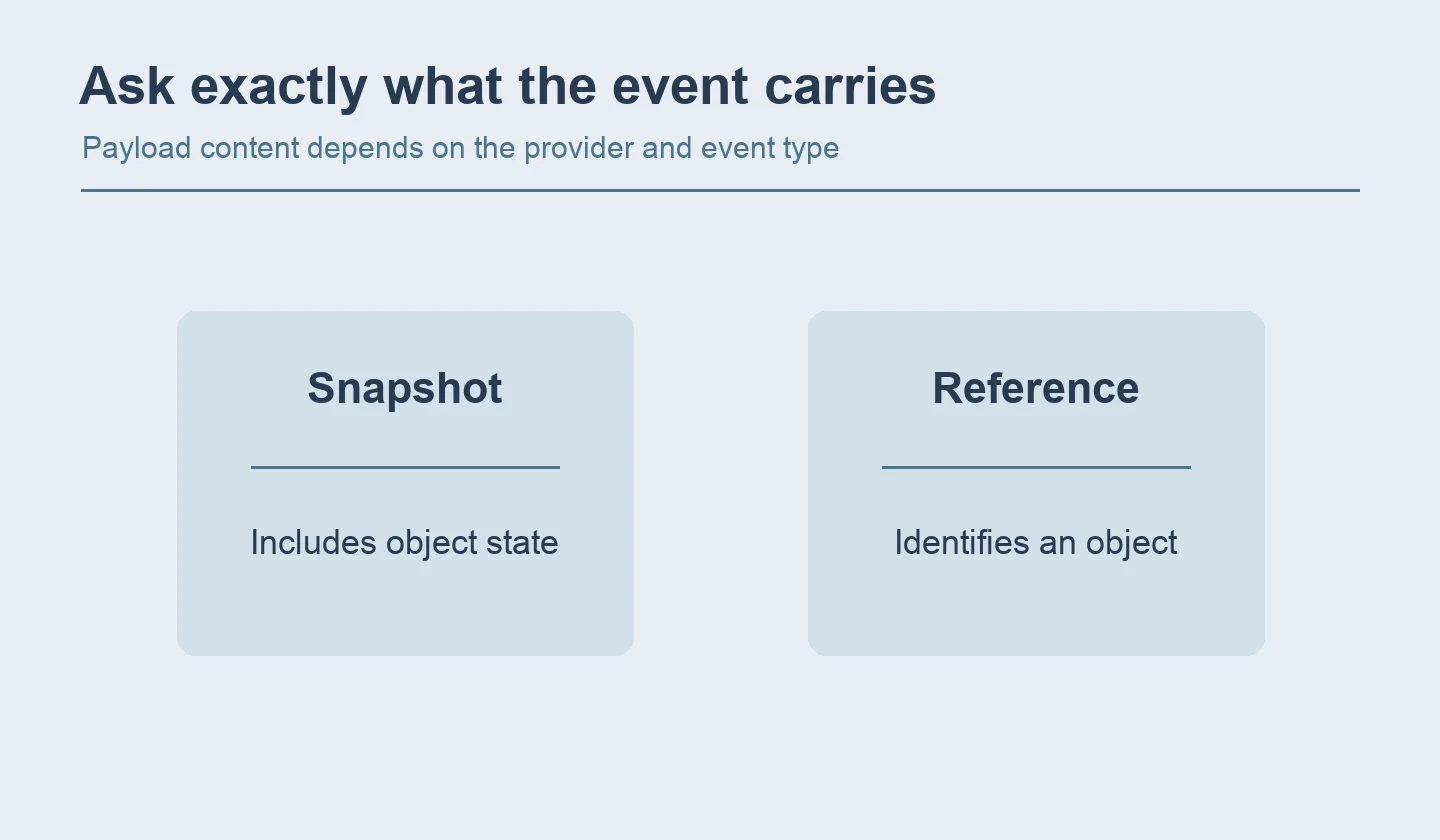
Two answers to a different question
Snapshot
Fields in the event can describe what was sent at that time and version.
Reference
An identifier tells you which record to look up. A current read tells you its state when read.
For the provider-specific snapshot and thin formats, see How Stripe events work.
Sources: How Stripe events work · Receive webhook events
Follow one event and one later read
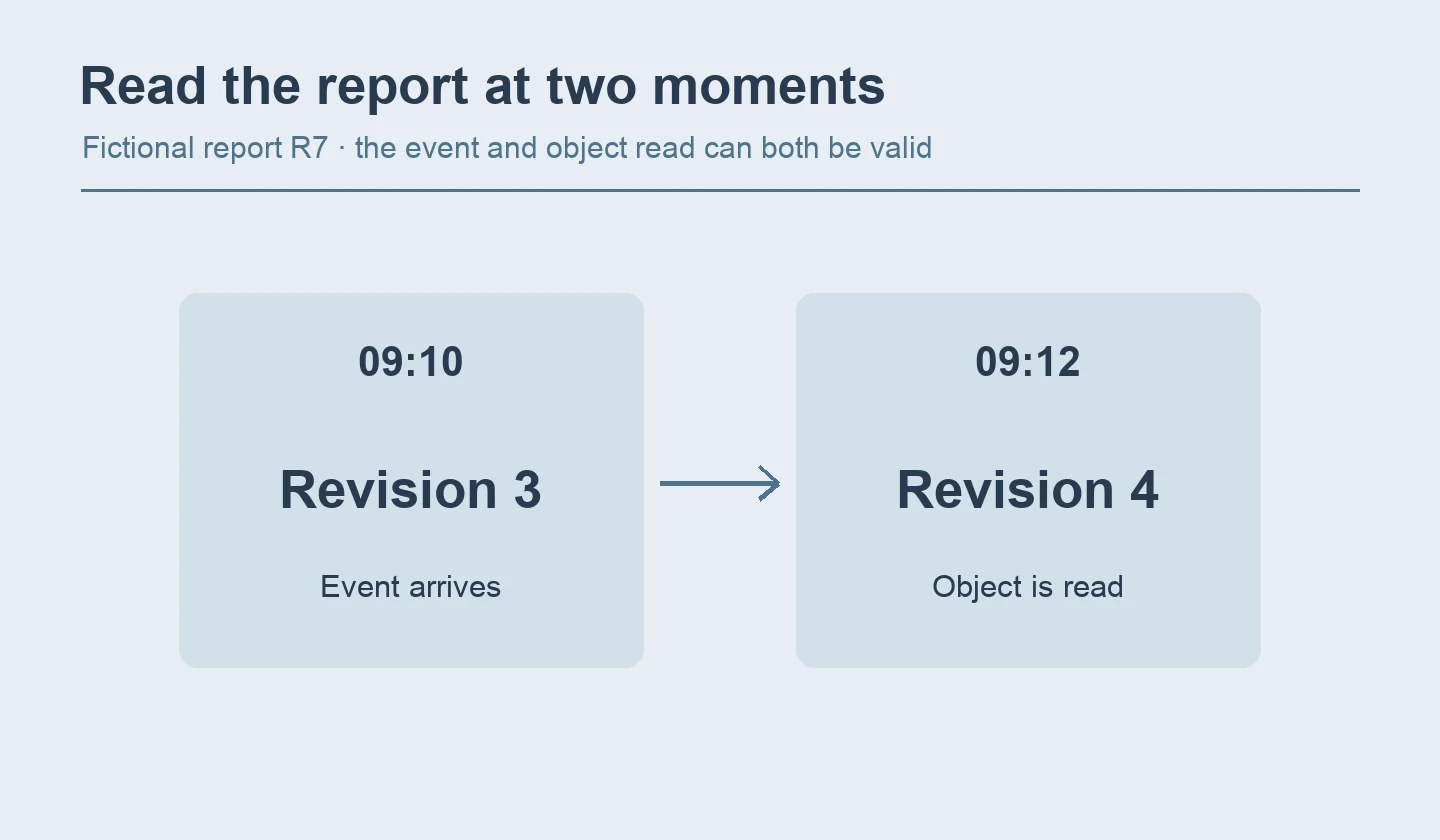
Suppose a report changes to revision 3 at 09:10. A fictional event says so when the change occurs. The worker reads the same report at 09:12 and finds revision 4. Both results can be valid. The first supports recording the revision 3 transition. The second supports updating a latest-revision display.
Decide which job the worker does. If it records transitions, preserve the necessary event evidence under your retention rules. If it refreshes a current view, treat the later object as a separate source with its own read time. Using revision 4 as though it was the earlier event could rewrite the history.
| Observer time | What you see | Question it answers |
|---|---|---|
| 09:10 event | Report R7 reached revision 3. | What happened according to the event? |
| 09:12 object read | Report R7 is now revision 4. | What state is current at lookup time? |
| Worker action | Record revision 3 or sync revision 4 depending on task. | Which state did the integration need? |

For the meaning of an event’s supplied object, read How Stripe events work.
Sources: Stripe
Record delivery and lookup separately
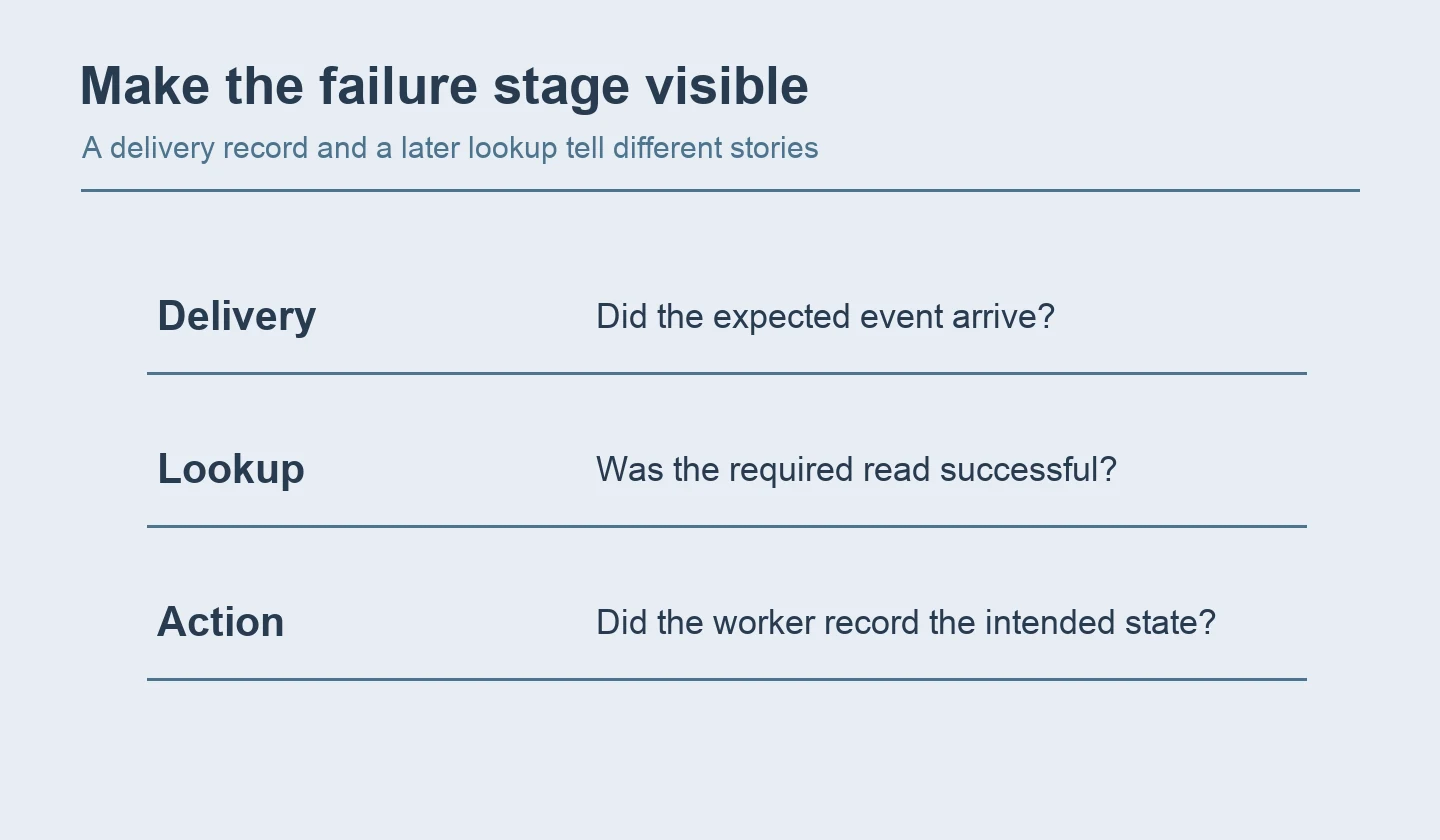
Verify the incoming delivery as the provider documents. Depending on the contract, you can accept a properly received event and process the later lookup separately. If the lookup fails, record that state distinctly from failing to receive the event. A successful delivery alone does not establish that the lookup or resulting task completed.
Keep a small test case where the revision changes before the worker reads it. That is a clearer check of your integration’s contract than a test where delivery and lookup always return the same fields.
Capture enough to debug a delivery
- Check the event format and relevant version.
- Choose event-time or current state explicitly.
- Treat a missing field separately from a failed fetch.
- Record reception and any later lookup with their own outcomes.
For the webhook delivery and verification contract, use Receive webhook events.
For the related task, see Verify a controlled webhook delivery.
Sources: How Stripe events work · Receive webhook events
Frequently asked questions
Do all webhook payloads include the changed object?
No. Providers and event families differ. Read the exact event format you subscribe to.
Do I need to fetch every object?
Only if the task needs data the event does not supply or requires current state. Keep the decision explicit.
Does a small payload mean the delivery is incomplete?
A reference-only format can be intentional. Check which fields the contract promises.
Can I use the latest state to reconstruct the event history?
A later read can have a newer state. Preserve the relevant event evidence if your task needs the history.
Stack & MethodChoose where to use push and request-response
Use the combination that fits the integration.
Compare webhook delivery with an ordinary requestContinue with a related guide
- Choose where to use push and request-response
Use the combination that fits the integration.
- Verify a controlled webhook delivery
Check delivery and processing as separate steps.
- Read Retry-After on a later API lookup
Apply the provider’s retry conditions to that request.
References
- How Stripe events work Stripe
- Receive webhook events Stripe