
The journal
Webhook vs WebSocket: the difference, and how authentication works
A clear comparison of webhooks and WebSockets with practical authentication guidance: headers, message signatures, handshakes, and real-world patterns.
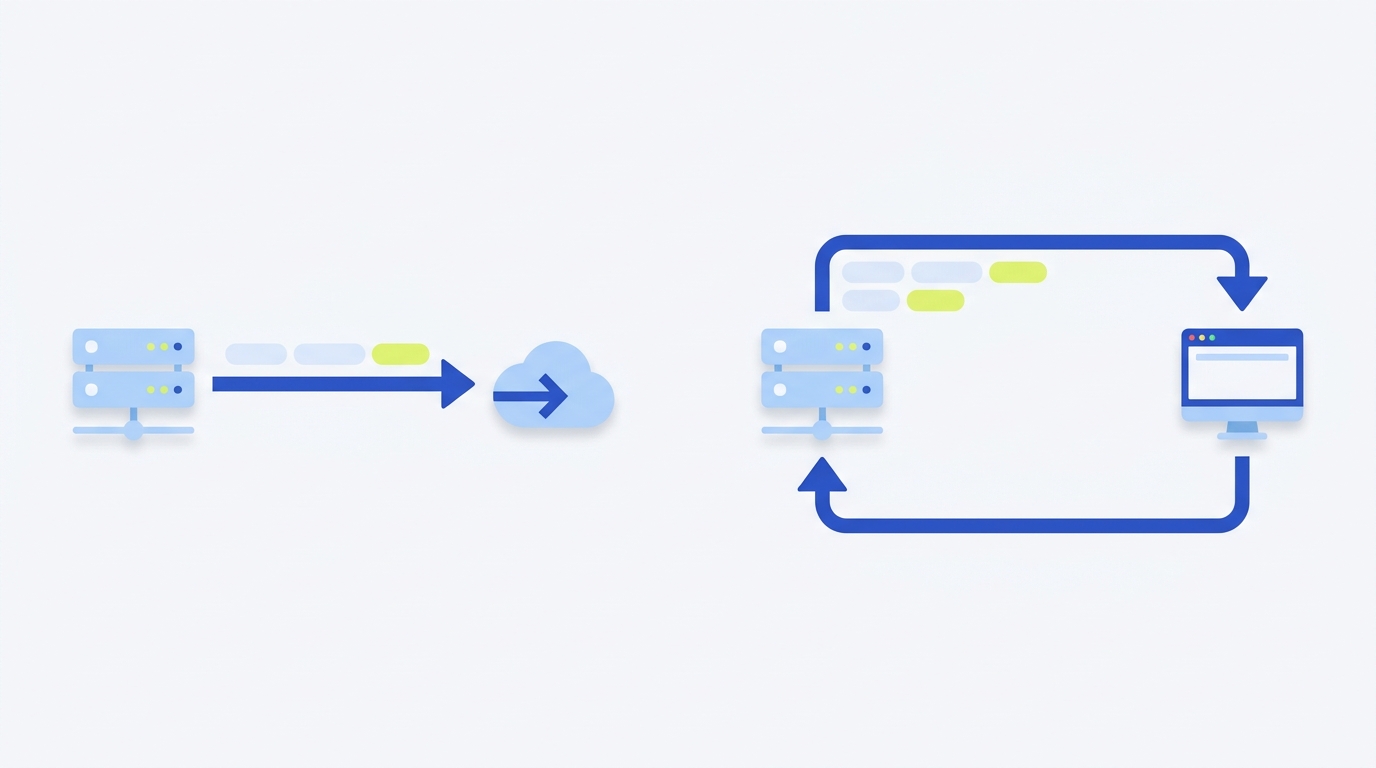
Short answer: a webhook is an outbound HTTP request your provider sends to your URL when an event occurs; you typically authenticate it with HTTP headers (for example, Authorization or an HTTP message signature). A WebSocket is a persistent, bidirectional connection established via an HTTP Upgrade handshake; authentication is usually handled at connect time or by sending an application message with a token on the open socket. See the MDN WebSocket API and MDN HTTP headers reference.
What changes when authentication is the concern?
- Webhook auth lives in HTTP: you can use standard request headers like
Authorizationor sign requests and include aSignatureandSignature-Inputheader pair defined for HTTP message signatures (MDN HTTP headers). - WebSocket auth is not standardized at the protocol layer beyond the opening handshake. The handshake uses specific headers like
UpgradeandSec-WebSocket-*; application authentication commonly happens immediately after connect (for example, sending a token or API key in the first message or subscribing with headers defined by the server). See MDN WebSocket API and an example pattern in Webhook.site WebSocket docs.
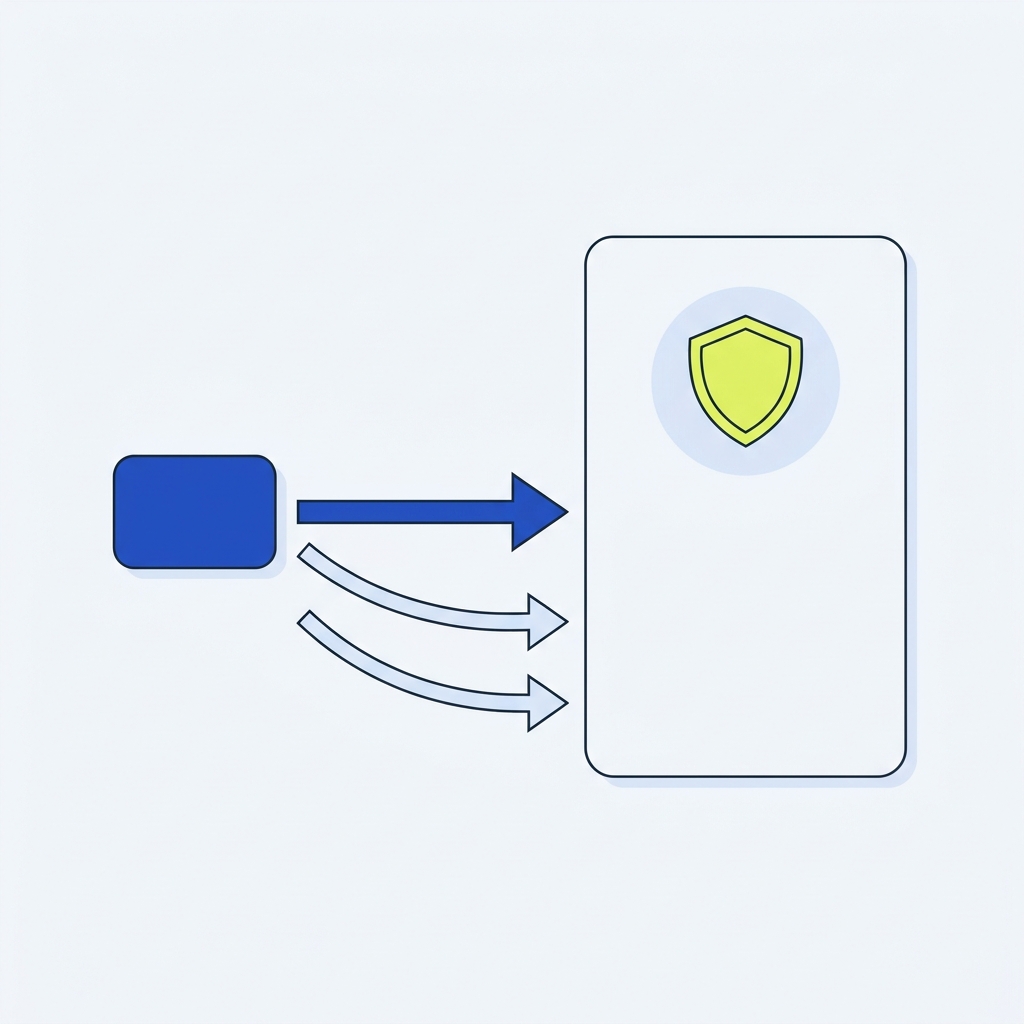
How webhook authentication works (practical patterns)
Webhook deliveries are ordinary HTTP requests with headers and a body. HTTP defines the Authorization request header for credentials and also provides message-signing headers Signature and Signature-Input (per RFC 9421) to bind a signature to selected components of the request, including a creation time and key identifier (MDN HTTP headers).
Example: signed webhook delivery
POST /webhooks/incoming HTTP/1.1
Host: example.com
Content-Type: application/json
Date: Sat, 31 Oct 2026 09:00:00 GMT
Signature-Input: sig1=("@method" "@target-uri" "content-digest" "date");created=1793437200;keyid="test-key"
Signature: sig1=:b64-encoded-signature-value:
Content-Digest: sha-256=:b64-of-body-hash:

{"event":"invoice.paid","id":"evt_123","amount":1200}
Verification steps you can implement at your receiver:
- Compute and compare the
Content-Digestof the body if present, then verify theSignatureagainst theSignature-Inputparameters, including the creation time to bound replay windows (MDN HTTP headers). - Optionally also require an
Authorizationheader (for example, Basic or Bearer) and check it before signature verification (MDN HTTP headers).
Deep dive on verification logic: Webhook signature verification explained.
How WebSocket authentication works (practical patterns)
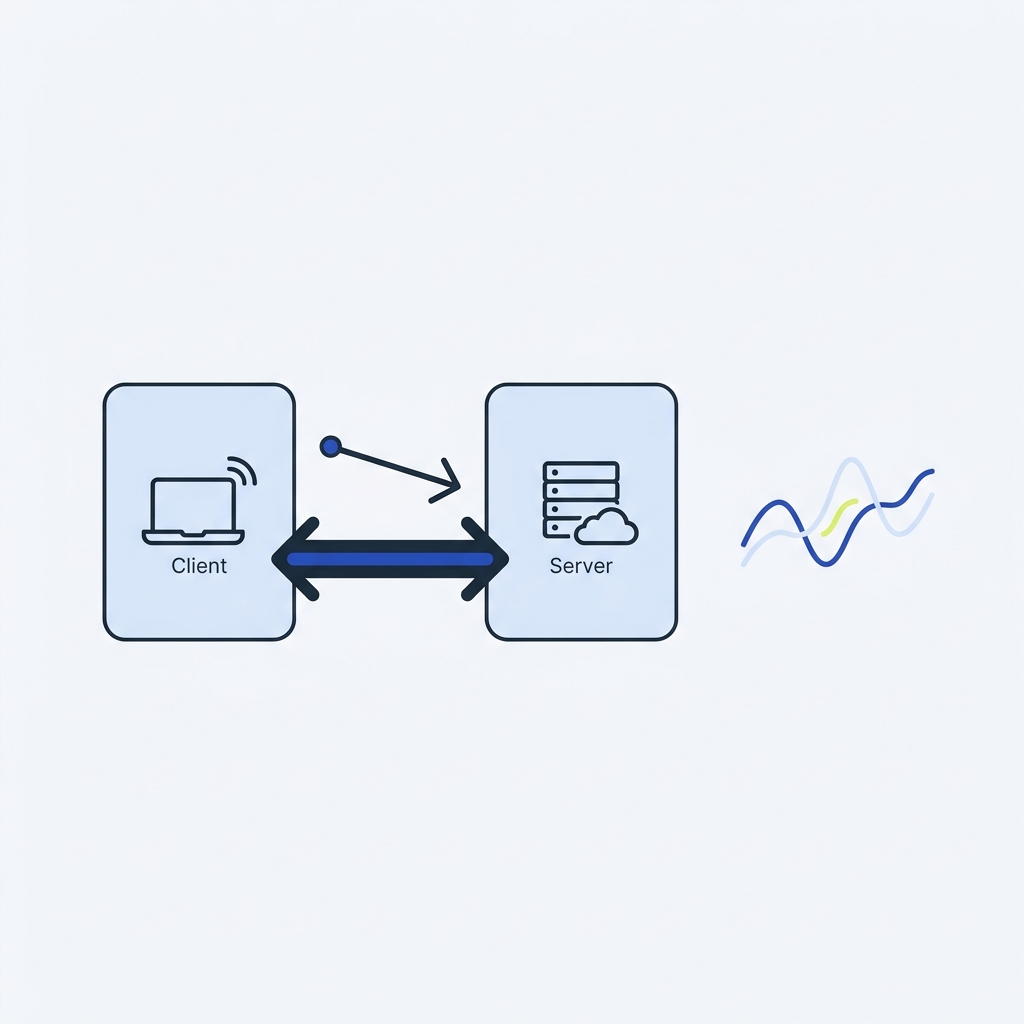
The browser or client establishes a WebSocket by performing an HTTP Upgrade handshake. This handshake uses headers including Upgrade and a set of Sec-WebSocket-* headers like Sec-WebSocket-Key and Sec-WebSocket-Accept to agree the connection (MDN WebSocket API; MDN HTTP headers).
After the handshake, the connection is a full-duplex, long-lived channel for messages without further HTTP headers (MDN WebSocket API). Authentication is therefore usually implemented at the application layer. Common patterns include:
- Send a token or API key as the first application message, and have the server accept or close the socket.
- Use a subprotocol or a subscription message that carries headers or fields the server expects. For example, Webhook.site shows subscribing to a channel and passing an API key in the subscription payload (Webhook.site WebSocket docs).
Example: client sends an auth message after connect
const ws = new WebSocket('wss://example.com/stream');
ws.onopen = () => {
  ws.send(JSON.stringify({ type: 'auth', token: 'test-token-123' }));
};
ws.onmessage = (e) => {
  const msg = JSON.parse(e.data);
  if (msg.type === 'auth_ok') {
    // proceed to subscribe or receive events
  }
};
Security notes you should apply either way
- Use transport security: host webhook endpoints on HTTPS and WebSockets on WSS. You can also enforce HTTPS on your site with HSTS (MDN HTTP headers).
- Constrain replay risk with signed timestamps and short validity windows in webhook signatures; see how creation time is part of HTTP message signatures and consider replay protections in your design (MDN HTTP headers). Related patterns: Protect against replay attacks.
- For WebSockets, fail fast: if the auth message is missing/invalid, close the connection. Treat each channel/room subscription as an authorization check, not just the initial connect.
Put this into practice
Choose the communication pattern from who initiates the connection and how delivery is acknowledged. Test authentication, reconnect or retry handling for the chosen mechanism rather than assuming a shared secret makes the two transports equivalent.
Decide and implement auth correctly
FAQ
Does a WebSocket use HTTP headers for app authentication?
No. The opening handshake uses HTTP with specific headers like Upgrade and Sec-WebSocket-*. After that, messages are not HTTP; application authentication is typically handled by a message or subprotocol on the socket (MDN WebSocket API).
