
The journal
Webhook signature verification explained
What webhook signature verification is, how HMAC and HTTP Message Signatures work, and practical steps to validate payloads and stop forged or replayed requests.
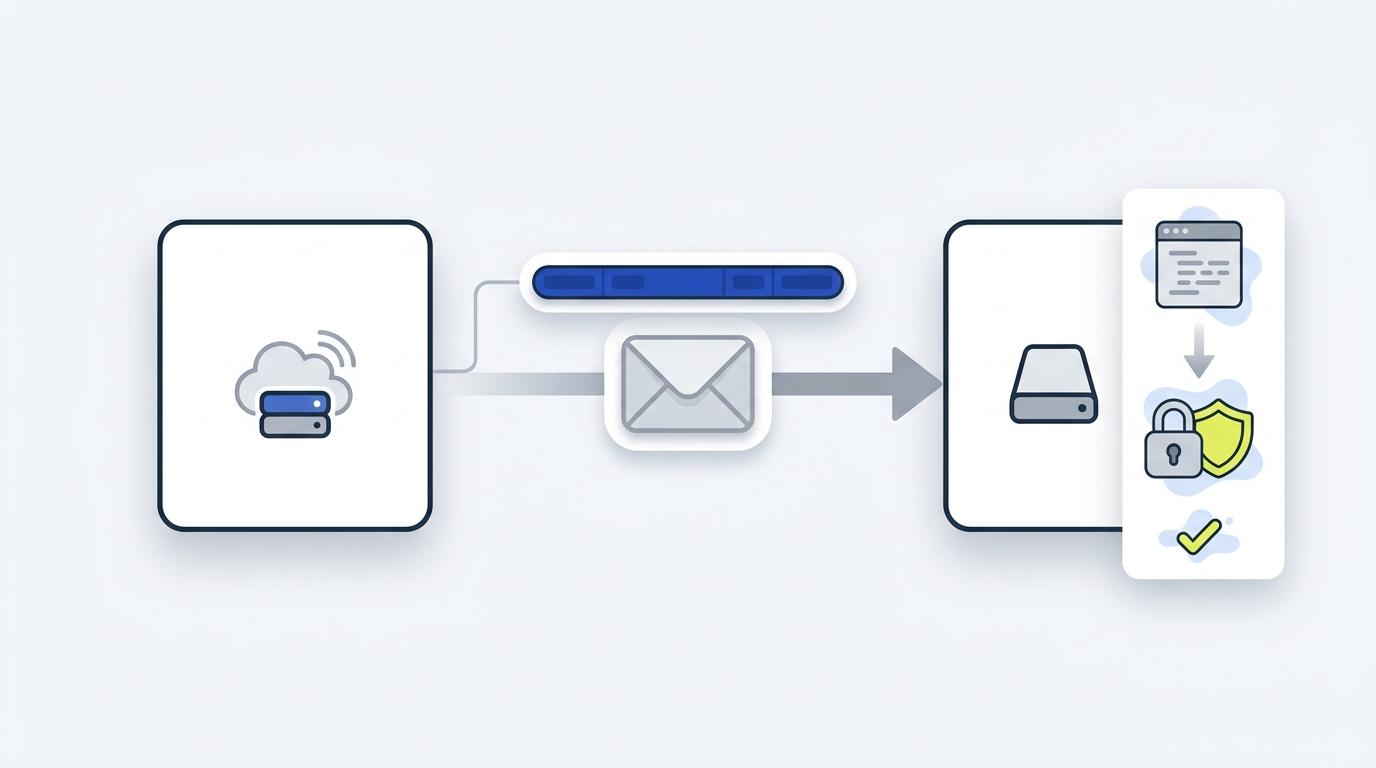
Webhook signature verification is the process of validating a cryptographic signature sent with a webhook so you can prove who sent it and that the payload wasn’t modified. Most providers sign the raw request body using HMAC-SHA256 and a shared secret, and many include a signed timestamp so you can reject replays. This is a recommended control for authenticating deliveries and preventing forged events (OWASP Webhook Security Cheat Sheet; GitHub webhook validation; Slack request verification).
How verification works
HMAC signatures (most common)
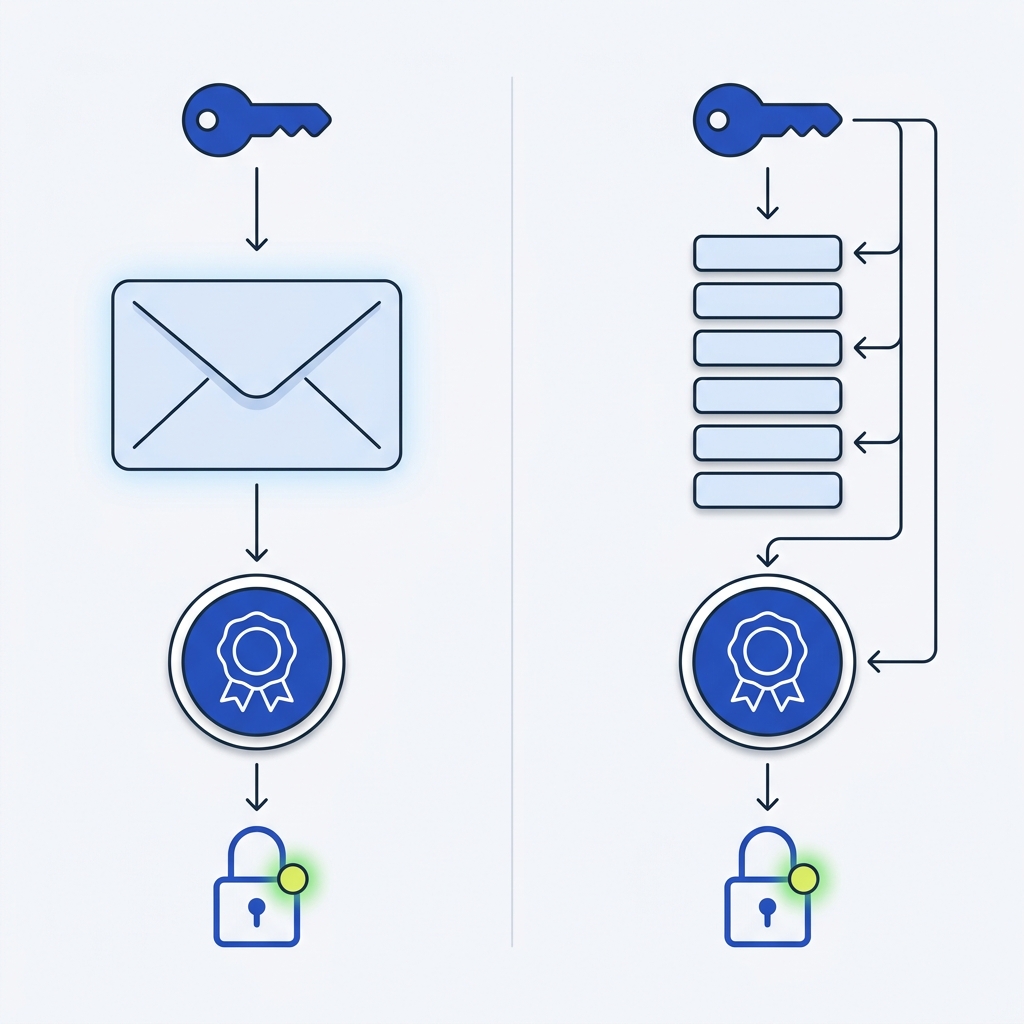
With HMAC, the sender computes a hash over inputs like a timestamp and the raw request body using a shared secret and SHA-256. Your endpoint recomputes that hash and compares it with the signature header using a constant-time comparison. Always verify using the exact raw bytes of the request before any parsing or re-encoding to avoid false failures (Stripe docs: raw body requirement and signature verification; GitHub: HMAC-SHA256 and constant-time compare).
HTTP Message Signatures (RFC 9421)
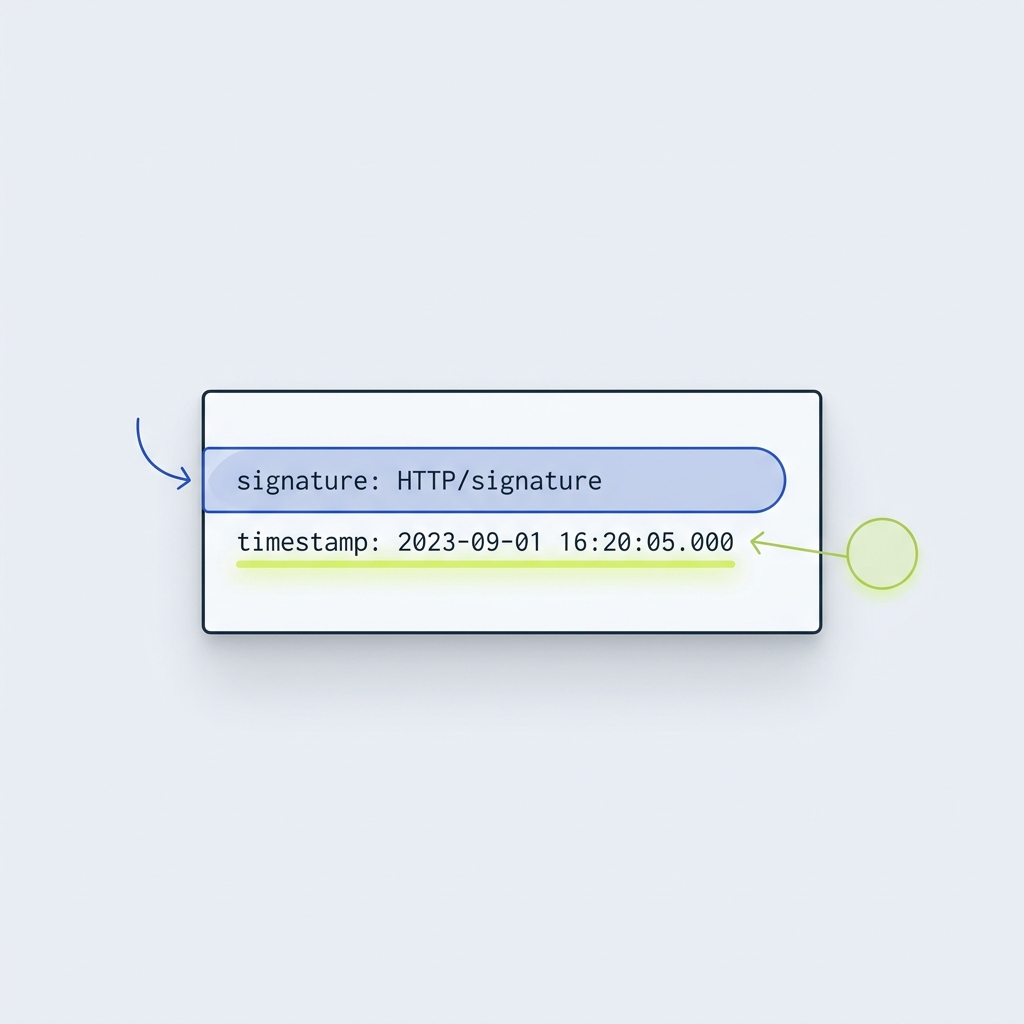
Some ecosystems use a vendor-neutral standard that signs selected HTTP components with deterministic rules via the Signature and Signature-Input fields. This allows consistent signing beyond only the body (RFC 9421).
A minimal, safe verification procedure
- Capture the raw request body bytes as received by your HTTP server. Do this before any JSON or form parsing (Stripe; Slack).
- Read the provider’s signature header and any documented timestamp header.
- Recompute the signature exactly as documented (commonly HMAC-SHA256 over the prescribed input) using your stored secret (GitHub).
- Compare with a constant-time equality check to avoid timing attacks (OWASP).
- Verify freshness: if a signed timestamp is present, ensure it is within your tolerance window (5 minutes is a common default) and reject stale requests to prevent replay (Stripe: 5-minute default tolerance; Slack: 5-minute example).
- On any verification failure, return a 401 (or other non-2xx) and perform no side effects. Keep logs high-level and never include secrets or signature values (OWASP).
If your provider supports HTTP Message Signatures, verify the Signature and Signature-Input fields per the profile they document (RFC 9421).
Key decisions: replay window, secrets, and rotation
- Replay tolerance: a short window reduces risk but must account for clock skew and network delay. Five minutes is a widely used setting; synchronize clocks with NTP (Stripe: default 5 minutes and NTP advice; Slack).
- Secret storage: treat signing secrets like database credentials. Store in a secrets manager, use one secret per endpoint, and redact from logs (OWASP).
- Rotation: when supported, overlap old and new secrets so either signature validates during the window, then revoke the old secret (OWASP).
Ship-worthy webhook verification checklist
Common mistakes and quick fixes
- Using a parsed or re-encoded body. Verify against the raw bytes to avoid whitespace or encoding changes breaking the signature (Stripe).
- Mismatched algorithms or headers. Confirm you’re using the provider’s specified header and HMAC-SHA256 when required (GitHub).
- No constant-time compare. Use a timing-safe equality method to prevent leaks (OWASP).
- Ignoring replay protection. Validate signed timestamps within your window and reject stale requests (Slack).
Operational tips: retries, idempotency, and monitoring
- Expect duplicates and retries. For example, Stripe retries deliveries for up to three days with backoff; handle events idempotently after verification (Stripe). For patterns, see Idempotency keys: safe retries without duplicate actions.
- Log outcomes, not secrets. Record event or delivery IDs, timestamps, and your decision; alert on spikes in signature failures (OWASP).
- Scope your endpoints. Only subscribe to the events you actually handle, and keep handlers fast by deferring work to a queue (Stripe best practices).
If you are comparing integration models or adding a new endpoint, see REST APIs vs webhooks: practical differences.
FAQ
Do I still need HTTPS if I verify signatures?
Yes. Signatures prove authenticity and integrity, but they don’t encrypt traffic. Use HTTPS with modern TLS to prevent eavesdropping and tampering in transit (OWASP).
What status should I return on failure?
Return a non-2xx, commonly 401 for missing or invalid signatures, with no side effects (OWASP).
What if my provider uses HTTP Message Signatures?
Verify the Signature and Signature-Input fields per the provider’s profile of RFC 9421 and confirm which components they cover (RFC 9421).
