
The journal
n8n vs Power Automate: which should you choose?
Compare n8n and Power Automate by integrations, hosting, licensing and governance, then choose a practical first workflow to test.
Quick answer: is n8n basically a Power Automate?
One-sentence verdict
Short answer: no, n8n is not basically a Power Automate; they are both workflow automation tools but they target different trade-offs, with Power Automate focused on a cloud-first, tenant-integrated experience and n8n emphasising fair-code licensing and hosting flexibility, which matters for teams that control where their data runs.
If you need a short, neutral starting point, list your required connectors, decide whether self-hosting is acceptable, and run a two-week pilot before committing.
What Power Automate is and how it works
Core platform model
Power Automate is a cloud-based low-code automation service that also offers optional desktop RPA for UI-based tasks; it is designed to work closely with Microsoft 365, Dynamics 365 and Azure and to shift much of the operational responsibility to Microsoft when you use the cloud service Microsoft Learn overview.
Connector ecosystem and triggers
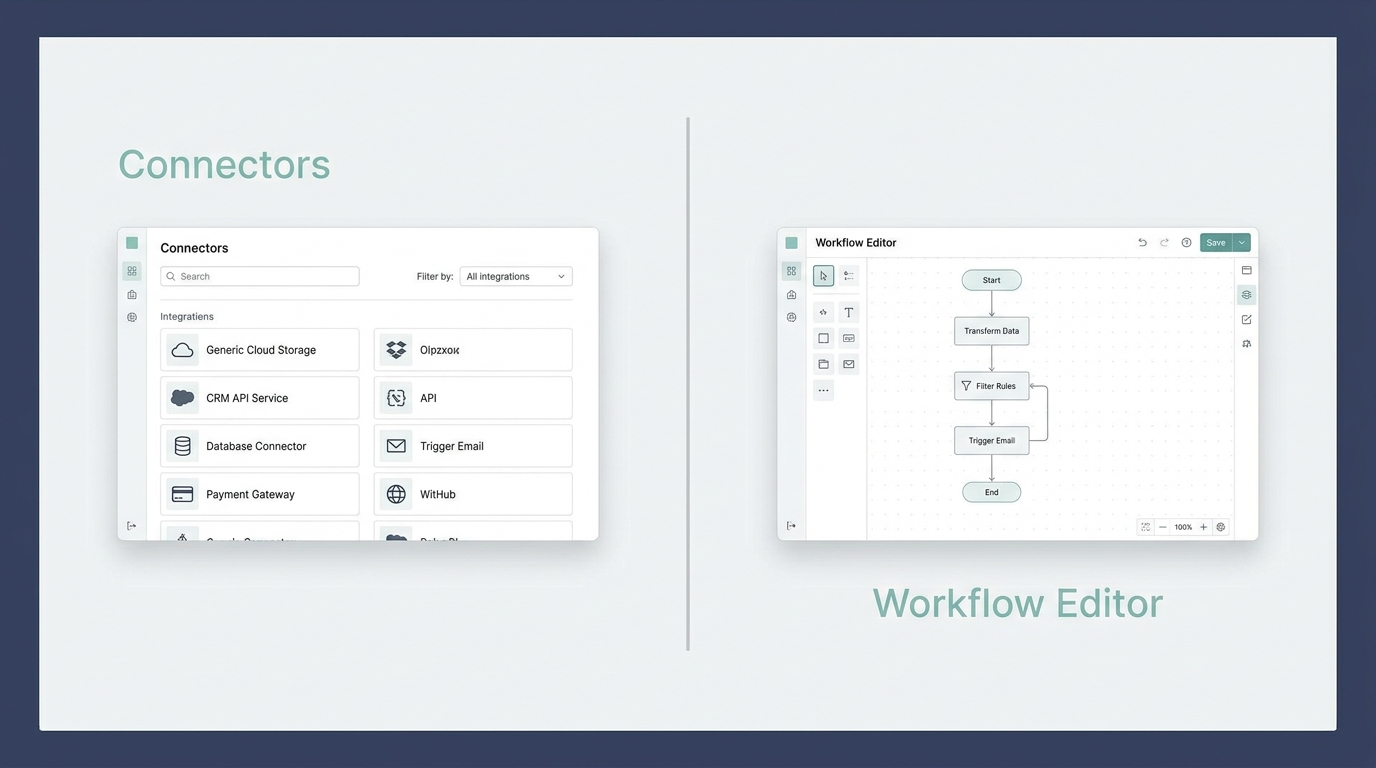
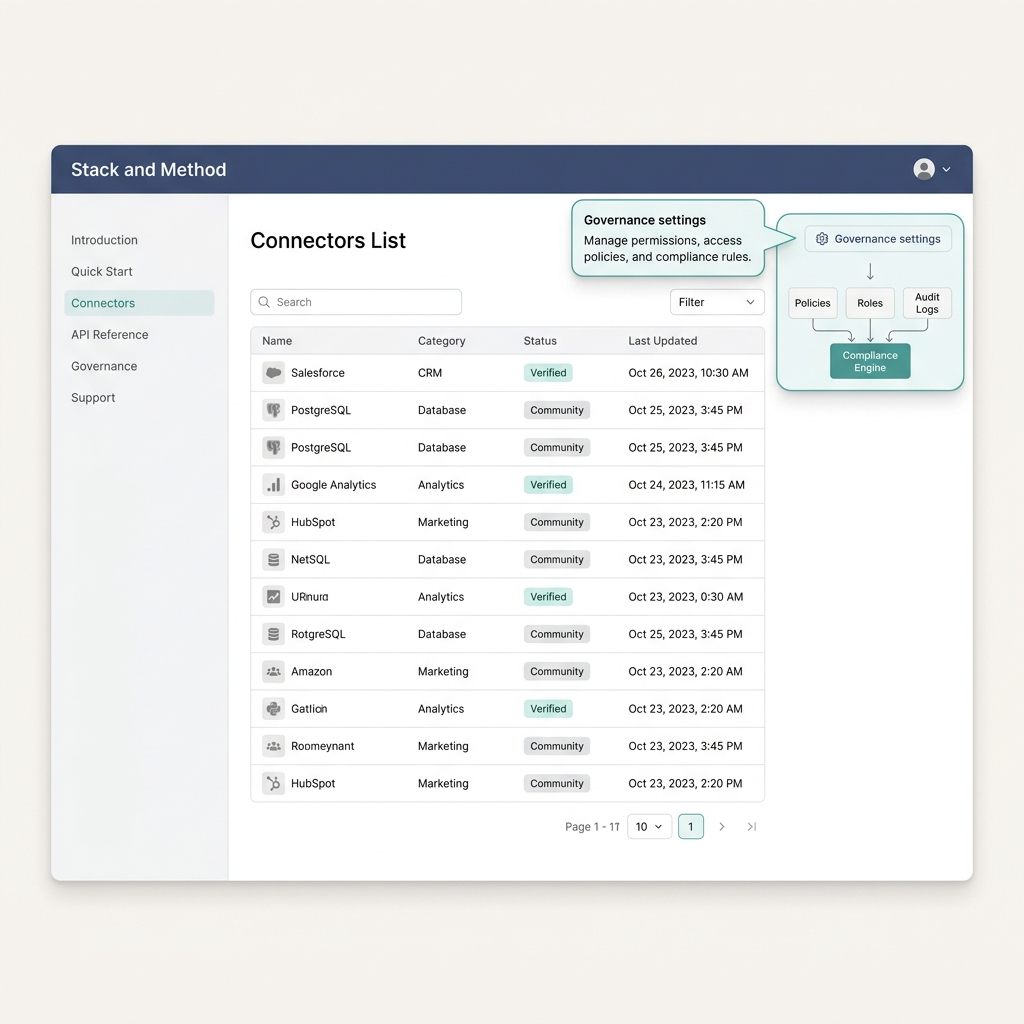
The platform relies on an official connectors directory to expose triggers and actions for both first-party and third-party services, which simplifies building automations inside a Microsoft tenant and makes it straightforward to discover supported integrations Connector reference.
Desktop RPA for UI automation
Where cloud connectors cannot reach a legacy UI, Power Automate provides a desktop RPA option for automating UI interactions; this is often used to bridge systems without APIs, and it complements cloud flows by handling screen-based tasks Microsoft Learn overview.
What n8n is and how it works
Fair-code model and deployment options
n8n is a fair-code workflow automation platform that supports both self-hosting and a managed cloud offering, which gives teams the option to control deployment, data locality and operational responsibilities depending on their needs n8n documentation.
Nodes and workflow editor
n8n organises integrations as nodes inside a visual workflow editor, covering common SaaS apps, databases and developer tools; this nodes catalog is intentionally open to allow custom and community contributions while preserving an accessible visual authoring experience n8n integrations.
Is n8n essentially the same as Microsoft Power Automate?
No, they share a broad purpose but differ in ecosystem focus and deployment model: Power Automate centres on cloud-first, tenant-integrated automation with Microsoft governance, while n8n emphasises fair-code licensing and offers self-hosting for teams that need control over deployment and data.
Choosing between managed cloud and self-hosting affects how much operational work your team keeps, and it also changes how you plan backups, scaling and compliance controls.
How integrations and extensibility compare
Connector catalog vs nodes catalog
Power Automate exposes an official, continually updated connectors directory maintained by Microsoft, which aims to provide enterprise-ready integrations for Microsoft services and many third-party apps; this centralisation can reduce discovery friction for teams that live in the Microsoft ecosystem Connector reference.
Official support and enterprise connectors
Microsoft maintains enterprise-grade connectors and integration patterns that are designed to work within tenant governance and the Power Platform, which can be an advantage when compliance and official support matter; the presence of those connectors ties into tenant policies and governance controls discussed later Microsoft Learn overview.
Custom connectors and community contributions
n8n's nodes model accepts community and developer-created nodes and makes it straightforward to build custom nodes or use available APIs directly, which is useful when a required integration is not present in an official directory n8n integrations.
Extensibility, developer experience and automation complexity
Custom code and SDKs
n8n supports developer-created nodes and embedding custom code inside workflows, which helps teams implement bespoke logic or integrate internal APIs without waiting for an official connector; this design supports a code-friendly approach while keeping visual orchestration available n8n documentation.
Versioning and testing workflows
Power Automate emphasises low-code editing and quick authoring of flows, and it can be extended with custom connectors or Azure services for more complex scenarios; teams often balance the speed of low-code flow creation against the need for code-first testing and version control Connector reference.
When to prefer low-code vs code-first
Choose low-code when most required connectors exist in the official directory and you prioritise quick delivery and managed operations; prefer code-first and self-hosting when you need tight control over data, custom integrations, or when you must run workflows in specific infrastructure locations n8n documentation.
Security, governance and enterprise controls
DLP, tenant isolation and data residency in Power Automate
Microsoft documents enterprise security considerations for Power Automate, including Data Loss Prevention policies, tenant isolation and data residency controls that organizations can use to enforce governance across flows and connectors Enterprise security considerations for Power Automate.
Data control and hosting choices in n8n
Because n8n supports self-hosting, teams can choose where to run workflows and store data, which can simplify meeting data locality or residency requirements when managed cloud options do not satisfy regulatory constraints n8n documentation.
How governance affects adoption
Governance needs often determine platform choice: organisations that require tenant-wide policies and central control tend to favour Power Automate's integrated governance, while teams that prioritise hosting control and bespoke security configurations consider n8n's self-hosting to satisfy strict data handling requirements Enterprise security considerations for Power Automate.
Licensing and pricing models that shape total cost
User and process licensing in Power Platform
Power Automate distinguishes Premium user licences from Process and Hosted Process licences. The right licence depends on the users, flows and attended or unattended automation you need. Confirm current entitlements before budgeting; cloud hosting alone does not remove licensing requirements. Microsoft Power Automate licence types.
n8n cost factors: managed plans and self-hosting overhead
n8n's costs vary by whether you use the managed cloud or self-host; self-hosting shifts costs to infrastructure, maintenance and updates, while managed plans bundle hosting and support, so your decision should consider those operational trade-offs n8n documentation.
How to estimate TCO for a small team
For a small team, include licence fees, number of flows, runtime and execution volume, hosting and maintenance overhead, and any support costs when estimating TCO; do a side-by-side checklist and run a short pilot to validate assumptions rather than relying on sticker prices Microsoft Power Platform licensing guide.
Hosting, deployment and operational considerations
Managed cloud versus self-hosted operations
Using a managed cloud service moves patching, scaling and many operational tasks to the vendor, while self-hosting a platform like n8n requires teams to plan for platform updates, security patches and capacity management n8n documentation.
Backup, scaling and monitoring needs
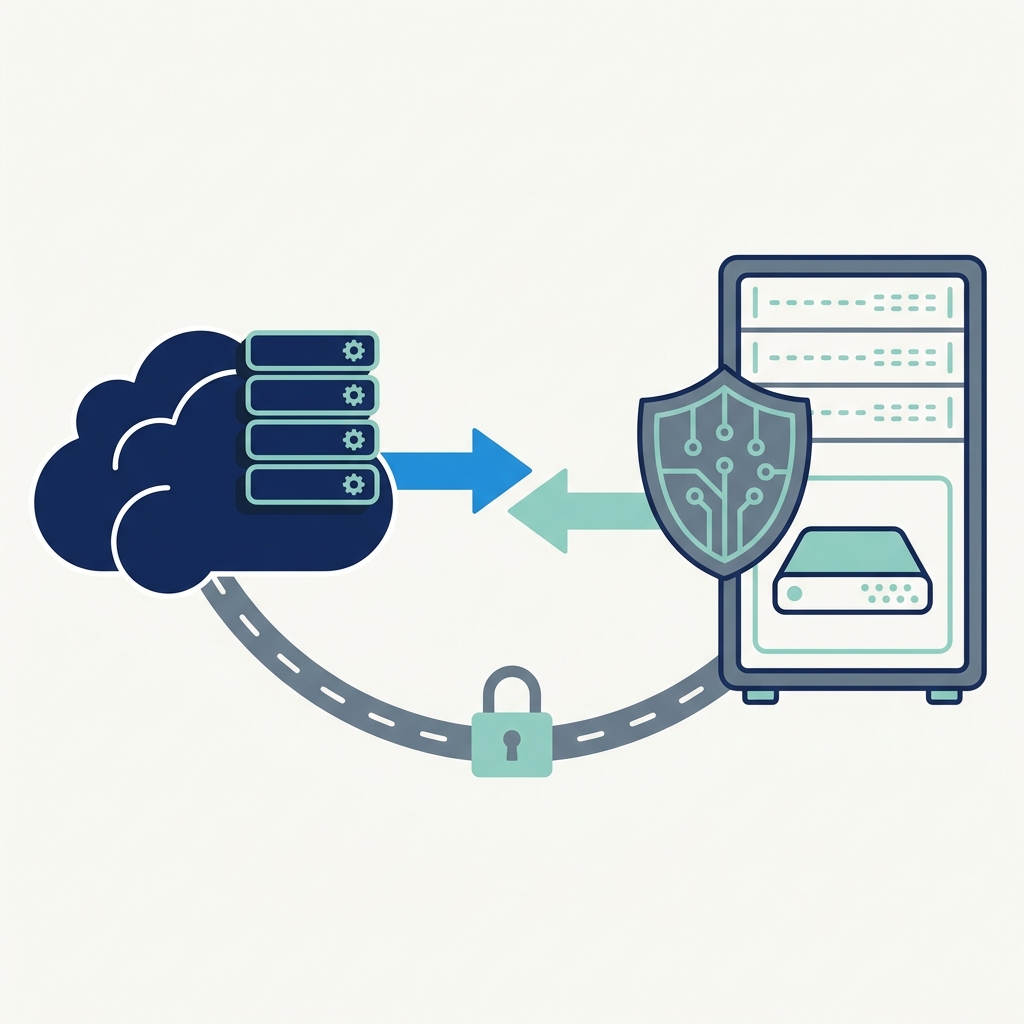
Self-hosting introduces operational responsibilities: you need backup strategies, monitoring and alerting, and a plan for horizontal scaling if workflows increase in volume; these items directly affect how much engineering time you must allocate to run automation reliably n8n documentation.
When self-hosting is worth the effort
Self-hosting is often worth the effort when data residency, strict compliance, or deep customization are mandatory and your team can absorb the operations cost; otherwise, a managed option reduces operational burden and accelerates time to value Microsoft Learn overview.
Migration and reuse: moving flows and logic between systems
Connector parity and feature gaps
Connector parity is a key migration risk: if an integration exists in Power Automate but not in n8n, you will need to build a custom node or use an API, so inventorying connectors and nodes upfront reduces surprises during migration Connector reference.
Rewriting logic and testing
Expect to remap triggers and actions, handle different authentication methods, and reimplement any desktop RPA steps with alternate approaches if you move between platforms; thorough testing and a small pilot are essential to validate rewritten flows n8n integrations.
Integration dependencies to watch
Watch for hidden dependencies such as tenant-scoped policies, API rate limits, and authentication flows that behave differently across platforms; documenting these early helps you estimate work accurately and avoid surprises during cutover Microsoft Learn overview.
A decision framework for small teams
Questions to ask about security, scale and skills
Ask whether your team needs tenant-wide governance, whether data residency is required, how many connectors you must support, and whether your team can operate a self-hosted service; these questions steer whether to prioritise Power Automate's integrated approach or n8n's hosting control n8n documentation.
Priority matrix: speed versus control
Use a simple priority matrix: choose Power Automate when speed of delivery, Microsoft integration and built-in governance are top priorities; choose n8n when hosting control, extensibility and bespoke integrations outweigh the operational overhead Connector reference.
How to run a short evaluation
Run a two-week pilot that implements 2 to 3 representative flows, measure operational effort, and compare TCO assumptions; document connector needs, security constraints and expected volume before finalising the decision Microsoft Power Platform licensing guide.
Common mistakes and pitfalls teams make
Underestimating governance requirements
Teams sometimes underestimate tenant policies and DLP needs, which can block or change how flows run; consult the platform governance documentation early to avoid surprises during rollout Enterprise security considerations for Power Automate.
Ignoring operational costs of self-hosting
Another common error is overlooking the ongoing maintenance and operational costs of a self-hosted system, including updates, backups and monitoring; these costs can outweigh initial savings if not planned n8n documentation.
Assuming connector parity
Do not assume every connector or feature maps one-to-one between platforms; validate critical integrations and authentication flows rather than presuming functional equivalence Connector reference.
Practical scenarios and short examples
Simple automation example for a small team
A small team that needs to move approved attachments from Outlook to a shared database and post a Teams notification will often find Power Automate a practical choice because of built-in connectors for Microsoft 365 and a simple low-code flow creation experience Connector reference. See Alltomate for a comparative writeup.
When to use desktop RPA
Use desktop RPA when you must interact with legacy desktop applications that lack APIs; Power Automate's desktop option helps automate screen-based tasks while cloud flows handle modern APIs Microsoft Learn overview.
A hybrid approach example
In a hybrid pattern, a team might use Power Automate for tenant-wide Microsoft 365 workflows and adopt a self-hosted n8n instance for specialised integrations that require data residency or custom nodes, combining governance with hosting control n8n documentation.
Conclusion and next steps
Recap of the main trade-offs
The core difference is ecosystem and governance strength in Power Automate versus hosting flexibility and extensibility in n8n; choose based on whether integrated tenant controls and managed operations or deployment control and customisability matter more to your team n8n documentation.
Practical checklist before you choose
Checklist: verify required connectors and nodes, estimate hosting and maintenance TCO, run a two-week pilot with representative flows, and confirm compliance and licensing constraints in the official documentation Connector reference.
Where to find up-to-date docs
For current details consult the official connectors directory, the Power Platform licensing guide, and the n8n documentation and integrations pages so you base decisions on the latest plan entitlements and supported integrations Microsoft Power Platform licensing guide.
Estimate your monthly infrastructure budget
Estimated monthly infrastructure cost:
Enter your own provider prices. Set additional compute to zero if it is already included in hosting. Excludes licences, support, taxes and usage outside these inputs.
Frequently asked questions
Can small teams self-host n8n safely?
Yes, teams can self-host n8n to control data locality, but they must plan for maintenance, backups, security patching and capacity management.
Does Power Automate include desktop RPA?
Yes, Power Automate offers an optional desktop RPA capability for automating UI-based tasks alongside cloud flows.
Will connector parity be automatic during migration?
No, connector parity is not guaranteed; validate critical integrations and prepare to build custom nodes or connectors when needed.
Deciding between n8n and Power Automate boils down to priorities: prefer Power Automate for deep Microsoft integration and built-in governance, and n8n for hosting control and flexible customisation. Use the checklists above and verify the latest connectors and licensing docs before committing.
References
From another publication
See an example of a business process you can automate after choosing a platform. How to create an approval workflow? (Orvus)