
The journal
How to handle error handling in Power Automate: practical patterns for safe retries
workflow automation error handling retries: deterministic run-after routing, Scope try/catch, Terminate outcomes, tuned retries and Do until guidance for small teams.
What workflow automation error handling looks like in Power Automate
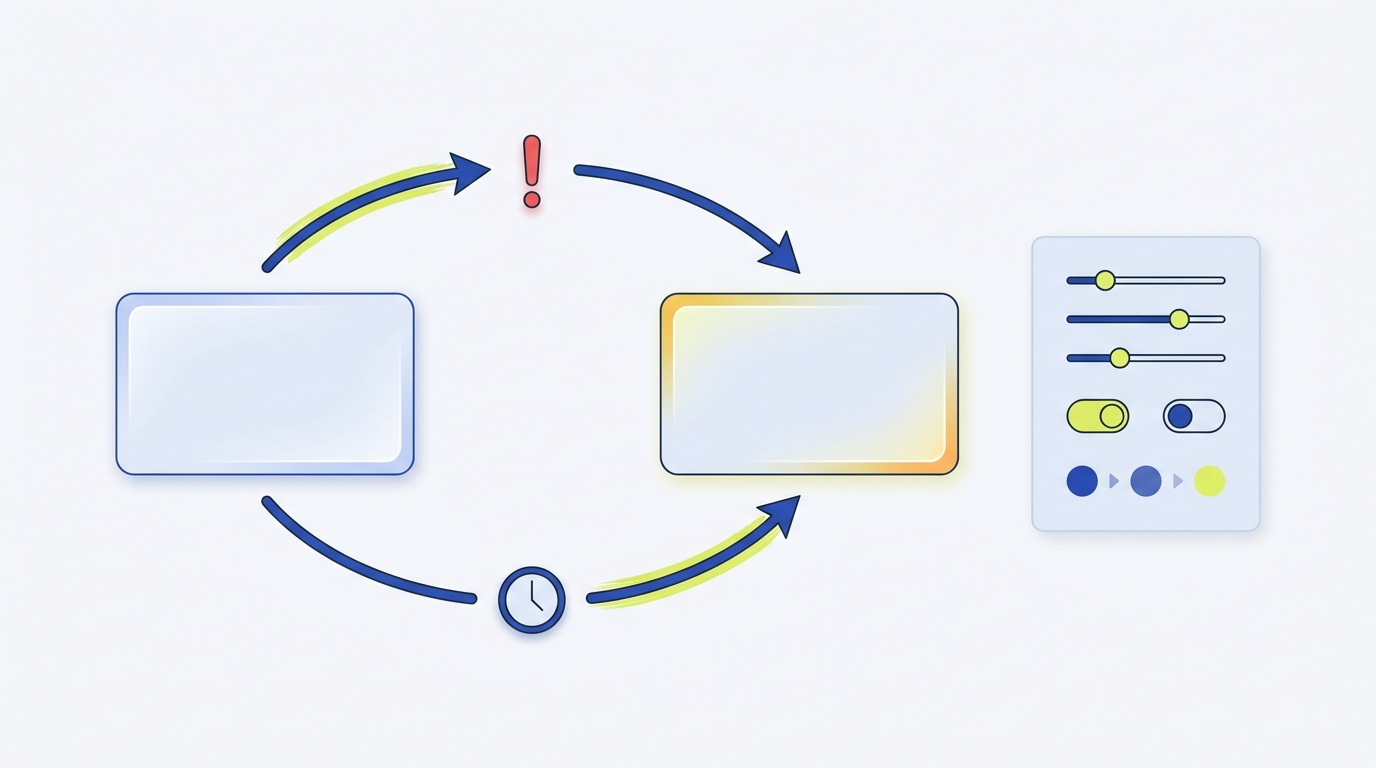
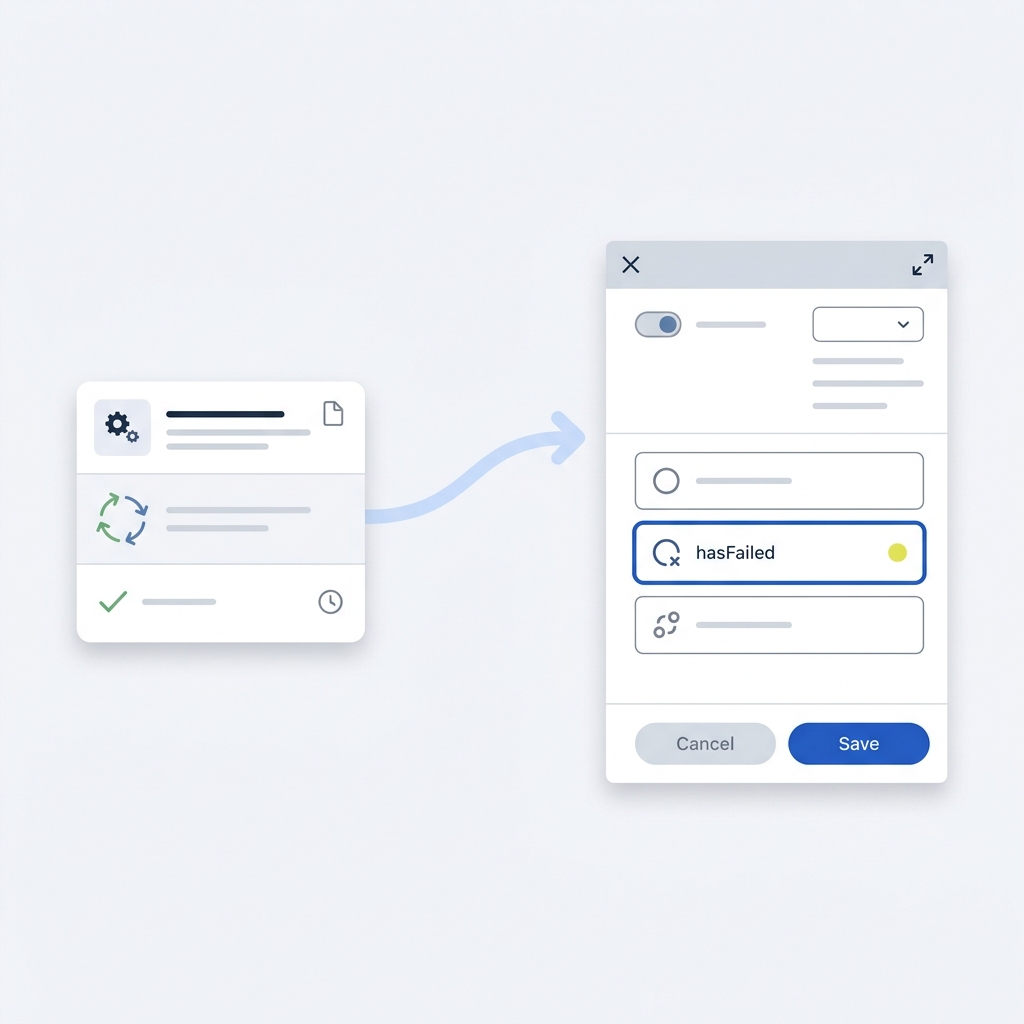
Error handling in Power Automate means routing success and failure paths so downstream logic responds in a deterministic way; this is essential for predictable production behavior and for keeping error responses observable and actionable. The pattern often starts with configuring how one action runs after another based on outcomes such as hasFailed, isSkipped, or hasTimedOut, which lets a flow take an explicit error branch when needed Configure run after in Power Automate.
A practical way to think about this is like plumbing: actions are joints and run-after settings let you decide whether a downstream pipe diverts when pressure drops. Grouping related actions in a Scope lets you treat several steps as a single try block, and a follow-on Scope becomes the catch block; use a Terminate action to set a clear final status and message when the catch path wins or when you need to end processing intentionally Control flow: conditions, switches, scopes, and loops.

Retries belong at the action level when the fault is transient. Power Automate and Logic Apps let you configure per-action retry policies using none, fixed interval, or exponential backoff so temporary service errors can be retried without manual intervention Handle errors and retry policies in Azure Logic Apps.
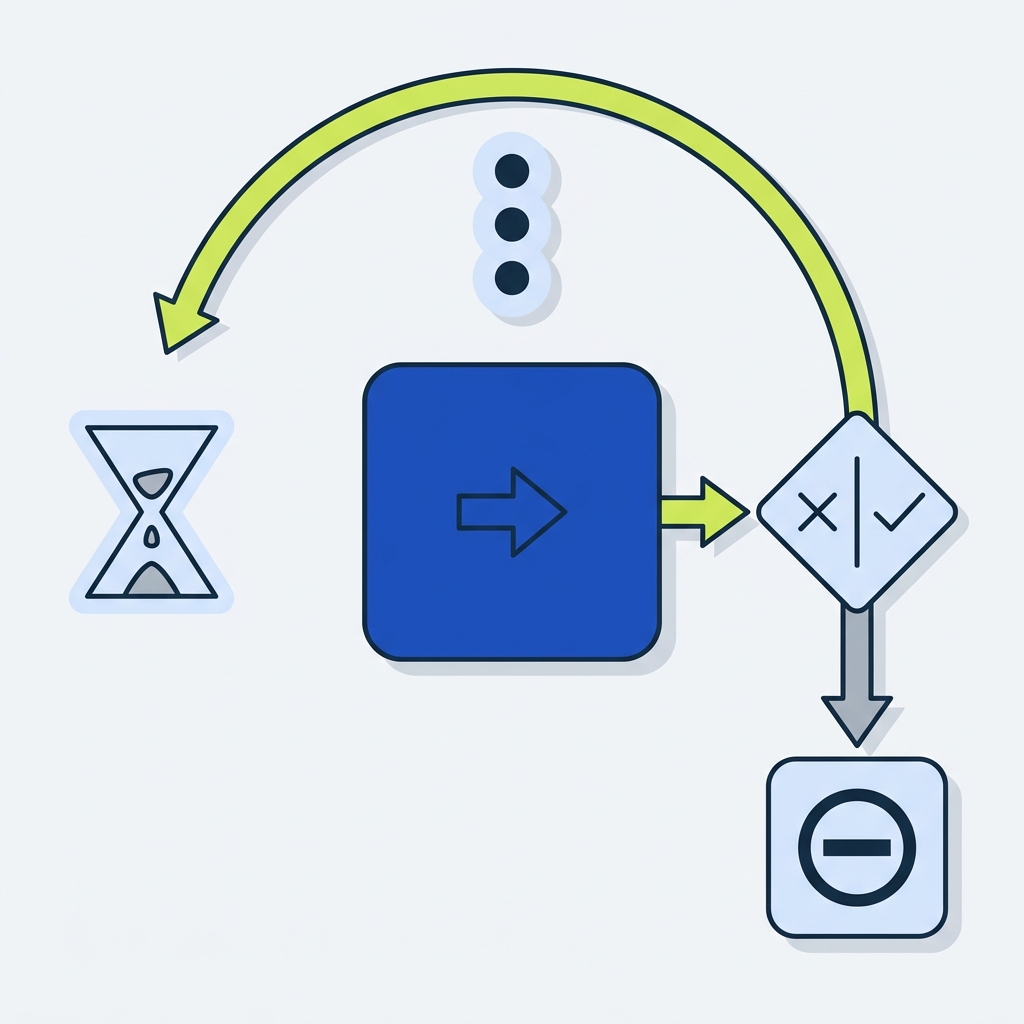
For cases that require business-driven retry logic, a Do until loop provides controlled retries with an exit condition, maximum iterations, and delays to avoid endless polling and to limit API calls.
Finally, remember connector behavior varies: some connectors have built-in retry defaults or different idempotency guarantees, so review connector documentation before enabling aggressive retries to avoid duplicate side effects.
n8n pricing: n8n
Why explicit error handling matters for production flows
Explicit error handling reduces surprise failures during business hours and makes incidents resolvable by operators, not just by developers. When a flow fails without clear routing, downstream actions can run unexpectedly or monitoring can miss the real cause; routing failures into a clear catch scope and using Terminate with a message gives operators a reproducible signal to triage.
Core building blocks you will use
The main building blocks are run-after outcomes, Scope groups, Terminate outcomes, retry policies, and conditional loops such as Do until. Each has a distinct role: run-after routes, Scope groups isolate work, Terminate gives a final status, retry policies handle transient faults, and Do until supports business-level polling or conditional retries.
workflow automation error handling retries in practice
When you combine run-after routing with scoped catch logic and calibrated retries, you get predictable, production-ready flows that balance resilience and safety.
Core patterns: run-after branches, scoped try/catch, terminate outcomes, and retries
Configure run after explicitly on the next action to create deterministic branching for outcomes like hasFailed, isSkipped, and hasTimedOut; a common pattern is to connect the main success path normally and then add a parallel catch path that triggers on hasFailed, so errors move to remediation without continuing success work.
Step 1: Place your core sequence of actions inside a Scope to treat them as one logical unit. Step 2: Add a second Scope named catch and set its first action to run after the try Scope with hasFailed selected. That catch Scope can log the error, call compensating APIs, and then end with a Terminate action that sets status and a descriptive message.
How should small teams design retries and error routes in Power Automate flows?
Design retries for transient faults using action-level policies with capped attempts and backoff, use Do until for business-driven retries with max iterations and delays, and always combine scoped catch logic with Terminate and compensating actions to avoid duplicate side effects.
Use Terminate when you want an unambiguous flow result for downstream systems or for monitoring. Terminate lets you set Failed, Succeeded, or Cancelled along with a message, and that explicit outcome helps downstream observers and integrations know whether to act.
Action-level retry policies are configured on an action-level settings pane. Choose none when the operation is risky to repeat, a fixed interval when you expect brief service instability, or exponential backoff when you want to reduce pressure on a recovering service; always cap attempts and spacing to limit retries and cost.
Prefer Do until loops when retries must depend on business conditions, for example polling for an external system to reach eventual consistency. Use an explicit exit condition, set a maximum iteration count and a sensible delay between checks to avoid runaway loops, and include a failure path that triggers after the loop times out.
Decision criteria: when to retry, how often, and how to avoid duplicates
First classify errors into transient, recoverable, and permanent. For transient network or throttling errors, prefer action-level retries; for recoverable business states that require external changes, favor a Do until with a business-driven exit condition. Use retry policies for transient faults and Do until loops when the retry depends on an external state changing.
Action retries are lightweight to add but can cause duplicate side effects if the called API is not idempotent. Before enabling retries, check connector retry defaults and the connector's idempotency guarantees so you know whether repeated calls will be safe; this reduces the risk of repeated charges or duplicated records. See a practical example in our writeup on retries without duplicates: duplicate side effects.
Quick checklist to review retries and idempotency before enabling them
When you cannot make an operation idempotent, consider a lightweight compensating action in the catch Scope to reverse partial effects, or add a preflight check that prevents repeated work. Also set concrete numeric limits: limit action retry attempts to a small number, set Do until max iterations and a maximum duration, and include backoff or delay to prevent rapid-fire calls.
Design rules of thumb: allow 2 to 5 retry attempts for transient faults, use exponential backoff for flakier endpoints, and set Do until max iterations to a value that reflects business SLAs while protecting downstream systems.
Monitoring and governance: detect failures fast and scale oversight
Run history and built-in failure notifications are the first line of defense for detecting issues. Inspect failed runs, look at the failed action details, and use the Terminate message to surface operator-readable diagnostics; these details often let a small team triage without jumping into logs.
For tenant-level monitoring and governance, the Power Platform Center of Excellence Starter Kit provides patterns and telemetry for tracking flow health and routing alerts to centralized channels so teams can spot cross-flow trends and policy drift.
When you need structured alerting beyond default notifications, forward selected failures to a central channel or a lightweight telemetry store so the operations team receives consistent, actionable alerts. Keep telemetry focused on failures that require human attention to avoid alert fatigue.
Note that UI labels may evolve, but the mechanics of run-after routing, retry policies, and scopes remain stable; design your flows around these core behaviors rather than transient label text.
Common mistakes and how to avoid them
Aggressive retry settings without idempotent design cause duplicate side effects such as repeated charges or duplicate records. Prevent this by making operations idempotent, adding a pre-check, or limiting retries to safe operations.
Never leave Do until loops without a maximum iteration or duration; doing so risks infinite loops and excessive API usage. Always set a max iterations limit and an exit condition, and include a fallback path that terminates the flow with a helpful message when the loop ends badly.
Missing an explicit Terminate or a clear catch path leaves operators guessing whether a failed run completed remediation. Add a Terminate action in the catch Scope with a structured message so monitoring and human responders have a single, reliable signal to act on.
A common oversight is relying on implicit connector retries without reviewing connector defaults. Connector defaults and idempotency rules vary, so always verify connector behavior before depending on its internal retry logic.
Practical examples and a small-team checklist for production flows
Example 1: API call inside a Scope with action retries and a catch Scope. Steps: 1) Put the API call and its preprocessing inside a try Scope. 2) On the API action, set a retry policy such as exponential backoff with a small max attempt count. 3) Add a catch Scope that runs after the try Scope with hasFailed selected. 4) In the catch Scope log the error, call a compensating endpoint if needed, and end with Terminate to set a clear failed status.
Example 2: Do until polling for eventual consistency. Steps: 1) Start a Do until loop that checks the external system state. 2) Include a delay action between iterations. 3) Set a maximum iteration count and a timeout so the loop cannot run forever. 4) If the Do until exits without the desired state, use a catch Scope to run compensating logic and Terminate with a descriptive message.
Production checklist for small teams before enabling a flow: review connector retry defaults, confirm or add idempotent behavior or compensating actions, configure per-action retry policies conservatively, add scoped catch logic and a Terminate outcome, configure run history alerts, and add CoE tracking if tenant-level oversight is required.
Test these patterns in staging runs that simulate transient faults, API errors, and slow responses so the team can validate retries, Do until exit behavior, and the clarity of Terminate messages. Only move to production once the flows show predictable outcomes and the monitoring channels are exercised.
Wrap up: combine explicit run-after routing, scoped try/catch, Terminate outcomes, and calibrated retries as the baseline for robust failure handling in Power Automate production flows.
Frequently asked questions
What is a good starting retry strategy in Power Automate?
Start with conservative action-level retries for transient faults, such as 2 to 5 attempts, and use exponential backoff when appropriate. For business-driven retries, use Do until with clear exit conditions and max iterations.
When should I use a Terminate action?
Use Terminate in a catch path to provide an explicit flow outcome and a descriptive message when you want downstream systems or operators to see a definitive success or failure state.
How do I avoid duplicate side effects when retrying?
Design idempotent operations, add preflight checks or locks, limit retries on non-idempotent calls, and include compensating logic in a catch Scope to undo partial effects.
Implementing deterministic error handling and conservative retries reduces incident toil and keeps flows predictable for operators. Start with the patterns here, test in staging, and add CoE tracking as you scale. If your team needs a reminder, keep the production checklist handy and review connector idempotency before enabling retries.
References
- https://learn.microsoft.com/en-us/power-automate/guidance/coding-guidelines/error-handling
- https://learn.microsoft.com/en-us/azure/logic-apps/logic-apps-workflow-actions-triggers
- https://learn.microsoft.com/en-us/azure/logic-apps/logic-apps-exception-handling
- https://stackandmethod.com/software/n8n/
- https://stackandmethod.com/guides/workflow-automation/
- https://stackandmethod.com/journal/workflow-automation/retry-without-duplicates/