
The journal
How to test if a webhook is working
A practical workflow to verify webhook delivery and processing using a quick POST, request inspectors, and local forwarding.
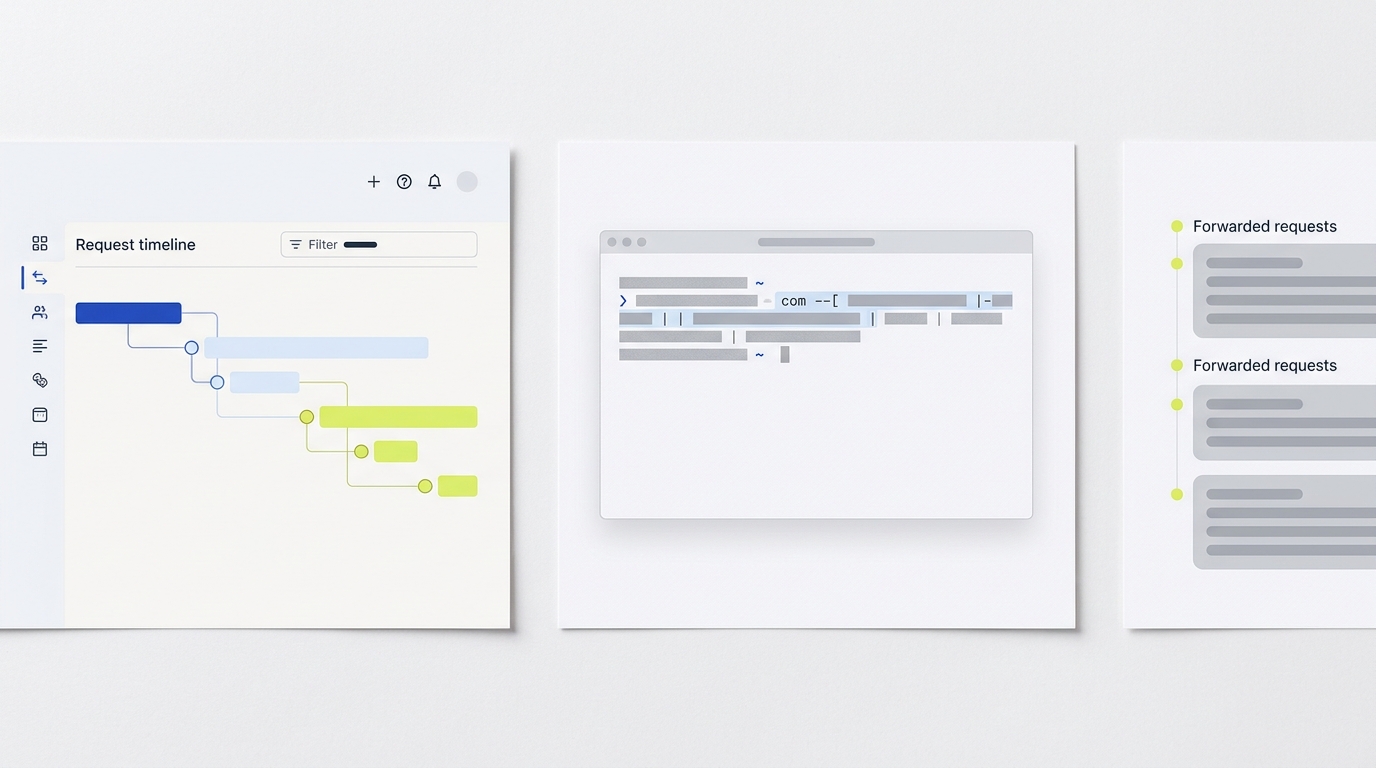
The quickest way to confirm a webhook works is to send a known-good POST to your endpoint and check for a 2xx response, then verify your application actually processed the event in logs or state. Alternatively, point the provider at a request inspector to observe the exact headers and body, then forward or replay to your app for end-to-end validation. Providers like ServiceChannel publish simple test POST flows, and guides emphasize validating processing, not just receipt ServiceChannel Hookdeck.
Smoke test: send a test POST and check delivery
Start with a minimal smoke test. Use a sample JSON payload that mirrors your provider's event and send it to your webhook URL. Confirm you receive an HTTP 2xx and correlate the request with your app logs. ServiceChannel documents a simple test POST flow that triggers a test payload to your target URL after a successful 201 response ServiceChannel.
- Send a small POST representing a real event.
- Expect an HTTP 2xx on success and check response timing/body.
- Confirm the app handled it: look for logs, database changes, or queued downstream calls Hookdeck.
Observe the exact request with a request inspector
When you need to see exactly what is sent, use a request inspector. Webhook.site generates a unique URL and shows every incoming request instantly, including method, headers, and body, which helps diagnose content-type or signature issues Webhook.site. If you rely on public bins, avoid sending secrets or production PII. Webhook Relay notes that free bins are public and auto-expire, which is helpful context for safe testing Webhook Relay.
Forward to localhost for end-to-end debugging
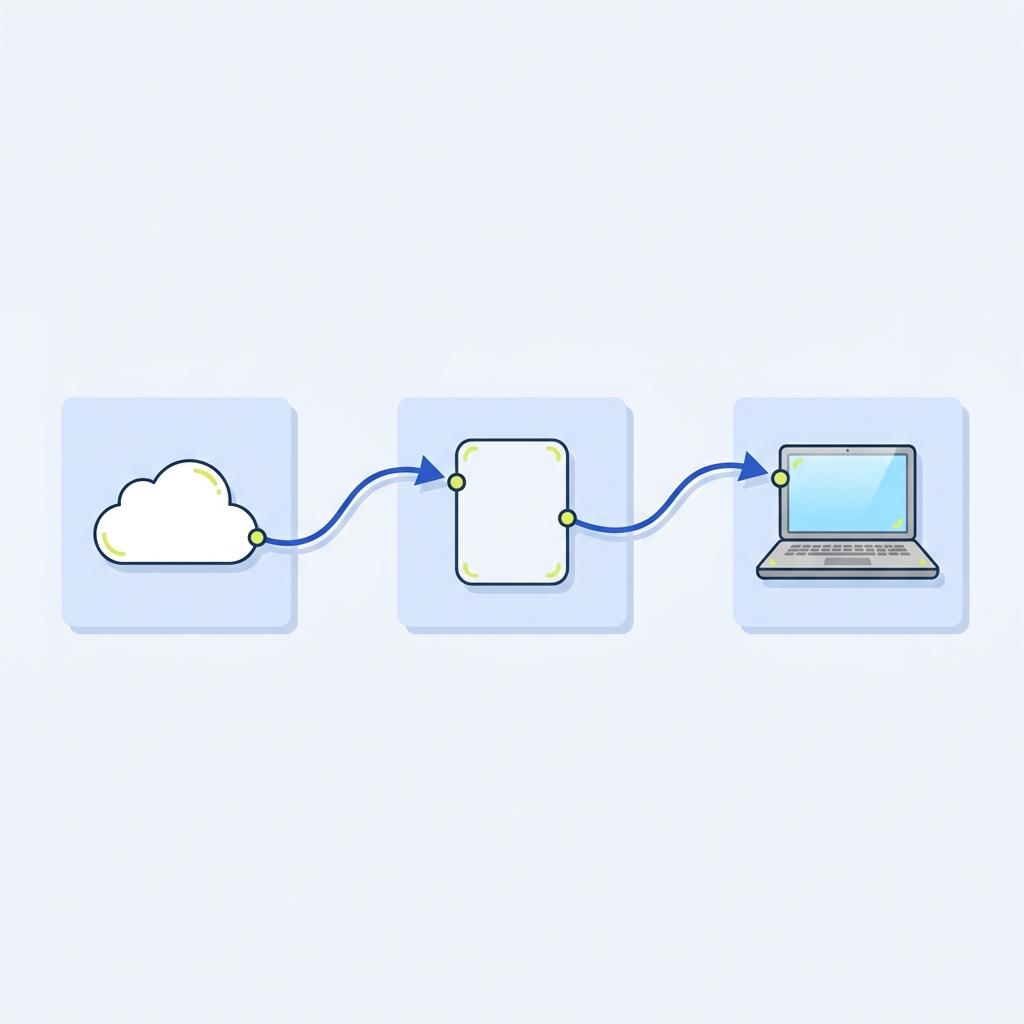
To test your real code without deploying, forward webhooks to your local server. GitHub’s docs walk through using a webhook proxy (smee.io) to receive events, forward them to localhost, and verify each step. You can also redeliver past events to reproduce issues without retriggering the original action GitHub Docs.
- Create a proxy URL (for example, via smee.io) and set it as the webhook target.
- Run the local forwarder client and keep your local server listening.
- Trigger or redeliver the event; confirm it appears at the proxy, is forwarded, and your local app processes it GitHub Docs.
Validate processing, not just receipt
A 2xx status only confirms acceptance. Follow through and verify that your business logic completed: signature verification, idempotent handling on retries, and resulting state changes. Comprehensive testing guidance emphasizes building checks around these behaviors, not just the transport Hookdeck.
- Signature check background: Webhook signature verification explained.
- Safe retries: Idempotency keys: safe retries without duplicate actions.
If you prefer an all-in-one workflow, Postman can spin up a webhook listener, script assertions on each incoming event, and forward events to localhost from the CLI, making it easy to combine transport checks with automated assertions Postman.
Common pitfalls to check quickly
- Assuming 2xx equals success. Always verify downstream effects in logs or data stores Hookdeck.
- Leaking secrets in public bins. Treat free inspectors as public and ephemeral; do not send production secrets Webhook Relay.
- Signature verification failing due to altered body. Ensure you compute signatures over the exact raw payload and correct headers (see our signature primer above).
- Not testing redelivery paths. Use your provider’s redelivery tools to confirm idempotency and error handling under retries GitHub Docs.
Run this webhook test in order
Short FAQ
What’s the fastest check?
POST a small sample JSON to your webhook URL and confirm a 2xx, then immediately verify your app-side logs or data changed as expected ServiceChannel Hookdeck.
Can I test without triggering a real event?
Often yes. For example, GitHub lets you send a test ping or redeliver past events so you can exercise your handler without reproducing the original action GitHub Docs.
